



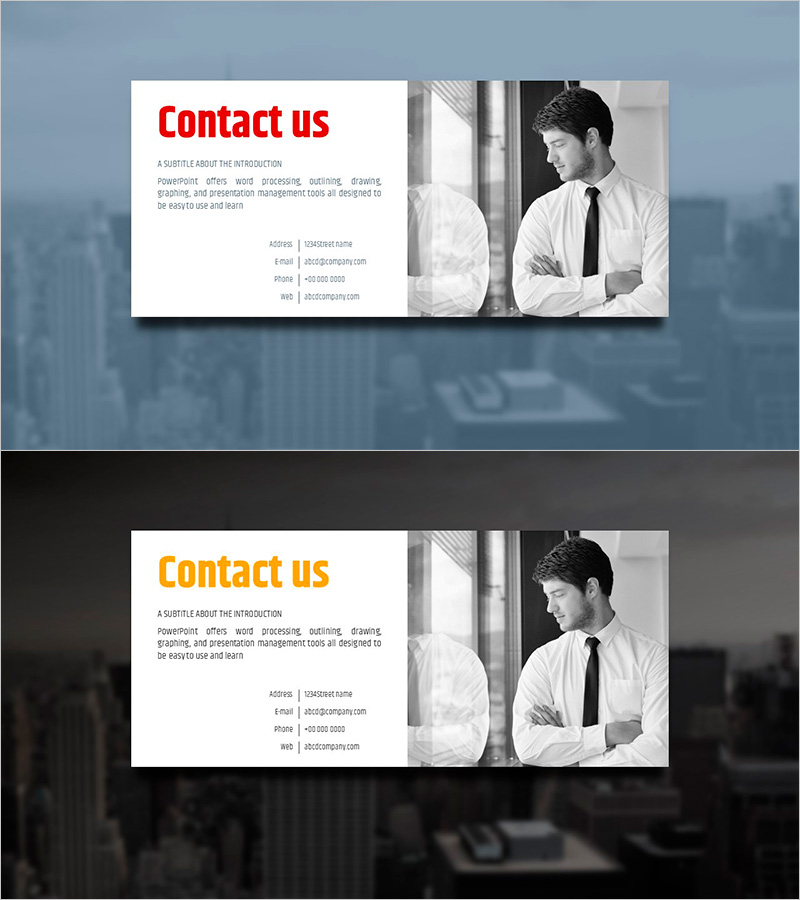
Simple Circle Template - Contact Information Introduction
RJ0200013_34
- Last Update 04/01/2025
- File Size 3.4MB
- # of Slides 2
- File Format PPTX
- Slide Ratio 16:9
- Color
Keywords
About the Product
A professional PowerPoint slide designed to present company contact details and representative information effectively. The layout features a white text area on the left side containing address, email, phone, and website information, paired with a black-and-white portrait photo on the right. The red heading and gray body text create a clear information hierarchy for easy readability. This 2-slide set is ready to use as the closing slide in company presentations or in the contact section of proposals and pitch decks. Text boxes and image areas are clearly defined for seamless editing. Provided in 16:9 widescreen PPTX format.
Usage Points
-
Main Usage
Clearly communicate company contact information, representative details, and inquiry methods to your audience. Position this slide at the end of company presentations or in the contact section of proposals and pitch decks to encourage follow-up actions such as inquiries or calls.
-
How to Use
Enter company name, address, email, phone, and website in the left text area. Insert a representative or team photo in the right image area. Edit the red heading for company name or 'Contact Us' and update gray text with specific contact details.
-
Recommended For
Ideal for closing slides in company introductions, proposals, business plans, and investor pitch decks. Perfect for sales, marketing, and business presentations where representative introduction and contact information are essential. Suitable for corporate meetings, client pitches, seminars, and professional networking events.
-
Slide Structure
2-slide composition with each slide divided into a left white text area (1 title + 4-5 information lines) and a right black-and-white portrait photo area. The balanced left-right layout clearly separates information and imagery, making editing and customization straightforward.
Related Products
-
Silhouette PPT Company Overview – Cluster Format Information Visualization
#Company Introduction #Diagram #Text Box
-
Research Key Message Slide – Innovation and Future Plans
#Technical Approach #Text Box #Innovative Technologies and Future Plans
-
Science Icon Square Text Description Box
#Product/Service Introduction #Technical Approach #Diagram
-
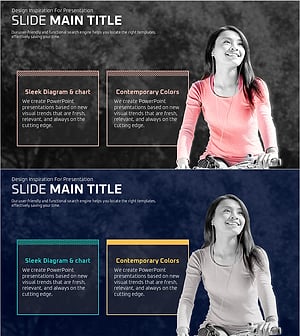
Message Box with a Girl on a Bicycle – Customer Success Story
#Customer Success Stories #Text Box #Customer Cases and Success Stories
