



Square Frame Presentation Template for Operational Planning – Efficient Workflow
RJ0200010_6
- Last Update 10/07/2025
- File Size 0.5MB
- # of Slides 2
- File Format PPTX
- Slide Ratio 16:9
- Color
Keywords
- #Content-Based Slides
- #Design-Based Slides
- #Business Management
- #Operational Plan
- #Text Box
- #Execution Plan
- #Business Processes
- #Rectangle Text Box
- #16:9
- #square frame PowerPoint slide
- #4-step process diagram
- #operational planning presentation template
- #workflow visualization PPT
- #sequential process slide design
About the Product
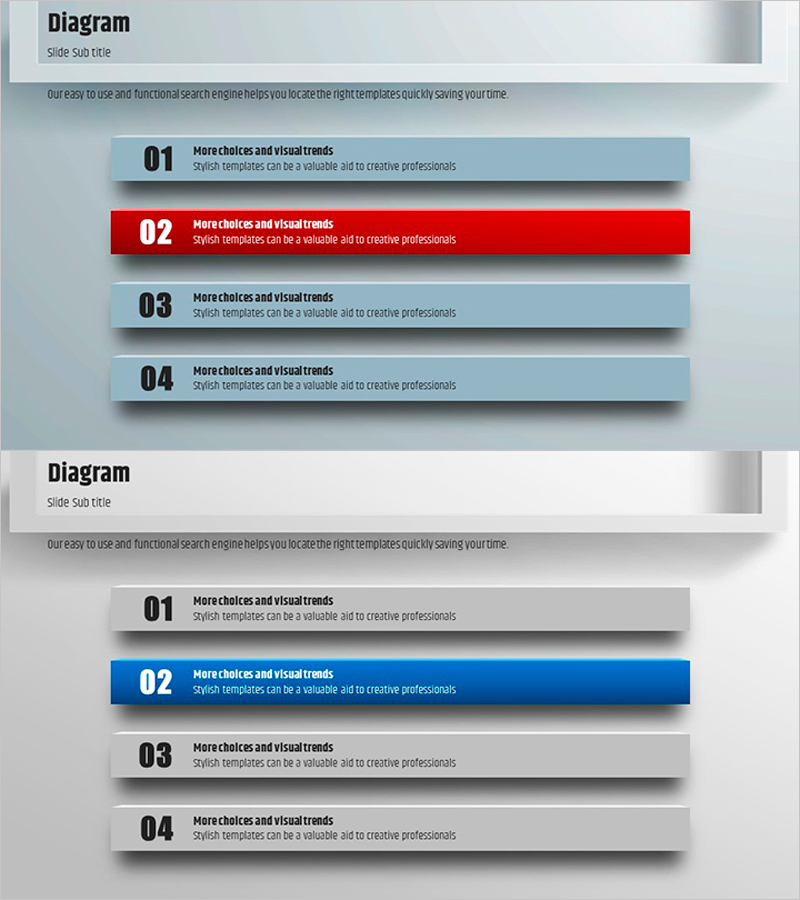
A PowerPoint slide that visualizes operational planning and workflow processes through four sequential square frames. The design features a light blue, gray, and red color combination to emphasize the importance of each step, with clearly separated title and description text areas. This 2-slide presentation template enables effective communication of operational strategies and production technology development plans. Optimized for modern 16:9 widescreen presentations, each frame is independently editable for customization to your organization's specific needs. The structured layout makes it ideal for process-driven presentations and strategic planning documents.
Usage Points
-
Main Usage
Clearly visualize step-by-step operational workflows and communicate departmental roles and responsibilities during operational planning presentations. Supports decision-making in production and technology development strategy presentations by structuring execution phases.
-
How to Use
Enter step names, responsible departments, timelines, and objectives into each square frame to build your operational plan. Use color emphasis (red frame) to highlight critical steps and add detailed descriptions in text areas to enhance audience comprehension. Apply this slide when explaining process flows in meetings, reports, and proposal presentations.
-
Recommended For
Recommended for executives, project managers, and department heads presenting operational plans, production strategies, and technology development roadmaps. Effective for internal meetings, stakeholder reports, employee onboarding materials, and process improvement proposals.
-
Slide Structure
Two-slide set with the first slide displaying four horizontally arranged square frames (light blue, gray, gray, light blue) and the second slide using the same layout with the center frame highlighted in red to indicate priority. Each frame contains two text input areas (title and description), providing eight total input fields for customization.
Related Products
-
Stylish Design Presentation Template – Setting New Standards for Data Delivery
#Product/Service Introduction #Operational Plan #Diagram
-
Detailed Schedule System – Presenting Efficient Project Plans
#Business Management #Diagram #Text Box
-
Action Plan Items Slide – Efficiency in Business Management
#Business Management #Operational Plan #Text Box
-
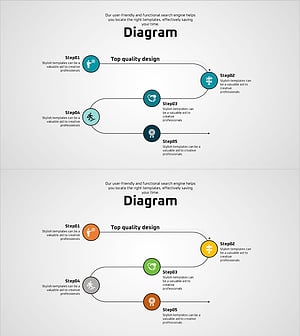
Planning and Process Diagrams – Blue, Orange, Green
#Business Management #Operational Plan #Diagram
