



Square Frame Presentation Template – Business Area Explanation
RJ0200010_26
- Last Update 09/30/2025
- File Size 0.5MB
- # of Slides 2
- File Format PPTX
- Slide Ratio 16:9
- Color
Keywords
- #Content-Based Slides
- #Design-Based Slides
- #Company Introduction
- #Business Introduction
- #Diagram
- #Business Areas
- #Business Areas
- #Spread
- #Radial Diagram
- #16:9
- #radial diagram PowerPoint
- #3-direction expansion diagram
- #business area explanation slide
- #radial chart template
- #company introduction diagram PowerPoint
About the Product
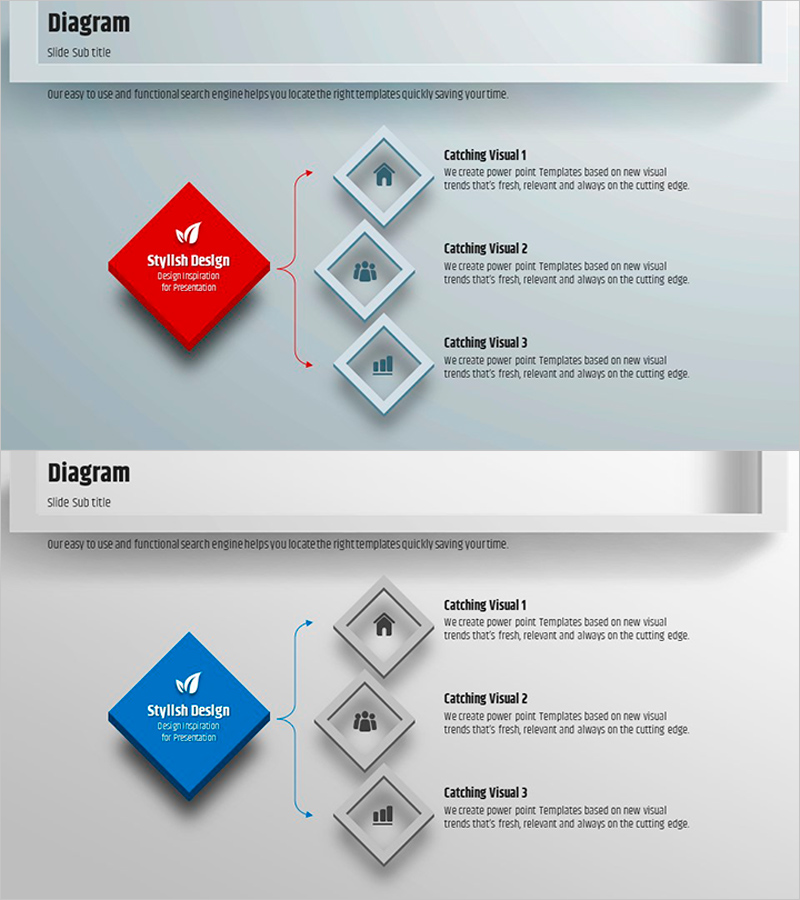
A radial diagram PowerPoint slide that extends from a central theme in three directions, creating a clear visual hierarchy. Available in red and blue color versions, each direction features an icon placeholder and text area for describing business domains, core values, or strategic directions. The 3D square frames and arrow connectors emphasize visual flow, making it ideal for company introductions, business overviews, and strategy presentations. Provided in editable PPTX format with 16:9 widescreen ratio across 2 slides.
Usage Points
-
Main Usage
Visually represent organizational core values, business domains, or strategic directions radiating from a central theme. The three-direction structure clearly shows relationships between topics and guides audience understanding through a natural presentation flow.
-
How to Use
Use in company introduction presentations to explain business areas, strategy reports to present three key strategies, or organizational structure explanations to show departmental roles. Simply input your main topic in the central square and add details in the three directional boxes.
-
Recommended For
Executive and management team strategy presentations, new employee orientation for company vision explanation, investor pitches on business domains, consulting firm solution presentations, and any situation requiring balanced presentation of three key elements.
-
Slide Structure
Central red or blue square frame for main topic, three directional arrow connectors extending to upper, left, and right positions, three gray square frames with icon placeholders and text areas. 3D shadow effects and icon position guides enable intuitive editing.
Related Products
-
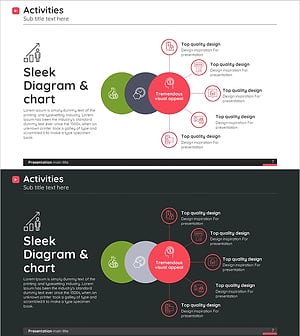
Diagram Introducing Business Activity Areas – Visualizing Business Areas
#Company Introduction #Business Introduction #Diagram
-
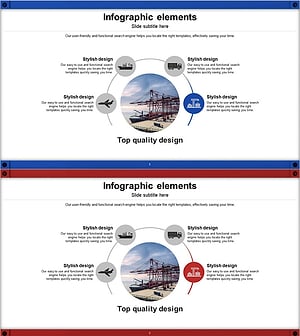
Global Transportation Network Structure – Cluster Diagram
#Company Introduction #Business Introduction #Diagram
-
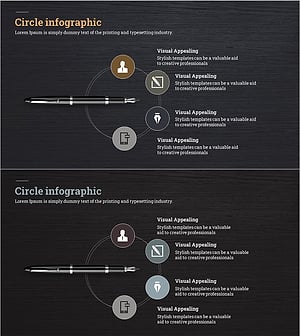
Fountain Pen Business Area Diagram – Visualized Cluster Structure
#Company Introduction #Business Introduction #Diagram
-

Business Area Circular Connection Diagram – Connecting Business Strategies
#Company Introduction #Business Introduction #Diagram
