



Square Frame Template – Clear Structure for SWOT Analysis
RJ0200010_21
- Last Update 03/31/2025
- File Size 0.5MB
- # of Slides 2
- File Format PPTX
- Slide Ratio 16:9
- Color
Keywords
- #Content-Based Slides
- #Design-Based Slides
- #Product/Service Introduction
- #Risk Management and Regulatory Compliance
- #Text Box
- #Composition
- #Legal and Regulatory Compliance
- #Rectangle Text Box
- #16:9
- #SWOT analysis PowerPoint slide
- #SWOT analysis template
- #four-quadrant comparison slide
- #strategic analysis PPT
- #how to create SWOT analysis in PowerPoint
About the Product
A strategic SWOT analysis PowerPoint slide designed for business planning and risk assessment. The slide divides Strengths, Weaknesses, Opportunities, and Threats into four distinct rectangular frames for clear visual comparison. Featuring 2 slide variations with complementary color schemes (teal, gray, and white), each quadrant provides ample space for text input and key insights. Ideal for executive presentations, business strategy sessions, investor pitches, and strategic planning meetings where data-driven decision-making is essential.
Usage Points
-
Main Usage
Systematically analyze and visualize a company's internal strengths and weaknesses alongside external opportunities and threats. Provides a structured framework for strategic decision-making in executive meetings, business planning sessions, and investor presentations.
-
How to Use
Enter Strengths, Weaknesses, Opportunities, and Threats in each of the four rectangular sections. Use bullet points to list key factors within each quadrant, and leverage the color-coded design to enhance information hierarchy and visual clarity.
-
Recommended For
Ideal for executives, strategy managers, marketing teams, and business development professionals conducting quarterly business reviews, strategic planning sessions, new market entry assessments, and competitive analysis. Commonly used in consulting presentations and corporate strategy documents.
-
Slide Structure
Two-slide set featuring teal and gray color scheme on the first slide and white and gray on the second. Each quadrant functions as an independent text input area, allowing flexible customization of content while maintaining consistent visual structure across both variations.
Related Products
-
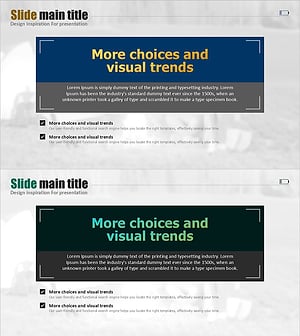
Frame Boxes and Check Boxes – Ideal for Operational Planning and Risk Management
#Operational Plan #Risk Management and Regulatory Compliance #Text Box
-
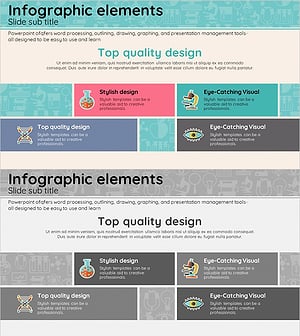
Medical Service Composition Slide – Eye-Catching Design
#Product/Service Introduction #Diagram #Text Box
-
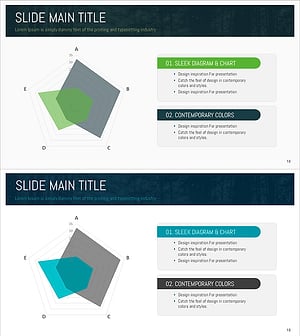
Natural Radial Chart – Visualizing Business and Service Attributes
#Product/Service Introduction #Diagram #Graph
-
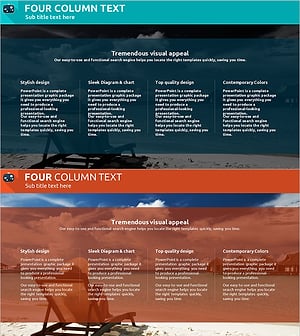
What to Observe During the Holiday Season – Legal Compliance Template
#Risk Management and Regulatory Compliance #Text Box #Legal and Regulatory Compliance
