



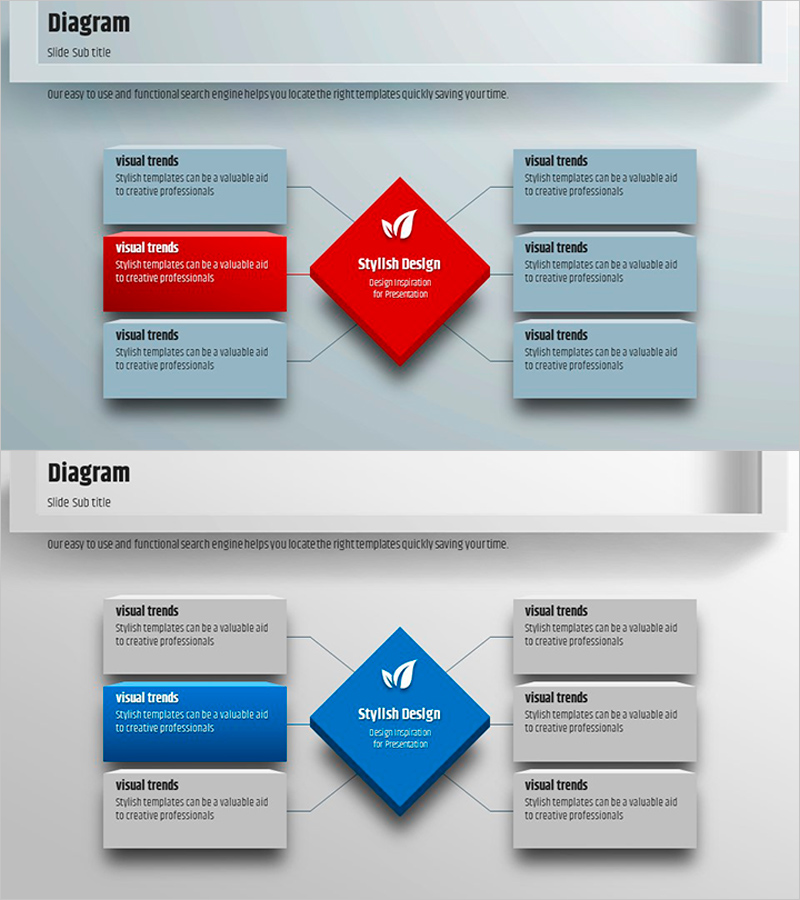
Square Frame Diagram Template – Visualizing Profit Projections
RJ0200010_20
- Last Update 09/30/2025
- File Size 0.5MB
- # of Slides 2
- File Format PPTX
- Slide Ratio 16:9
- Color
Keywords
- #Content-Based Slides
- #Design-Based Slides
- #Product/Service Introduction
- #Business Strategy
- #Diagram
- #Features
- #Financial Outlook & Expected Impact
- #Spread
- #Centralized Diagram
- #16:9
- #radial diagram PowerPoint
- #central hub diagram slide
- #6-direction connector diagram
- #business process PowerPoint template
- #how to create radial diagram in PowerPoint
About the Product
A radial diagram PowerPoint slide featuring a central hub element connected to six surrounding nodes in all directions. The design uses a red and blue two-tone color scheme to distinguish the core concept from peripheral items, with each text box fully editable. The 2-slide set provides the same layout in both color variations, ensuring consistent visual flow throughout your presentation. Ideal for business strategy, marketing plans, organizational structures, and any content requiring clear core-to-periphery relationships in your slides.
Usage Points
-
Main Usage
Visualizes hierarchical or relational structures where a central concept branches into six related elements such as departments, strategies, processes, or market segments. Perfect for illustrating organizational frameworks, marketing mixes, business models, and strategic initiatives that radiate from a core idea.
-
How to Use
Enter your core concept in the central diamond-shaped box and populate the six surrounding boxes with supporting details. Each text box is independently resizable and recolorable. The connecting arrows emphasize relationships between the hub and nodes. Use both slides to create visual variety through color differentiation across presentation sections.
-
Recommended For
Executives, strategy teams, marketing departments, and business analysts presenting organizational structures, strategic plans, operational frameworks, and market analysis. Also suitable for educational seminars and training sessions explaining hierarchical or distributed concepts to audiences.
-
Slide Structure
Central diamond-shaped hub (red or blue) positioned at the center with six gray text boxes arranged in cardinal and diagonal directions (top, bottom, left, right, top-left, top-right). Connecting arrows extend from the hub to each node. The 16:9 widescreen format maintains balanced, symmetrical layout with ample white space for readability.
Related Products
-
Visual Diagram Highlighting Expected Effects – Strategy for Achieving Business Goals
#Business Vision and Strategy #Business Strategy #Diagram
-
Smartwatch Product Service Characteristics and Composition – Centered on Visual Trends
#Product/Service Introduction #Diagram #Features
-
Digital Product Introduction and Characteristics – Infographic Slide for Effective Communication
#Product/Service Introduction #Diagram #Product/Service Introduction
-
Best Features of Our University – A Slide Showcasing Unique Aspects
#Product/Service Introduction #Diagram #Text Box
