



Smartwatch Product Service Characteristics and Composition – Centered on Visual Trends
RJ0400021_9
- Last Update 05/23/2025
- File Size 1.4MB
- # of Slides 2
- File Format PPTX
- Slide Ratio 16:9
- Color
Keywords
- #Content-Based Slides
- #Design-Based Slides
- #Product/Service Introduction
- #Diagram
- #Features
- #Composition
- #Spread
- #Centralized Diagram
- #16:9
- #radial diagram PowerPoint
- #center circle slide template
- #6-icon diagram
- #product features visualization
- #radial structure presentation
- #PPT diagram slide design
About the Product
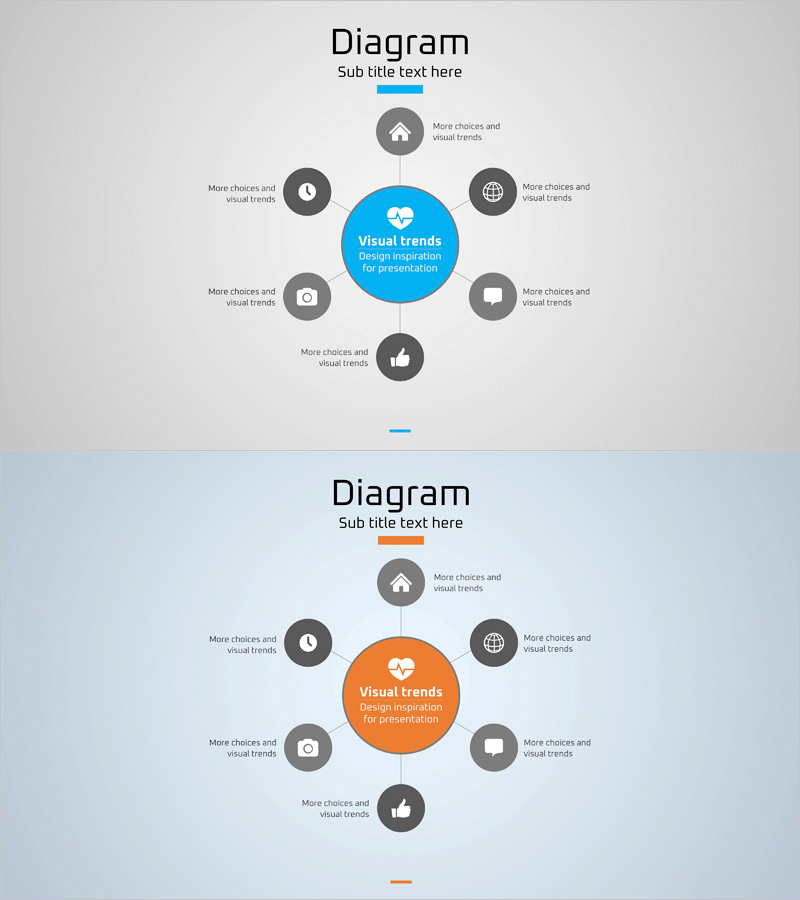
A PowerPoint slide featuring a central circular element with six icons arranged radially around it. Available in two color versions—blue and orange—each icon node includes text areas for describing product features, service components, or functional specifications. The large central circle emphasizes the core message while six surrounding nodes symmetrically display supporting details. This structure works well for smartwatch presentations, mobile app introductions, IoT product pitches, and service architecture explanations. Provided in 16:9 widescreen format across 2 slides, fully editable and ready to customize.
Usage Points
-
Main Usage
Visualize core product or service attributes by placing the central concept in the middle and arranging six supporting elements radially around it. Ideal for explaining multi-feature products like smartwatches, mobile applications, or IoT devices where each function deserves equal visual weight.
-
How to Use
Enter your product name or core message in the central circle, then add feature descriptions, benefits, or components to the six surrounding icon areas. Replace icons to match each item's category, and select the blue or orange color version to align with your presentation theme.
-
Recommended For
Product introduction decks, service planning presentations, marketing pitches, and new product launch events. Particularly effective for electronics, apps, and platform presentations where multiple features need balanced, symmetrical display to enhance audience comprehension.
-
Slide Structure
2-slide set. Each slide positions a blue or orange central circle (core message area) with six gray circular icons and text labels arranged symmetrically at top, bottom, left, right, top-left, and top-right positions. Delivered in 16:9 widescreen format.
Related Products
-
Planetary Analysis Diffusion Diagram – A Multidimensional Approach
#Product/Service Introduction #Diagram #Features
-
Smartwatch Product Service Characteristics and Composition Diagram
#Product/Service Introduction #Diagram #Features
-
Camping Business Risk Management Diagram
#Product/Service Introduction #Diagram #Features
-
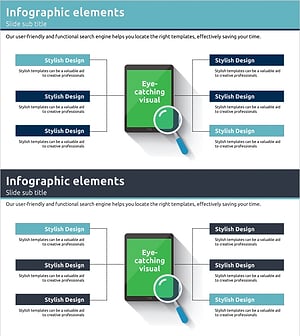
Digital Service Composition and Characteristics Slide - Informative and Visual Appeal
#Product/Service Introduction #Diagram #Features
