



Touch Wide Diagram PowerPoint Template for Linear Flow
RJ0200008_19
- Last Update 03/30/2025
- File Size 3.4MB
- # of Slides 2
- File Format PPTX
- Slide Ratio 16:9
- Color
Keywords
- #Content-Based Slides
- #Design-Based Slides
- #Business Strategy
- #Technical Approach
- #Diagram
- #Business Direction
- #Service Configuration Plan
- #Flow
- #Linear Flow
- #16:9
- #linear flow diagram PowerPoint
- #3-step process presentation
- #icon diagram slide template
- #business process PowerPoint
- #flowchart PowerPoint template
About the Product
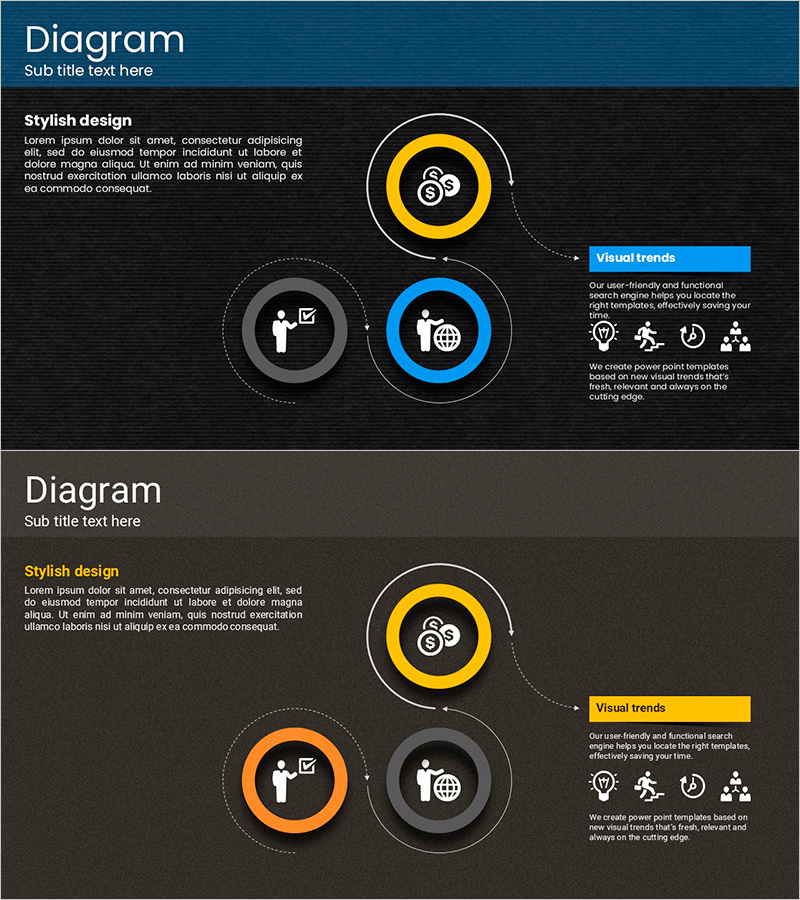
A 3-node linear flow diagram PowerPoint slide designed to visualize business processes and strategic implementation stages. Built on a dark background with yellow, blue, and gray circular nodes arranged in a hierarchical flow structure, each node features business-related icons for intuitive information delivery. Dotted connector lines and arrows clearly express step-by-step progression, while a text box on the right accommodates additional explanations. This PowerPoint slide set is ready for immediate use in technology presentations, business strategy rollouts, organizational role assignments, and process documentation.
Usage Points
-
Main Usage
Visualizes business processes, technology architecture, organizational roles, and strategic phases through a 3-step linear flow. Icons in each node symbolically represent core concepts, while dotted connectors clarify inter-stage relationships to enhance audience comprehension.
-
How to Use
Input icons and text into each circular node to define process stages. Add detailed descriptions, key metrics, or performance targets in the right text box to customize for your presentation context. Modify node colors to distinguish priority stages.
-
Recommended For
Ideal for technology teams explaining system architecture, business teams presenting phased strategies, organizational restructuring role assignments, new product launch processes, quality management stage visualization, and cross-functional workflow documentation.
-
Slide Structure
2-slide set. Top slide features dark background with 3 circular nodes (yellow, gray, blue) positioned left-to-right, each containing business icons. Dotted arrows connect nodes sequentially. Right side includes blue text box for supplementary information. Bottom slide mirrors the structure with yellow accent text box for emphasis.
Related Products
-
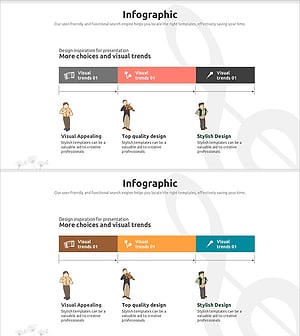
Musician Introduction using Flow Diagram – Business Strategy
#Business Strategy #Diagram #Business Direction
-
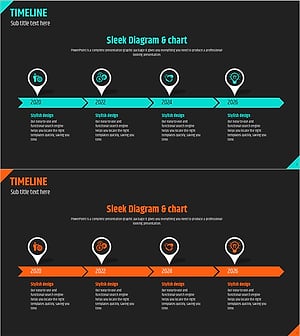
Timeline Direction Diagram – Visualizing Business Strategy
#Company Introduction #Business Strategy #Diagram
-
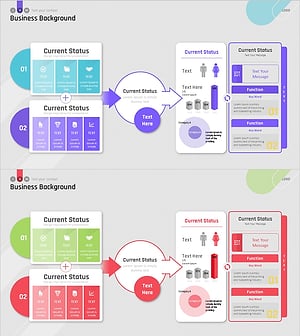
Introduction to Business Background Structure – Business Vision and Trends
#Company Introduction #Technical Approach #Diagram
-
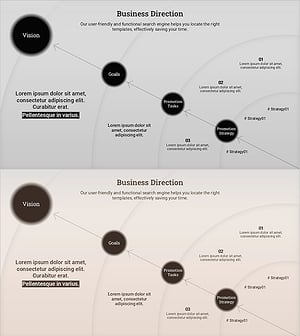
Diagram Visualizing Business Direction – Integration of Strategy and Goals
#Business Vision and Strategy #Business Strategy #Diagram
