



Exploring Technology Through 3D Cubes – Creative Idea Visualization
RB0800060_5
- Last Update 03/27/2025
- File Size 0.2MB
- # of Slides 2
- File Format PPTX
- Slide Ratio 4:3
- Color
Keywords
About the Product
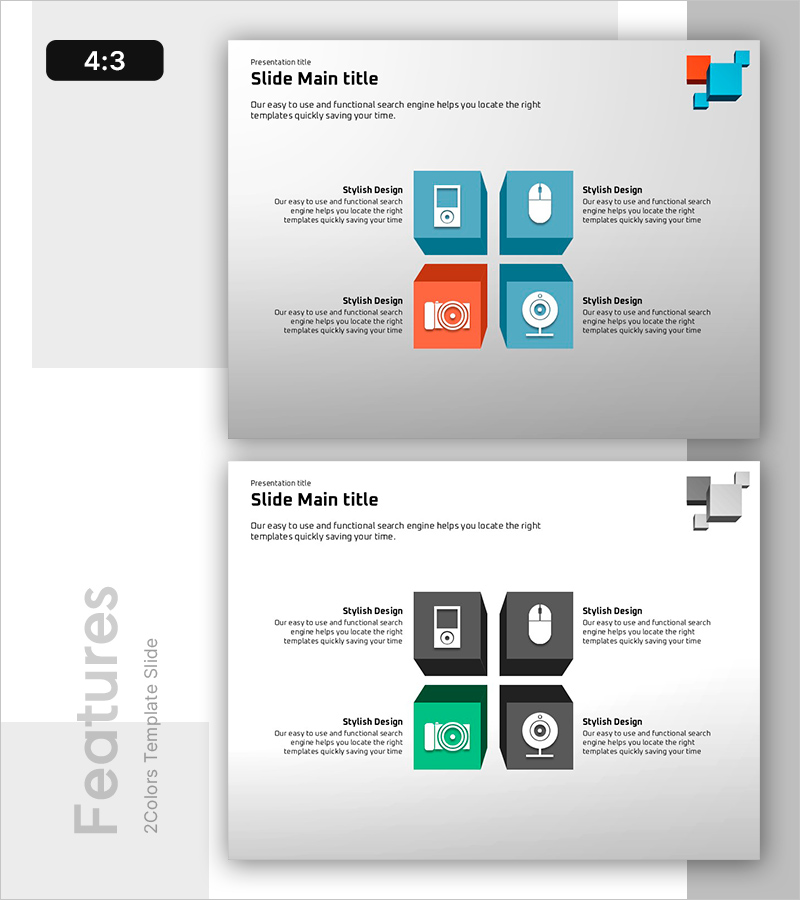
A PowerPoint slide featuring four 3D cube elements arranged in a 2×2 grid layout. The top-left cube displays a teal background with a music player icon, top-right shows a mouse icon, bottom-left features an orange background with a camera icon, and bottom-right contains a camera lens icon. Each cube section includes dedicated title and description text areas for customization. This structure is optimized for analyzing and presenting technology products, digital solutions, and innovative ideas from four distinct perspectives. Delivered as 2 slides in 4:3 aspect ratio, PPTX format, ready for immediate editing.
Usage Points
-
Main Usage
This slide presents core features or functions of technology products and digital solutions across four distinct viewpoints. Each cube represents an independent topic or capability, using icons and text to convey complex concepts intuitively. It structures innovative ideas, product features, and technical elements to enhance audience comprehension and engagement.
-
How to Use
Enter topic names (e.g., Audio, Camera, Sensor, Network) in each cube's title area and describe corresponding features in the text section. Icons can be replaced with images relevant to your subject matter, and colors (teal and orange) are fully customizable to match your brand identity. Use this layout for technology presentations, product launches, and innovation strategy sessions.
-
Recommended For
Ideal for IT and software companies presenting product features, startups pitching technological innovations, engineering teams reporting technical research, and marketing departments explaining product capabilities. Product managers, technology leads, innovation strategists, and business development professionals benefit from this layout when communicating complex technical concepts to diverse audiences.
-
Slide Structure
Four 3D cube elements arranged in a 2×2 grid configuration. Each cube contains independent input areas (title and description text), with icon placement and color differentiation (teal and orange) creating visual hierarchy. The 2-slide set allows consistent structure repetition for extended presentations.
Related Products
-
Ship Handle Diagram – Elegant Design with Visual Appeal
#Product/Service Introduction #Diagram #Product/Service Introduction
-
Network Service Characteristics and Introduction
#Product/Service Introduction #Diagram #Product/Service Introduction
-
Application Service Introduction and Characteristics
#Product/Service Introduction #Business Introduction #Diagram
-
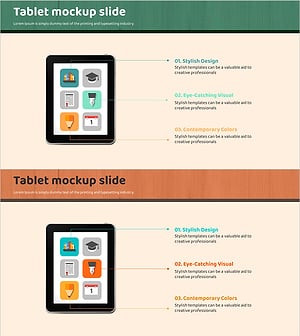
Tablet Mockup Icon Slide - Visual Representation for Product Introduction
#Product/Service Introduction #Other #Product/Service Introduction
