



Application Service Introduction and Characteristics
RJ0400010_12
- Last Update 05/19/2025
- File Size 0.2MB
- # of Slides 2
- File Format PPTX
- Slide Ratio 16:9
- Color
Keywords
- #Content-Based Slides
- #Design-Based Slides
- #Product/Service Introduction
- #Business Introduction
- #Diagram
- #Features
- #Spread
- #Decentralized Diagram
- #16:9
- #4-section infographic PowerPoint
- #icon box slide template
- #app service introduction presentation
- #feature comparison diagram
- #service characteristics slide design
About the Product
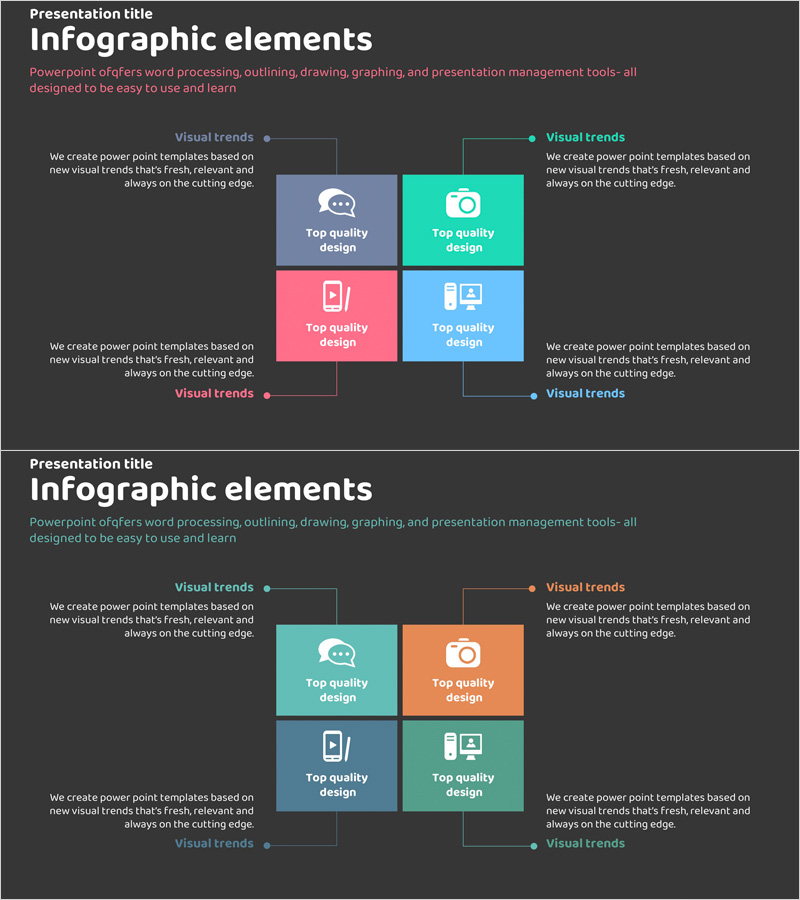
A PowerPoint slide that visualizes the four core characteristics of an application service through a divided layout. Colorful rectangular boxes in turquoise, pink, gray, and sky blue contain icons and text to clearly distinguish each feature. Central connecting lines and dot elements express integration and unity. Perfect for service overview presentations and business proposals. Ready to use in 16:9 format with 2 slides.
Usage Points
-
Main Usage
Designed to introduce and compare four key features or functions of an application service simultaneously. Each box stands independently while central connecting lines convey integration, effectively communicating the multifaceted value of your service.
-
How to Use
Use in service introduction presentations, business proposals, and investment pitch decks to explain app characteristics (usability, security, performance, scalability, etc.) across four sections. Edit text and icons in each box to match your actual service content and customize the layout.
-
Recommended For
Ideal for IT and software companies presenting product features, app development startups creating pitch decks, marketing teams explaining service benefits, and business proposals. Suitable for presentations to technical teams, marketing departments, and executive audiences.
-
Slide Structure
Two-slide set with the first slide featuring four colored boxes (turquoise, pink, gray, sky blue) arranged in a 2×2 grid, each containing an icon and text. Central connecting lines and dots express unity. Descriptive text areas flank left and right. The second slide uses the same layout with alternative color combinations.
Related Products
-
System Graphic Diagram – Visualizing Business and Infrastructure Connections
#Product/Service Introduction #Business Introduction #Diagram
-
Hexagonal Diffusion Diagram – Business Area Introduction
#Product/Service Introduction #Business Introduction #Diagram
-
Pentagon Connection Star Diagram - Cluster and Performance Introduction
#Product/Service Introduction #Business Introduction #Diagram
-
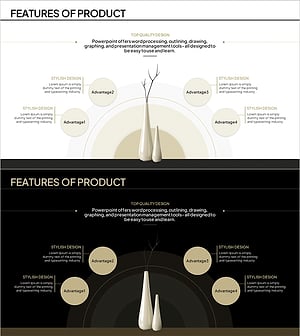
Product Feature Area Diagram - Highlighting Characteristics Through Non-Central Layout
#Product/Service Introduction #Business Introduction #Diagram
