



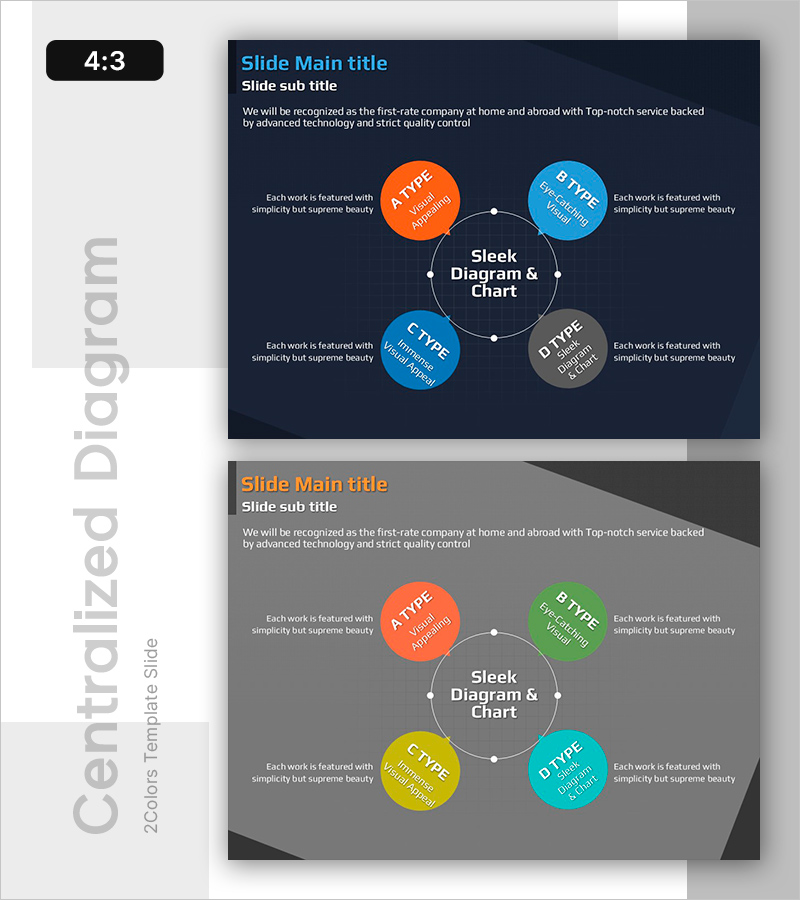
Circular Growth: Visualizing Continuous Expansion
RB0800022_16
- Last Update 03/22/2025
- File Size 1MB
- # of Slides 2
- File Format PPTX
- Slide Ratio 4:3
- Color
Keywords
- #Content-Based Slides
- #Design-Based Slides
- #Company Introduction
- #Business Vision and Strategy
- #Diagram
- #Business Areas
- #Core Competencies
- #Spread
- #Centralized Diagram
- #4:3
- #radial diagram PowerPoint
- #central node slide template
- #4-step cycle diagram
- #business growth cycle PPT
- #process flow diagram PowerPoint
About the Product
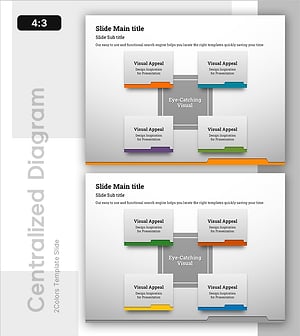
A PowerPoint slide featuring a radial diagram with a central core concept connected to four surrounding elements arranged in a circular pattern. Set against a dark navy background, the design uses four distinct colored circular nodes (orange, blue, gray, and green) linked to the center circle through connecting lines and dots. This slide template is optimized for visualizing cyclical relationships, business strategies, growth cycles, and process flows in presentations. The 2-slide set offers multiple color combinations, with fully editable text fields for immediate use in your business presentations.
Usage Points
-
Main Usage
Visualize the relationship between a core concept and four supporting elements by placing your central message in the middle and surrounding it with related topics, growth stages, or business areas. The radial structure emphasizes how each element connects back to the core, making it ideal for executive presentations, business plans, and strategic communications where you need to show interconnected relationships.
-
How to Use
Enter your central concept (such as company vision or strategic goal) in the middle node, then add specific implementation items, growth areas, or process stages in the four surrounding nodes. Customize the node colors to match your organization's brand palette and modify all text to create a polished, professional presentation slide.
-
Recommended For
Recommended for executives, strategy managers, and marketing teams presenting organizational vision, strategic plans, and growth initiatives. Also effective for project managers explaining cyclical processes and educators demonstrating interconnected learning modules or concepts.
-
Slide Structure
2-slide set with identical layouts. Each slide features one central circular node surrounded by four circular nodes positioned at top, right, bottom, and left. Connecting lines and dots link the center to each outer node. First slide uses orange, blue, gray, and blue; second slide features orange, green, yellow, and cyan for design variety.
Related Products
-
Overview of 4 Key Strategic Components
#Company Introduction #Business Vision and Strategy #Diagram
-
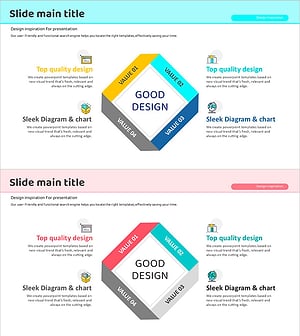
Programming Diffusion Diagram – Delivering Business Vision and Strategy
#Company Introduction #Business Vision and Strategy #Diagram
-
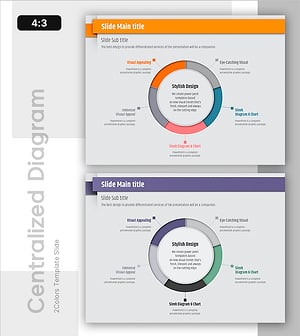
Stylish Design Presentation Template Highlighting Visual Appeal
#Company Introduction #Business Vision and Strategy #Diagram
-
Folder Template Area Diagram
#Company Introduction #Business Vision and Strategy #Diagram
