



Organize Your Schedule: A Free Timetable - Efficient Schedule Management
RB0800014_16
- Last Update 03/20/2025
- File Size 0.1MB
- # of Slides 2
- File Format PPTX
- Slide Ratio 4:3
- Color
Keywords
About the Product
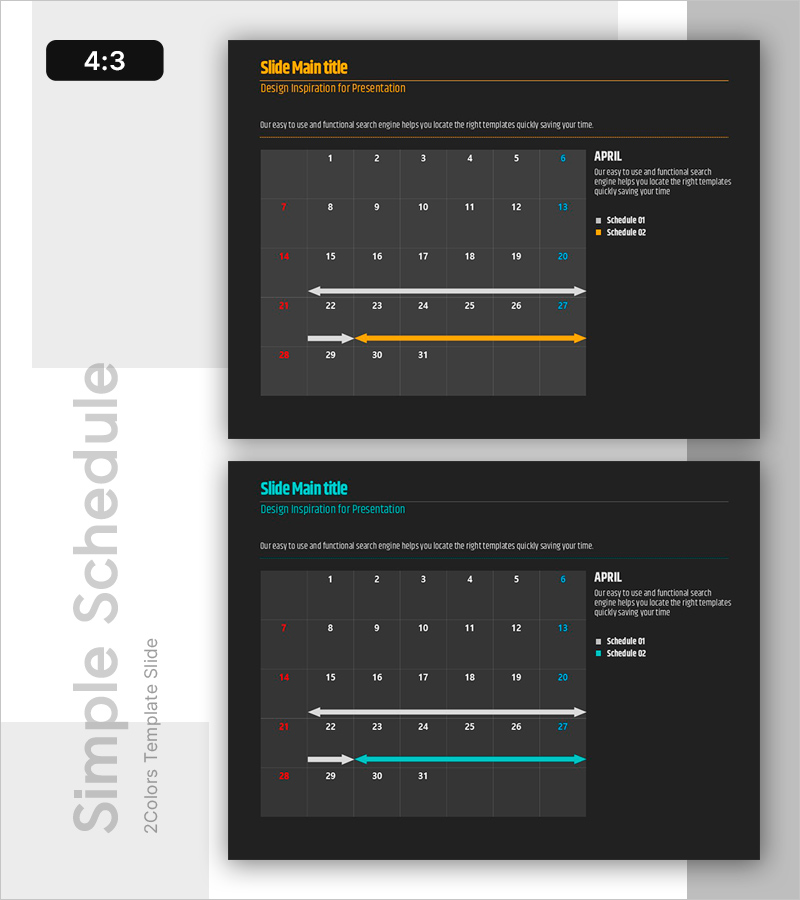
A professional arrow-based timeline diagram PowerPoint slide designed to visualize project schedules and milestones with clarity. The deck features two distinct layouts with cyan and orange directional arrows against a dark background, paired with a calendar grid for date-specific scheduling. Each slide includes text input areas and a legend (Schedule 01, 02) to track multiple concurrent projects. Delivered in 4:3 aspect ratio PPTX format, fully editable and ready for business plans, project proposals, operational reports, and strategic presentations.
Usage Points
-
Main Usage
Communicate project timelines, milestones, and phase-based tasks to stakeholders using directional arrow diagrams. The integrated calendar grid enables precise date mapping, ensuring transparency and alignment across teams regarding project progress and delivery schedules.
-
How to Use
Enter project names, date ranges, and milestone details into the text fields. Adjust arrow lengths and colors to represent different project phases or priorities. Use the legend to distinguish between Schedule 01 and 02, and customize calendar numbers to match your actual project dates for a tailored timeline view.
-
Recommended For
Project managers, business development teams, and operations professionals presenting weekly, monthly, or quarterly schedules. Ideal for business proposals, project kickoff presentations, operational status reports, strategic planning sessions, and team synchronization meetings.
-
Slide Structure
Two-slide deck. Each slide features a title and description header, a central calendar grid (7 columns × 5 rows of date numbers), and a lower timeline section with 2–3 layered directional arrows. Slide 1 uses cyan arrows; Slide 2 uses orange arrows. A legend box is positioned on the right side of each slide.
Related Products
-
Characteristics of Industrial Tools – Effective Product Presentation Slide
#Product/Service Introduction #Diagram #Product/Service Introduction
-
Blue Orange Table Chart – A New Perspective on Data Comparison
#Diagram
-
Diagram of Evidence of a Case Visualization
#Product/Service Introduction #Operational Plan #Technical Approach
-
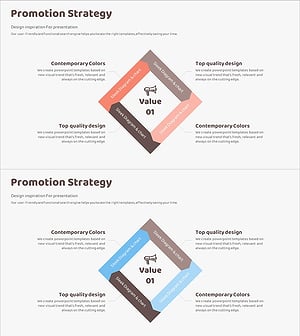
Visualizing Strategy with Promotional Square Diagram
#Business Vision and Strategy #Marketing Plan and Strategy #Diagram
