



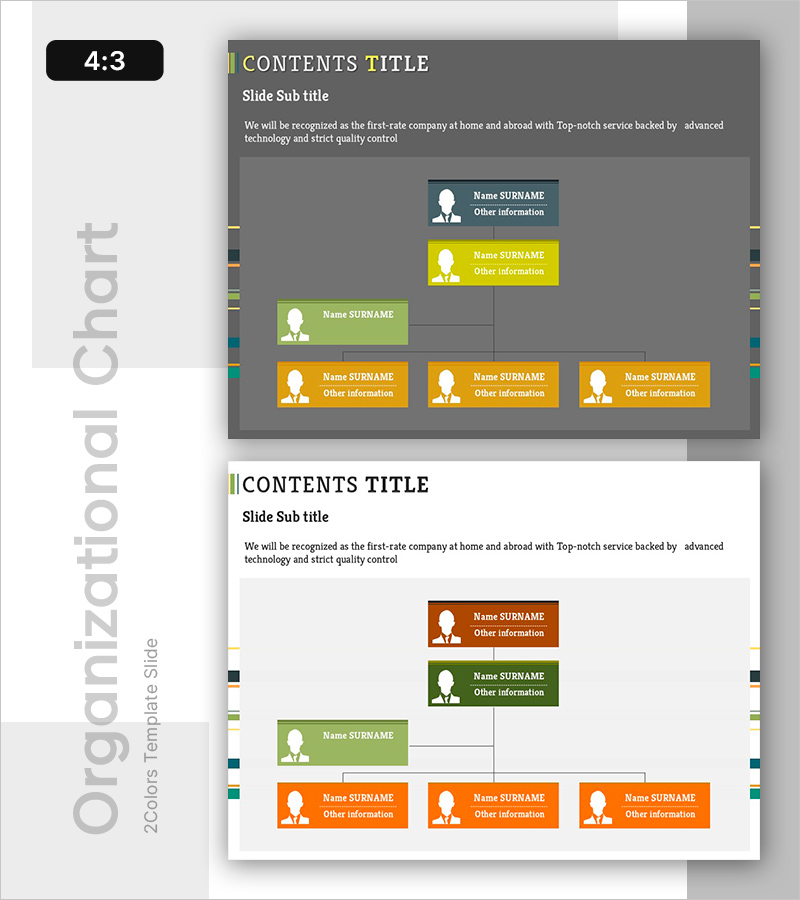
Organizational Chart Color Box for Company Introduction
RB0800010_5
- Last Update 03/19/2025
- File Size 1.4MB
- # of Slides 2
- File Format PPTX
- Slide Ratio 4:3
- Color
Keywords
- #Content-Based Slides
- #Design-Based Slides
- #Company Introduction
- #Diagram
- #Organizational Chart
- #Structure
- #Cluster
- #Tree Diagram
- #Closed Cluster Diagram
- #4:3
- #organizational chart PowerPoint slide
- #hierarchical diagram template
- #company structure PowerPoint
- #tree diagram slide
- #organizational structure template
About the Product
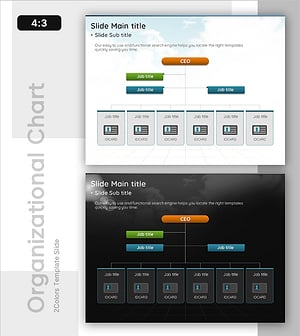
A hierarchical organizational diagram PowerPoint slide that visually represents company structure and reporting relationships. The slide features five nodes arranged in a tree structure—one at the top level, one in the middle, and three at the bottom—using four distinct color boxes: dark blue, yellow, lime green, and orange. Each box contains a profile icon, name field, job title, and additional information area for immediate data entry. The 4:3 aspect ratio with 2-slide layout is optimized for company introduction presentations, particularly the organizational overview section. Fully editable boxes allow you to input actual employee data and customize colors by department.
Usage Points
-
Main Usage
Visualize company organizational structure by hierarchy level to clearly show employee roles and reporting relationships at a glance. The diagram format effectively communicates organizational hierarchy and job levels, while color-coded boxes emphasize departmental and hierarchical structure.
-
How to Use
Insert this slide into the organizational overview section of company introduction presentations. Replace name, job title, and additional information fields with actual employee data for immediate use. Customize box colors by department or organizational unit as needed.
-
Recommended For
HR and personnel department organizational materials, new employee orientation presentations, investor-focused company introduction decks, corporate website organizational charts, annual report executive profiles. Particularly effective for small to mid-sized companies introducing executive teams and department heads.
-
Slide Structure
Five-node tree diagram: one node at top level (CEO/President), one at middle level (Executive), three at bottom level (Department heads/Team leads). Each node includes profile icon, name field, job title, and additional information area. Four color boxes—dark blue, yellow, lime green, orange—distinguish hierarchy levels. Two-slide layout provides two identical structure options for flexible presentation design.
Related Products
-
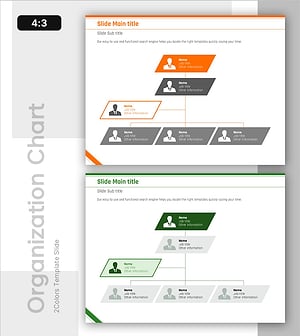
Diagonal Box-Shaped Organizational Chart for Structural Relationships
#Company Introduction #Diagram #Organizational Chart
-
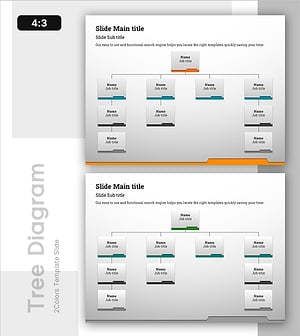
Folder Template Tree Structure – Effective Design for Visualizing Organization Charts
#Company Introduction #Diagram #Organizational Chart
-
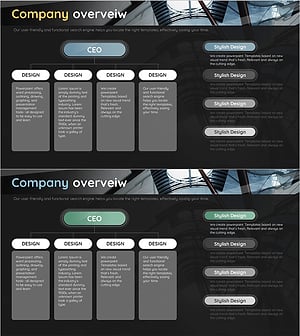
Company Overview Organization Chart Diagram
#Company Introduction #Diagram #Company Overview
-
Organizational Chart Card with Sky Background – Clear Structure and Information Delivery
#Company Introduction #Diagram #Organizational Chart
