



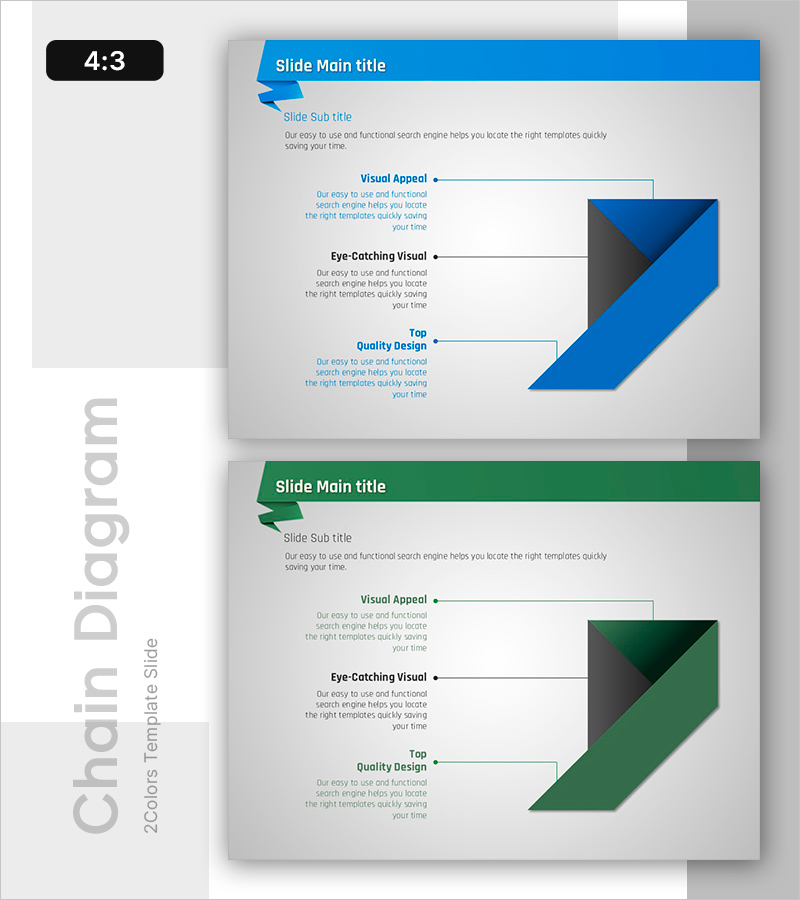
Origami Diagram and Strategic Planning – Effective Visualization of Business Strategy
RB0800007_15
- Last Update 03/18/2025
- File Size 0.2MB
- # of Slides 2
- File Format PPTX
- Slide Ratio 4:3
- Color
Keywords
- #Content-Based Slides
- #Design-Based Slides
- #Business Strategy
- #Business Management
- #Diagram
- #Implementation Plan
- #Cluster
- #Chain Diagram
- #4:3
- #arrow diagram PowerPoint
- #connection diagram slide template
- #3-step flow chart
- #business strategy presentation
- #process flow PowerPoint template
- #strategic planning slide design
About the Product
A visually compelling arrow connection diagram PowerPoint slide designed to illustrate business strategy progression through three distinct stages. This 2-slide template features a dual-tone color scheme combining blue and green, with arrows connecting sequential steps to clearly communicate strategic planning flow. Each stage includes dedicated text areas and geometric visual elements positioned for optimal balance and readability. Ideal for corporate strategy presentations, project roadmap discussions, business plan explanations, and executive briefings. Created in 4:3 aspect ratio for seamless compatibility with standard presentation systems.
Usage Points
-
Main Usage
Visualizes business strategy progression through arrow-connected stages, enabling audiences to understand the complete strategic framework and execution sequence. Transforms complex planning processes into intuitive visual narratives that guide stakeholders through each phase of implementation.
-
How to Use
Insert stage-specific objectives and action items into designated text areas for corporate strategy presentations, business plan explanations, and project initiation meetings. Use the blue slide for primary strategy flow and the green slide for alternative approaches, comparative analysis, or contingency planning scenarios.
-
Recommended For
Executives, strategic planners, project managers, and business development professionals presenting to leadership teams, boards of directors, departmental meetings, and client pitches. Particularly effective for explaining phased execution plans, process improvements, and multi-stage business initiatives.
-
Slide Structure
Two-slide template with each slide containing three arrow-connected nodes representing sequential stages. Left side features text description areas; right side displays geometric shapes (triangles and rectangles) as visual anchors. Arrows indicate directional flow and logical progression between stages.
Related Products
-
Development Timeline for Smart Chip Solutions – Strategic Steps
#Business Strategy #Business Management #Diagram
-
World Travel Planning Diagram – Effective Business Execution Strategy
#Business Strategy #Business Management #Diagram
-
Gardening Checklist Template – Optimized for Business Strategy
#Business Strategy #Business Management #Diagram
-
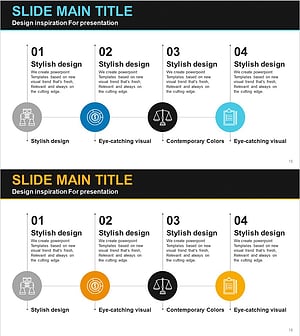
Diagram Slide Template Visualizing Financial Business Process Steps
#Business Strategy #Business Management #Diagram
