



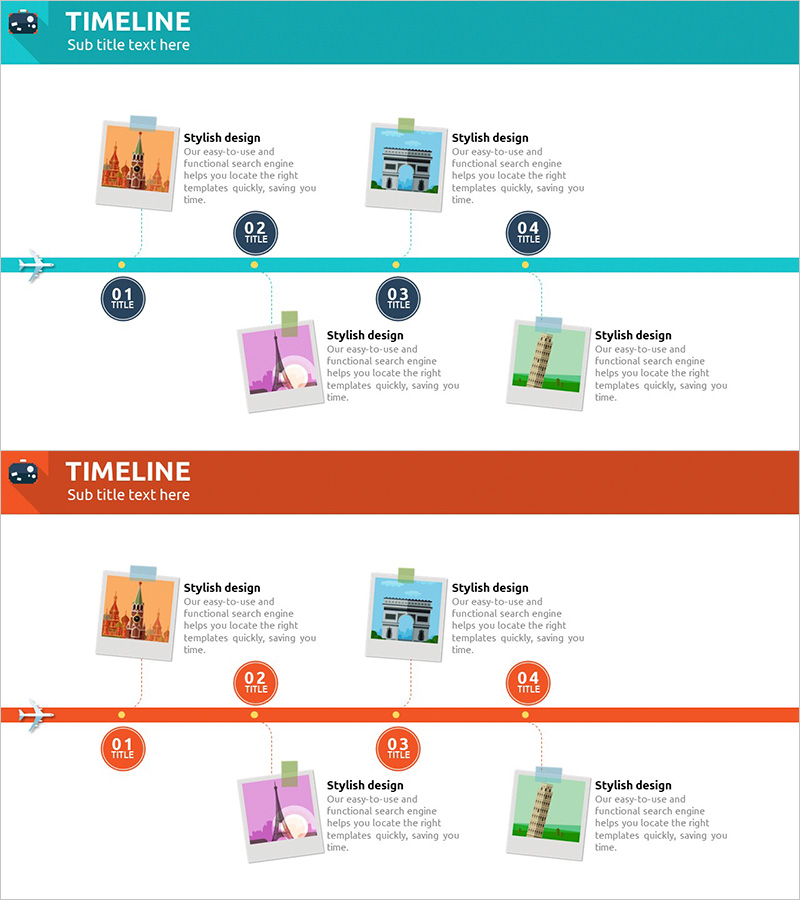
World Travel Planning Diagram – Effective Business Execution Strategy
RJ0600080_5
- Last Update 07/11/2025
- File Size 0.5MB
- # of Slides 2
- File Format PPTX
- Slide Ratio 16:9
- Color
Keywords
- #Content-Based Slides
- #Design-Based Slides
- #Business Strategy
- #Business Management
- #Diagram
- #Implementation Plan
- #Cluster
- #Chain Diagram
- #16:9
- #connected flow diagram PowerPoint
- #arrow process slide template
- #4-step process diagram
- #business execution strategy slide
- #project timeline PowerPoint template
About the Product
A linear flow diagram PowerPoint slide with 4 nodes connected by directional arrows. Each stage is distinguished by turquoise, orange, purple, and green colors, with dedicated areas for images and text descriptions. This slide template is ready to use for business execution strategies, project timelines, travel planning stages, and sequential process presentations. The 2-slide set supports multiple content combinations and is optimized for 16:9 widescreen format.
Usage Points
-
Main Usage
Visualizes sequential processes, step-by-step progress, and connected relationships between concepts. Perfect for business strategy presentations, project management timelines, travel itinerary planning, marketing campaign phases, and any multi-stage workflow that requires clear directional flow.
-
How to Use
Enter title and description text in each node, then insert relevant images in the designated photo areas. Colors can remain as the original 4-color scheme or be customized to match your brand palette. Arrow direction and node positioning are fully editable for horizontal, vertical, or custom layouts.
-
Recommended For
Strategy and planning departments presenting business initiatives, project managers reporting progress updates, marketing teams explaining campaign phases, educators structuring learning modules, and travel or tourism professionals outlining itinerary stages.
-
Slide Structure
2-slide set with identical layouts for flexible content combinations. Each slide features 4 nodes arranged left-to-right with connecting arrows, photo areas on the left of each node, and text zones for titles and descriptions. Optimized for 16:9 widescreen in PPTX format, fully editable in all PowerPoint versions.
Related Products
-
3STEP Diagram – Effective Visualization of Business Strategy
#Business Strategy #Business Management #Diagram
-
Wellness Project Action Timeline – Step-by-Step Plan
#Business Strategy #Business Management #Diagram
-
Process Diagram for Travel Company History
#Business Strategy #Business Management #Diagram
-
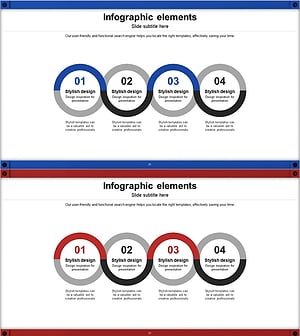
Visualizing Business Strategy with Connected Circular Infographic
#Business Strategy #Business Management #Diagram
