



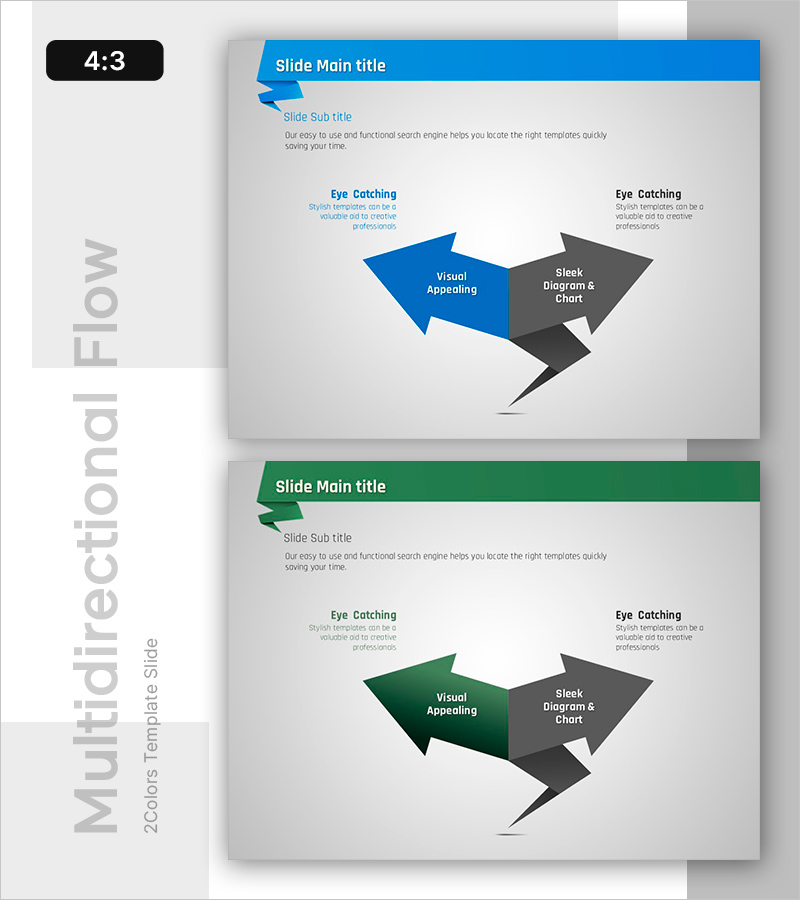
Multi-Directional Flow Diagram for Information Visualization – Slides for Creative Professionals
RB0800007_14
- Last Update 03/18/2025
- File Size 0.2MB
- # of Slides 2
- File Format PPTX
- Slide Ratio 4:3
- Color
Keywords
About the Product
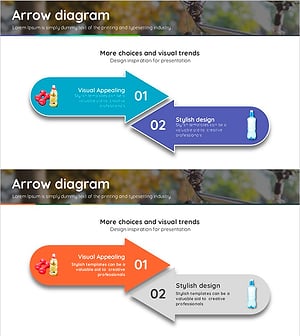
A multi-directional flow diagram PowerPoint slide designed for information visualization and process communication. Features contrasting blue and gray arrows that effectively represent bidirectional or multi-path processes. The 2-slide set presents the same diagram in two color variations—blue/gray and green/gray—allowing you to match your presentation's visual tone. Each arrow includes editable text areas for labeling business processes, decision flows, feedback loops, or interaction relationships. The 4:3 aspect ratio ensures seamless compatibility with standard presentation formats.
Usage Points
-
Main Usage
Visualize bidirectional or multi-path business processes, decision flows, feedback loops, and interaction relationships. The blue arrow represents the primary pathway while the gray arrow indicates secondary pathways or alternatives, creating clear information hierarchy and logical flow.
-
How to Use
Click on each arrow's text box to input process steps, department names, decision criteria, or relationship descriptions. Customize colors by selecting arrow shapes and using the color palette. Duplicate arrows to add more pathways as needed. Ideal for organizational structure sections in company profiles, implementation plans in proposals, and operational processes in business plans.
-
Recommended For
Executives, project managers, consultants, and marketing professionals explaining complex processes and interdependencies. Particularly effective for organizational structures with multiple reporting lines, multi-stage decision-making processes, customer journey maps, supply chain flows, and cross-functional workflows.
-
Slide Structure
2-slide set featuring the same multi-directional diagram in two color schemes: blue/gray and green/gray combinations. Each slide contains a centered 2-arrow diagram with editable text boxes, a title area at the top, and left-right description sections for detailed explanations.
Related Products
-
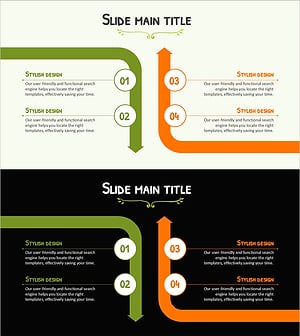
Multidirectional Orange Graph – Product and Service Introduction
#Product/Service Introduction #Technical Approach #Diagram
-
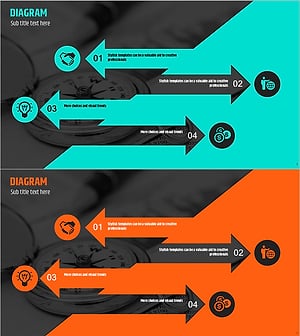
Arrow Reverse Slide – Emphasizing Innovative Flow
#Product/Service Introduction #Operational Plan #Diagram
-
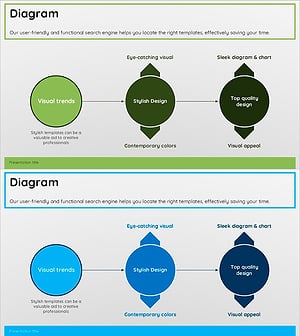
Green Blue Multidirectional Diagram
#Technical Approach #Diagram #Service Implementation Plan
-
Emphasizing the Importance of Hydration with a Multidirectional Arrow Diagram
#Product/Service Introduction #Diagram #Text Box
