



Switch Style Diagram – Visualizing Product Differentiation Strategy
RB0800004_18
- Last Update 03/17/2025
- File Size 2.9MB
- # of Slides 2
- File Format PPTX
- Slide Ratio 4:3
- Color
Keywords
- #Content-Based Slides
- #Design-Based Slides
- #Product/Service Introduction
- #Diagram
- #Features
- #Differentiation Strategy for Products/Services
- #Cluster
- #Closed Cluster Diagram
- #Inclusive Cluster Diagram
- #4:3
- #nested diagram PowerPoint
- #switch diagram slide
- #4-node diagram template
- #product differentiation strategy PPT
- #cluster diagram PowerPoint
About the Product
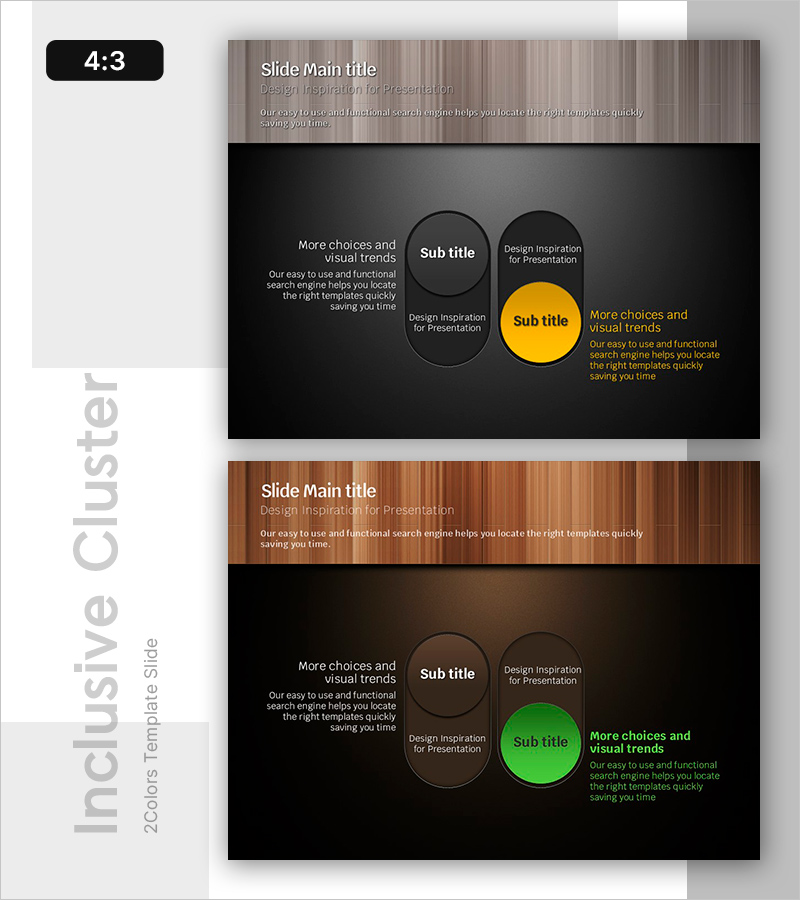
A nested diagram PowerPoint slide that visualizes product differentiation strategy with a switch-style structure. The design features a central highlighted node (yellow) surrounded by three supporting nodes (gray), creating a hierarchical information layout. Set against a dark background with white and yellow text for optimal contrast and readability, each node is independently editable. This PowerPoint slide is ready to use for product introductions, service differentiation, strategy comparisons, and various presentation scenarios.
Usage Points
-
Main Usage
Place your core product differentiator or key message in the central node, and arrange supporting details, benefits, and competitive advantages in the surrounding three nodes. The switch-style structure intuitively communicates information hierarchy and importance ranking.
-
How to Use
Enter your core message (product name, key value proposition) in the yellow central node. Add differentiation points, technical features, and customer benefits to the three gray surrounding nodes. All text and colors are fully editable, and additional nodes can be easily inserted as needed.
-
Recommended For
Product marketing managers, business development teams, and strategy planners presenting product positioning, competitive advantages, and differentiation strategies. Ideal for investor pitch decks, client proposals, internal strategy meetings, and product launch presentations.
-
Slide Structure
Two-slide set in 4:3 aspect ratio. First slide features the yellow-highlighted central node switch diagram; second slide provides a green-highlighted node variation for color flexibility. Each slide contains four nodes (one central, three surrounding) with editable text areas for customization.
Related Products
-
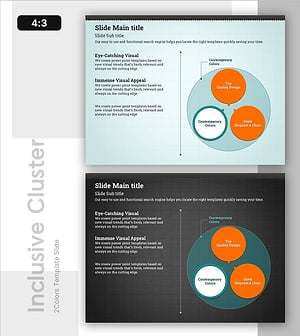
Orange & Green Inclusion Diagram – Highlighting Product Features
#Product/Service Introduction #Diagram #Features
-
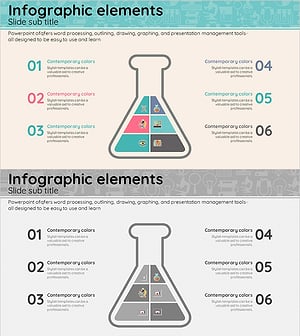
Triangular Beaker-Shaped Inclusion Diagram – Understanding Chemical Structures
#Company Introduction #Product/Service Introduction #Diagram
-
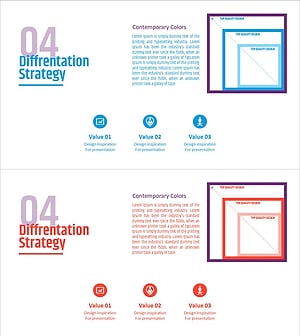
Product Service Differentiation Strategy – Effective Marketing Strategy Template
#Product/Service Introduction #Marketing Plan and Strategy #Diagram
-

Introduction of Ventilation System in the Dining Area
#Product/Service Introduction #Diagram #Features
