



Overview of Learning Activities – Efficient and Creative Presentation
RB0300038_6
- Last Update 03/11/2025
- File Size 0.5MB
- # of Slides 2
- File Format PPTX
- Slide Ratio 4:3
- Color
Keywords
- #Content-Based Slides
- #Design-Based Slides
- #Product/Service Introduction
- #Diagram
- #Features
- #Composition
- #Cluster
- #Chain Diagram
- #4:3
- #radial diagram PowerPoint
- #cluster diagram slide template
- #connection structure diagram
- #5-node diagram PowerPoint
- #relationship map slide
- #presentation diagram template
About the Product
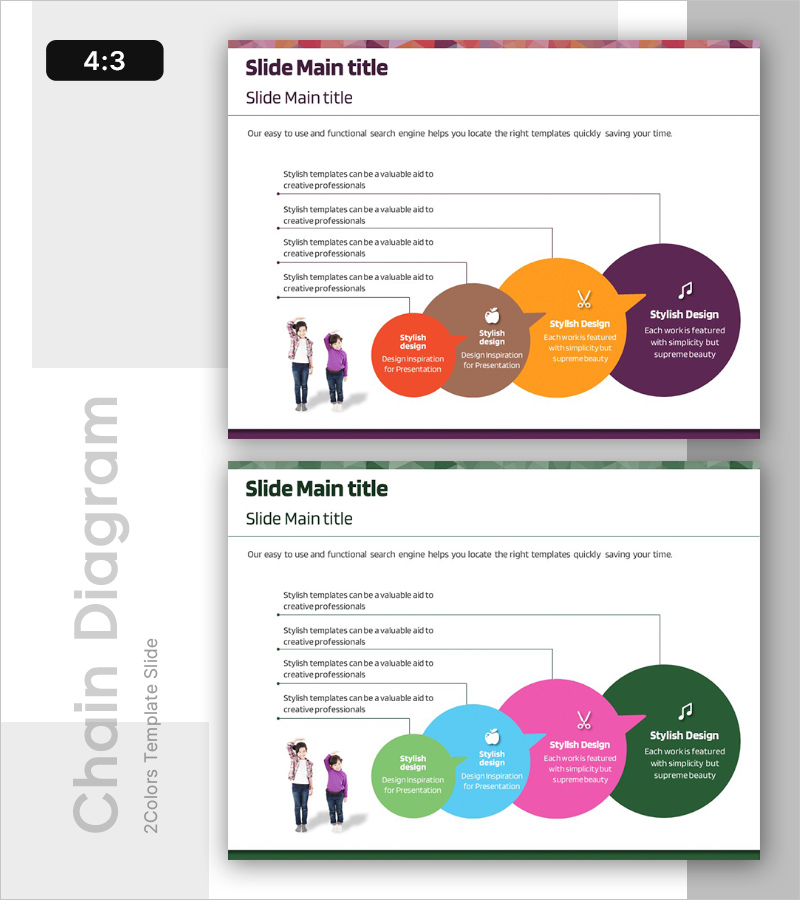
A radial cluster diagram PowerPoint slide that expands from a central concept to surrounding elements. Five circular nodes in orange, purple, brown, and green are connected by arrows, with editable icons and text fields in each node. An illustration of people on the left side makes this ideal for expressing learning activities, project structures, organizational roles, and relationship maps. The 4:3 aspect ratio, 2-slide set is ready to edit and suitable for presentations, planning documents, and training materials.
Usage Points
-
Main Usage
Visually express relationships between a central concept and surrounding elements. Ideal for communicating learning activity structures, project role assignments, organizational hierarchies, and business process connections between core and detailed items.
-
How to Use
Enter the main topic in the central circular node and add details in the five surrounding nodes. Customize node icons, adjust colors by category, and freely modify arrow directions and node placement. Font sizes can be adjusted based on text length for optimal readability.
-
Recommended For
Education planners, project managers, organizational development specialists, marketing strategists, and consultants presenting learning program designs, project structures, organizational role definitions, and marketing strategy plans.
-
Slide Structure
Two-slide set with the first slide featuring a 5-node radial diagram in purple, orange, and brown tones, and the second slide using green, pink, and blue tones with identical structure. Each slide maintains a three-column layout with people illustration on the left, text area in center, and diagram on the right.
Related Products
-
The Difference Between Men's and Women's Clothes – Understanding Through Diagrams
#Product/Service Introduction #Diagram #Features
-
Four Core Elements of Genetic Research in Biotechnology
#Product/Service Introduction #Diagram #Features
-
New Drug Ingredient Analysis Diagram – Conveying Trust Through Visuals
#Product/Service Introduction #Diagram #Features
-
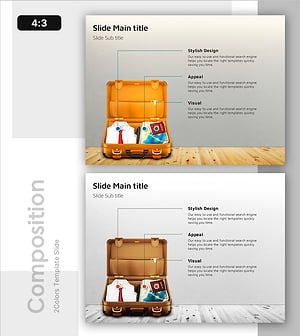
Diagram Slide Introducing Essential Travel Items
#Product/Service Introduction #Diagram #Features
