



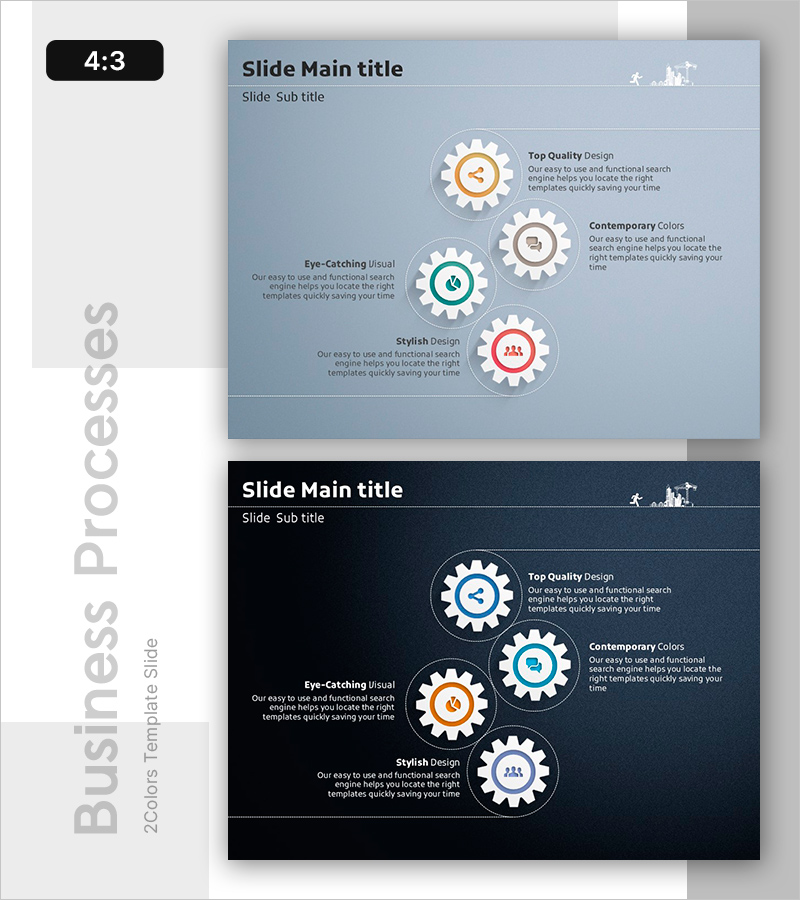
Interlinked Flow of Facility Operation Phases PowerPoint – Strategic Operations Planning
RB0100037_7
- Last Update 03/05/2025
- File Size 4.6MB
- # of Slides 2
- File Format PPTX
- Slide Ratio 4:3
- Color
Keywords
- #Content-Based Slides
- #Design-Based Slides
- #Business Strategy
- #Operational Plan
- #Diagram
- #Step-by-Step Schedule Plan
- #Business Processes
- #Cluster
- #Chain Diagram
- #4:3
- #connected diagram PowerPoint
- #4-step process flow slide
- #gear diagram template
- #facility operation process PowerPoint
- #operational workflow diagram slide
About the Product
A four-node connected diagram PowerPoint slide that visualizes the interlinked phases of facility operation and strategic planning. Set against a light blue background with white gear icons and color-coded accents (orange, teal, red), each operational stage is clearly distinguished by dotted connection lines that illustrate process flow. This PowerPoint template is ready to use for business presentations covering operational planning, project phases, and process management. The 2-slide set includes both light and dark tone versions, allowing you to match your presentation environment and corporate branding guidelines.
Usage Points
-
Main Usage
Designed to illustrate the four operational phases (plan, execute, monitor, improve) and their interdependencies at a glance. Gear icons and dotted connection lines emphasize the cyclical nature of operations and stage-to-stage dependencies, reinforcing system integration and continuous improvement.
-
How to Use
Enter operational phase names (e.g., Planning, Execution, Monitoring, Improvement) and descriptive text into each gear node to explain your organization's operational process. Choose between the light tone version (suitable for bright conference rooms) or dark tone version (suitable for auditoriums) based on your presentation venue and corporate color scheme.
-
Recommended For
Ideal for operations managers, project leaders, and business planning teams presenting operational system improvements, quality management processes, and facility maintenance schedules. Also effective as educational material for seminars and training sessions explaining business process concepts.
-
Slide Structure
Four gear nodes connected by dotted circular orbits. Each node contains a central icon (sharing, communication, people) with an adjacent text area (title + description). A 'Processes' label is positioned on the left side. The 2-slide set provides identical structure in both light blue and dark navy background versions.
Related Products
-
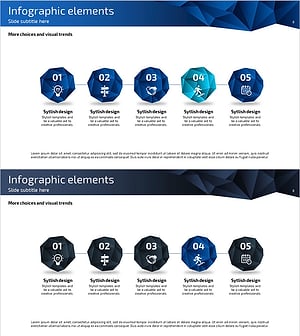
Business Process Connection Diagram – Effective Workflow Management
#Business Strategy #Operational Plan #Diagram
-
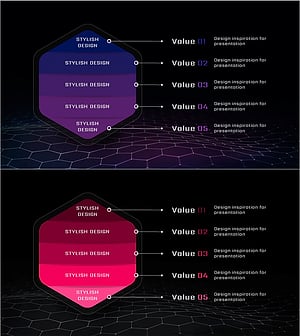
Service Business Process Diagram – Efficient Business Advancement
#Business Strategy #Operational Plan #Diagram
-

Business-Type Connection Strategy Analysis – Efficient Operational Plan
#Business Strategy #Operational Plan #Diagram
-
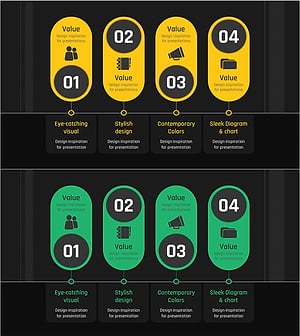
Business Process Diagram Slide Template – Business Strategy
#Business Strategy #Operational Plan #Diagram
