



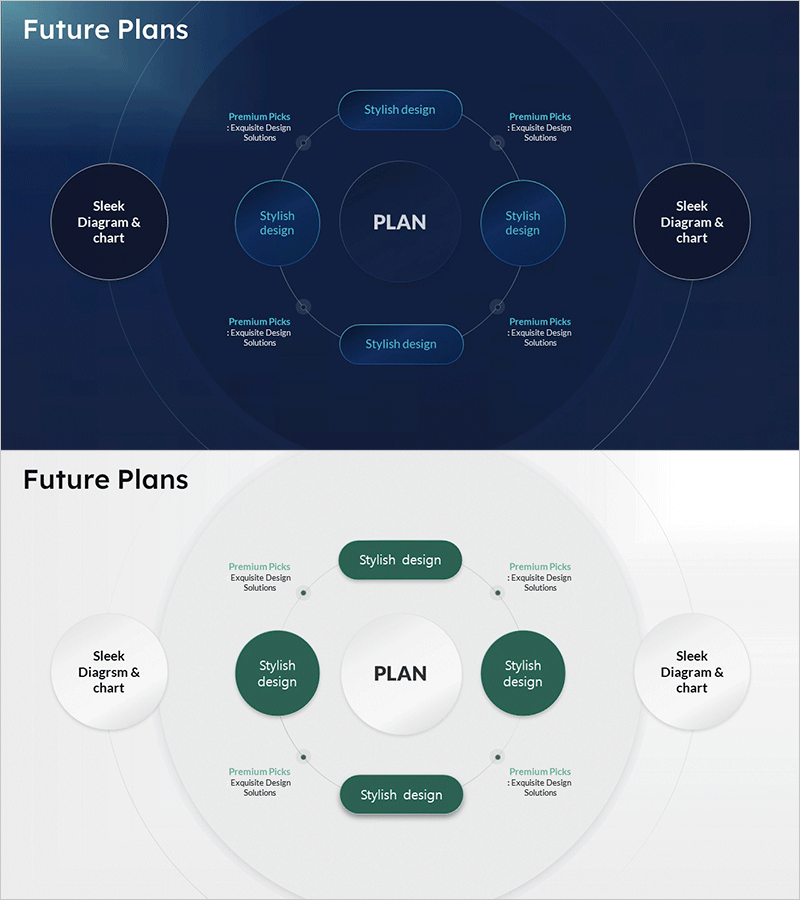
Sleek Diagrams for Future Plans – Stylish Design
RM0800003_19
- Last Update 02/28/2025
- File Size 0.4MB
- # of Slides 2
- File Format PPTX
- Slide Ratio 16:9
- Color
Keywords
- #Content-Based Slides
- #Design-Based Slides
- #Technical Approach
- #Diagram
- #System Architecture Diagram
- #Innovative Technologies and Future Plans
- #Spread
- #Centralized Diagram
- #16:9
- #radial diagram PowerPoint
- #central diagram slide template
- #5-node diagram PowerPoint
- #future plans presentation
- #strategy visualization slide
- #PowerPoint diagram slide design
About the Product
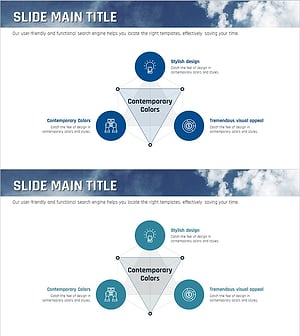
A radial diagram PowerPoint slide set with 2 slides designed for future planning and strategic goal visualization. The structure features a central 'PLAN' concept with five nodes radiating outward (two on left, two on right, one top, one bottom), ideal for strategy development, project planning, and organizational goal deployment. Built on a dark blue background with light blue circular nodes and connecting lines, each node includes a text input area for customization. Available in 16:9 widescreen PPTX format, ready for immediate editing in presentations, planning documents, and strategic reports.
Usage Points
-
Main Usage
Visualizes organizational future plans, strategic objectives, and project structures using a radial expansion pattern. Places the core goal at the center and distributes five supporting strategies, execution tasks, or departmental roles around the periphery, enabling stakeholders to grasp the complete structure at a glance.
-
How to Use
Replace the central 'PLAN' text with your organization's primary objective. Input strategic initiatives, implementation plans, responsible departments, timelines, or budget allocations into the five surrounding nodes. Customize node text and colors to align with your corporate branding and presentation style.
-
Recommended For
Ideal for executives, planning teams, project managers, and organizational development professionals presenting strategic reviews, management reports, organizational restructuring announcements, and annual planning sessions. Particularly effective for multi-level goal cascading, new business planning, and organizational transformation project presentations.
-
Slide Structure
Two-slide set. First slide features a dark blue background with a central 'PLAN' circular node connected via lines to five surrounding nodes arranged radially (upper-left, lower-left, upper-right, lower-right, top). Second slide presents the same structure on a light background with designated text input areas in each node for easy customization.
Related Products
-
Real Estate Business Marketing Diagram – Innovative Systems Design
#Technical Approach #Diagram #System Architecture Diagram
-
Business Operation Management Plan – Latest Technology System Diagram
#Business Introduction #Technical Approach #Diagram
-
Constructing a Robust Service Model with Diagrams
#Technical Approach #Diagram #Service Architecture Diagram
-
Ocean Lighthouse Marketing Goals Triangle Diagram
#Operational Plan #Technical Approach #Diagram
