



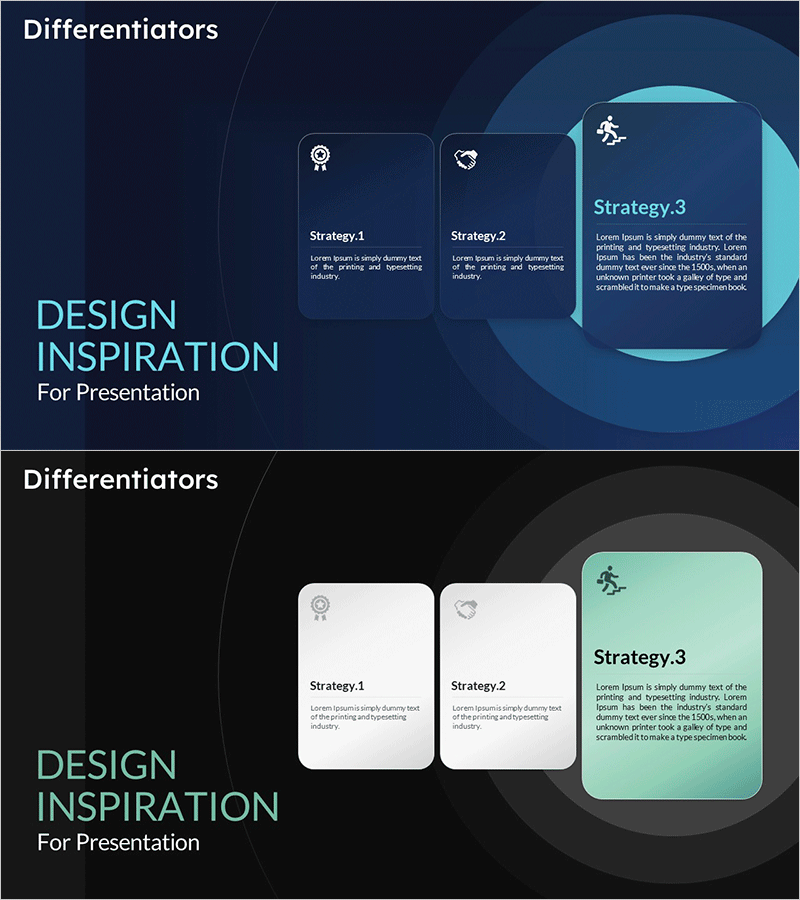
Visualizing Differentiators by Strategy - Design Inspiration
RM0800003_11
- Last Update 02/28/2025
- File Size 0.5MB
- # of Slides 2
- File Format PPTX
- Slide Ratio 16:9
- Color
Keywords
- #Content-Based Slides
- #Design-Based Slides
- #Product/Service Introduction
- #Business Vision and Strategy
- #Diagram
- #Differentiation Strategy for Products/Services
- #Business Strategy
- #Cluster
- #Closed Cluster Diagram
- #16:9
- #nested diagram PowerPoint
- #closed-form diagram slide
- #strategy visualization PowerPoint
- #differentiation elements slide
- #hierarchical structure diagram
About the Product
A nested closed-form diagram PowerPoint slide that visually represents strategy-based differentiation elements. Three concentric circular layers in cyan tones overlay a dark blue background, expressing hierarchical relationships with icons and text boxes positioned in each strategy zone. The 2-slide set includes both dark and light theme versions for flexible presentation contexts. Optimized for 16:9 widescreen format on modern projectors and digital displays, delivered as fully editable PPTX format for immediate customization.
Usage Points
-
Main Usage
Communicates core business strategies and competitive advantages to executives, investors, and stakeholders through layered visual hierarchy. The concentric circular structure intuitively expresses relationships and priorities between strategies, transforming complex concepts into clear, impactful messaging.
-
How to Use
Replace text and icons in each strategy box with your own content. Use the dark theme for premium or technology-focused presentations, and the light theme for approachable, inclusive messaging. Colors and layer count are fully adjustable, and animation can be added for step-by-step reveal effects.
-
Recommended For
Strategic planning and marketing team reports, investor pitch decks, new business proposals, organizational structure explanations, product positioning presentations, and competitive analysis materials. Particularly valuable for consulting, finance, IT, and manufacturing sectors focused on strategy communication.
-
Slide Structure
2-slide set: Slide 1 features dark blue background with 3 nested cyan circular layers, 3 strategy icons, and 3 text boxes / Slide 2 presents the identical structure in light theme. Each circular layer is independently editable with clear visual hierarchy between nodes.
Related Products
-
Introduction to Hexagonal Education Programs PowerPoint Template – Embracing Innovative Approaches
#Product/Service Introduction #Business Vision and Strategy #Diagram
-
Information Search Differentiation Strategy – Efficient Data Exploration
#Product/Service Introduction #Business Vision and Strategy #Business Strategy
-
Planet Diagram Template – Effective Visualization for Campaigns
#Product/Service Introduction #Business Vision and Strategy #Diagram
-
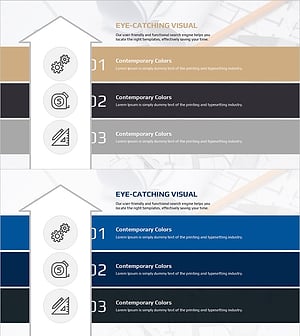
Slide that Presents Design Planning and Direction Effectively
#Product/Service Introduction #Business Vision and Strategy #Diagram
