



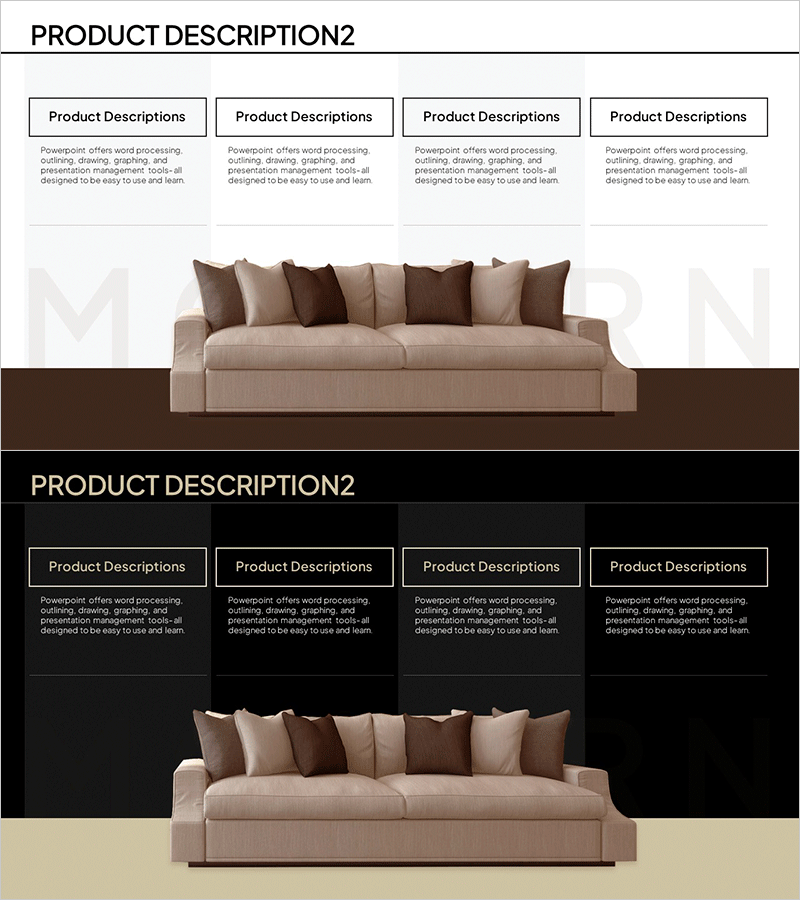
Furniture Product Details Slide - Cluster Design
RM0700004_10
- Last Update 02/26/2025
- File Size 1.4MB
- # of Slides 2
- File Format PPTX
- Slide Ratio 16:9
- Color
Keywords
- #Content-Based Slides
- #Design-Based Slides
- #Product/Service Introduction
- #Diagram
- #Composition
- #Program Introduction
- #Cluster
- #Closed Cluster Diagram
- #16:9
- #cluster diagram PowerPoint
- #product structure slide template
- #closed cluster diagram
- #furniture product details PPT
- #4-section diagram PowerPoint
About the Product
A 2-slide PowerPoint presentation optimized for furniture and product detail explanations. This closed cluster diagram visually organizes product components into 4 distinct sections, emphasizing integrated structure through warm beige and brown tones with a center-focused layout. Ideal for furniture, interior design, and consumer goods presentations to showcase components, functions, and features hierarchically. Designed in 16:9 widescreen format for modern presentation environments with fully editable text and image areas.
Usage Points
-
Main Usage
Visualize product components, functions, and features using a center-focused cluster structure to enhance audience comprehension. Effective for furniture, interior design, consumer goods, and machinery presentations requiring systematic product detail explanations.
-
How to Use
Enter the product name or core concept in the center, then populate the 4 sections with components, functions, features, or benefits. Edit text and background colors to differentiate categories, and insert images to strengthen visual impact and engagement.
-
Recommended For
Product marketing professionals, sales presentations, product planning reports, furniture and interior showroom descriptions, consumer goods companies launching new products, and manufacturers explaining assembly structures and components.
-
Slide Structure
2-slide layout. First slide features a light background with 4 closed cluster sections in warm beige and brown tones arranged around a central focal point, each containing editable text boxes and image areas. Second slide uses a dark background with identical structure for contrast effect.
Related Products
-
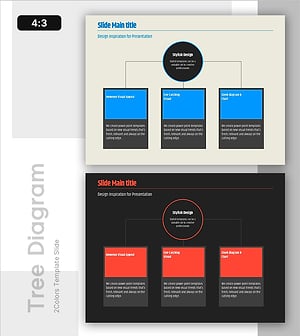
Program Introduction Diagram Slide – A Template with Visual Appeal
#Product/Service Introduction #Diagram #Composition
-
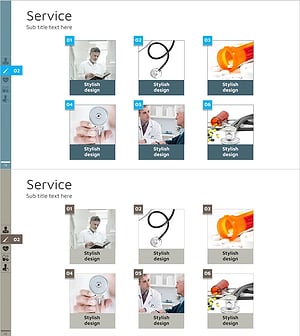
Introduction to Medical Program Slide – Building Trust with Experts
#Product/Service Introduction #Diagram #Composition
-
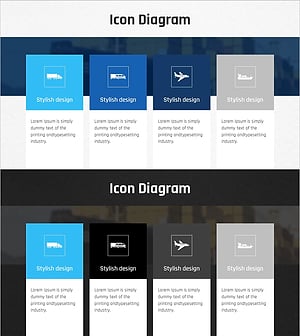
Transportation Service Mode Pill Shape Connection Diagram
#Product/Service Introduction #Diagram #Composition
-
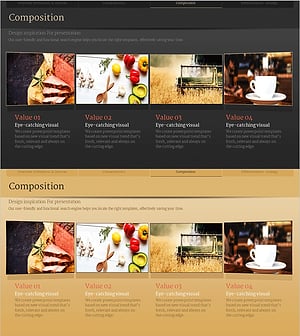
Program Composition Diagram – Slide for Effective Program Introduction
#Product/Service Introduction #Diagram #Composition
