



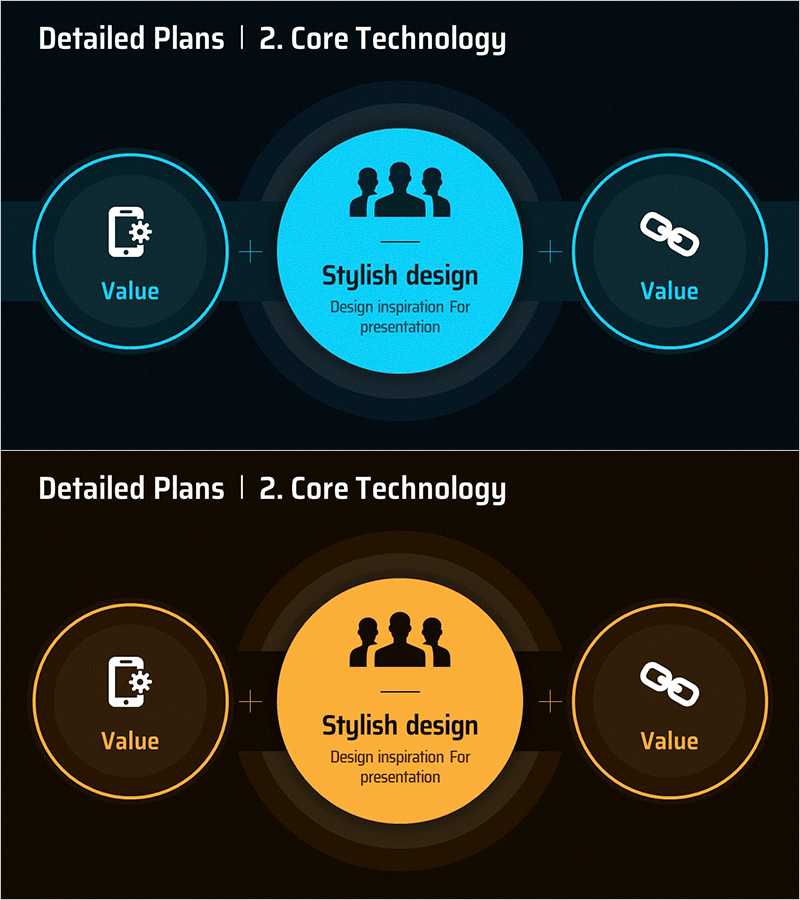
Core Technology Plus Diagram - Presenting Business Strategy and Vision
RM0600007_20
- Last Update 02/25/2025
- File Size 0.2MB
- # of Slides 2
- File Format PPTX
- Slide Ratio 16:9
- Color
Keywords
- #Content-Based Slides
- #Design-Based Slides
- #Business Vision and Strategy
- #Marketing Plan and Strategy
- #Diagram
- #Core Competencies
- #Marketing Strategy
- #Cluster
- #Closed Cluster Diagram
- #16:9
- #closed diagram PowerPoint
- #three-layer circle diagram
- #core technology slide
- #business strategy diagram
- #value proposition PPT slide
- #how to create diagram in PowerPoint
About the Product
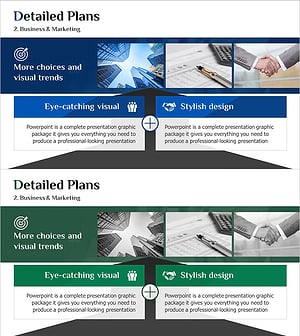
A three-layer closed-form diagram PowerPoint slide with a central concept surrounded by two side circles, available in cyan and orange color versions. This structure visually represents business strategy, core technology, and value propositions in a hierarchical manner. The central circle holds the primary message and icon, while the side circles display supporting values. Ideal for immediate use in presentations, business plans, and reports when emphasizing strategic positioning. Provided in 16:9 PPTX format with fully editable text and colors.
Usage Points
-
Main Usage
Visualize business strategy, core technology, and value propositions in three hierarchical layers to clearly communicate strategic positioning to audiences. The relationship between central concept and supporting elements is intuitively expressed, making it highly effective for executive briefings, investor presentations, and technology talks.
-
How to Use
Enter the core message in the central circle (e.g., stylish design, core technology, brand value) and supporting values in the side circles (e.g., user experience, technological innovation, reliability). Select cyan or orange color to match presentation tone, then edit text and icons for slide placement.
-
Recommended For
Recommended for executives, marketing managers, technology leaders, and strategy planning teams explaining business direction, product positioning, and technology roadmaps. Suitable for investment pitch decks, executive reports, marketing plans, and product introduction presentations emphasizing strategic messaging.
-
Slide Structure
Two-slide composition. First slide features cyan background with three-layer closed diagram (1 central circle + 2 side circles + connecting lines). Second slide uses orange background with identical structure. Each circle includes icon and text input areas; background, lines, and circle colors and transparency are fully customizable.
Related Products
-
Core Technology Detail Plan Diagram – Strengthening Business Strategies through Clusters
#Business Vision and Strategy #Marketing Plan and Strategy #Diagram
-
Experimental Core Competency Diagram – Establishing Effective Marketing Strategies
#Business Vision and Strategy #Marketing Plan and Strategy #Diagram
-
Core Competency Diagram – Visualizing Business Vision and Marketing Strategy
#Business Vision and Strategy #Marketing Plan and Strategy #Diagram
-
Collaborative Business Detail Plan Diagram – Marketing Strategy and Vision
#Business Vision and Strategy #Marketing Plan and Strategy #Diagram
