



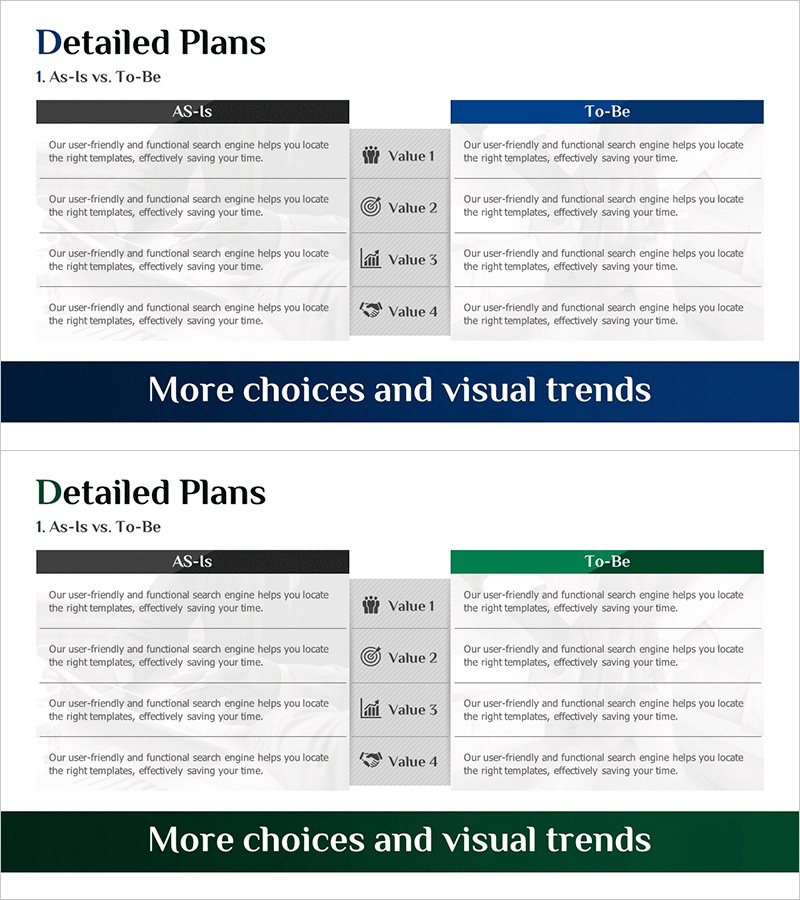
Detailed Plan Summary Table for Business Strategy
RM0600006_19
- Last Update 02/24/2025
- File Size 1.1MB
- # of Slides 2
- File Format PPTX
- Slide Ratio 16:9
- Color
Keywords
About the Product
A PowerPoint slide designed to systematically compare current state and target objectives for business strategy presentations. The layout features a clear two-column structure with AS-IS (current state) on the left and To-Be (target state) on the right, each containing four value items with icon placeholders. Dark gray headers with accent colors (blue and green) provide strong visual distinction between sections, while ample text input areas accommodate detailed descriptions. This presentation slide is optimized for business strategy, organizational transformation, and process improvement initiatives where communicating the gap between current and desired states is critical.
Usage Points
-
Main Usage
Visually communicate the gap between current state (AS-IS) and target state (To-Be) to clarify business strategy direction and improvement objectives. Simultaneously present current situation analysis and future vision for organizational change, process innovation, and strategic planning initiatives.
-
How to Use
Enter current challenges, limitations, and status in the left AS-IS section, and improvement directions, target state, and expected outcomes in the right To-Be section. Populate the four items in each section with icons and key values for executive briefings, team presentations, and investor pitches.
-
Recommended For
Executive reports, strategic planning meetings, organizational restructuring announcements, process improvement proposals, digital transformation projects, business plan strategy sections, consulting proposals, and any presentation requiring simultaneous current-state analysis and goal-setting.
-
Slide Structure
Two-slide set with blue accent header on the first slide and green accent header on the second. Each slide is divided into left (AS-IS) and right (To-Be) sections, with four text input areas and icon placement spaces per section for systematic comparison organization.
Related Products
-
Calendar Illustration Table – Visualizing Business Strategy
#Business Strategy #Business Management #Diagram
-
Mid- to Long-term Project Roadmap and Implementation Plan – Business Strategy
#Business Strategy #Business Management #Operational Plan
-
Detailed Plan Schedule – Roadmap for Business Strategies
#Business Strategy #Business Management #Operational Plan
-
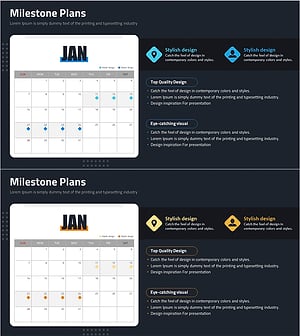
Planning a Photo Shoot Schedule – Systematic Business Roadmap
#Business Strategy #Business Management #Diagram
