



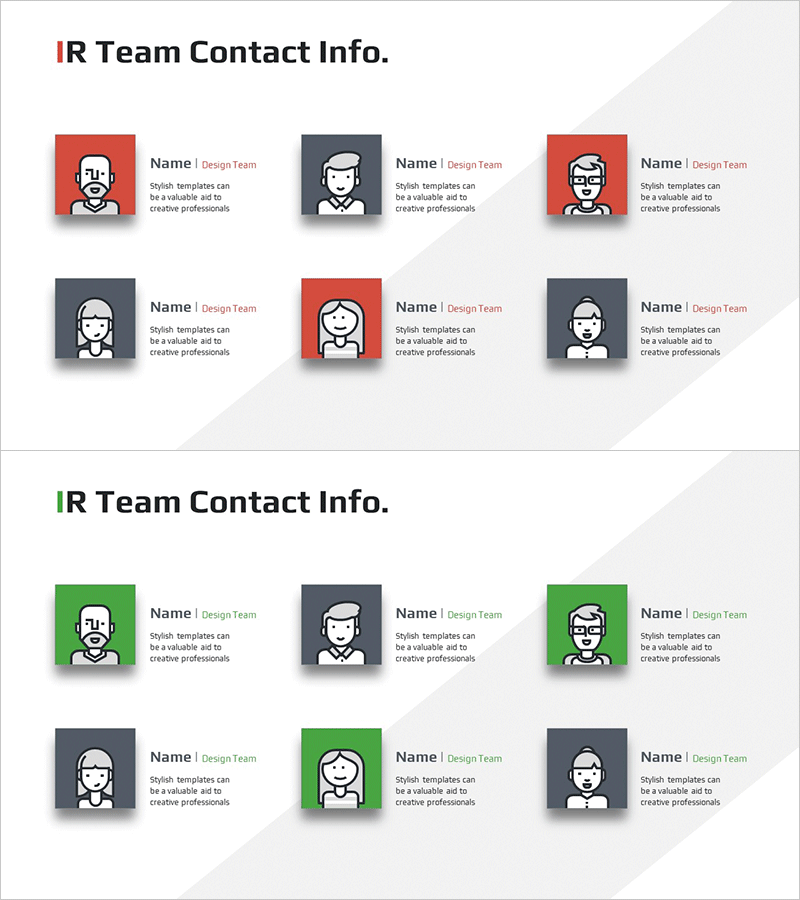
Visualizing IR Team Contact Information with a Stylish Diagram
RM0600005_31
- Last Update 02/24/2025
- File Size 0.4MB
- # of Slides 2
- File Format PPTX
- Slide Ratio 16:9
- Color
Keywords
About the Product
A cluster diagram PowerPoint slide that visualizes IR team contact information with clear visual hierarchy. Features six team member nodes arranged with color-coded blocks in red, green, and gray, each paired with team member icons for easy identification. The 2-slide set offers multiple color combinations and is optimized for 16:9 widescreen format. Ready-to-use presentation template for company profiles, investor relations materials, and organizational introductions.
Usage Points
-
Main Usage
Designed to organize and communicate IR team member contact information through visual clustering. Each team member is represented as an individual node, making role distribution and contact details clearly distinguishable while allowing color-coded grouping of team segments.
-
How to Use
Apply to company profile organizational sections, investor relations team introductions, and business proposal contact pages. Edit node text to add names, titles, and contact details, and customize color blocks by adding or removing them to match your team size and structure.
-
Recommended For
Ideal for IR managers, public relations teams, human resources departments, and executive assistants presenting organizational information. Particularly effective for investor meetings, corporate briefings, recruitment presentations, and partnership discussions where team composition and contact details need clear introduction.
-
Slide Structure
2-slide set featuring two color variations with red, green, and gray combinations. Each slide displays 6 symmetrically arranged nodes (team member icons plus text areas) maintaining balanced layout, optimized for 16:9 widescreen presentation format.
Related Products
-

Key IR Team Personnel Slide – Member Introduction and Contact
#Company Introduction #Diagram #Manpower
-
IR Team Profile Diagram – Modern Cluster Design
#Company Introduction #Diagram #Manpower
-
Key Personnel Team Contact Information Slide
#Company Introduction #Diagram #Manpower
-

Key Personnel Contact Information Slide – Introduction to Company and Connection
#Company Introduction #Diagram #Manpower
