



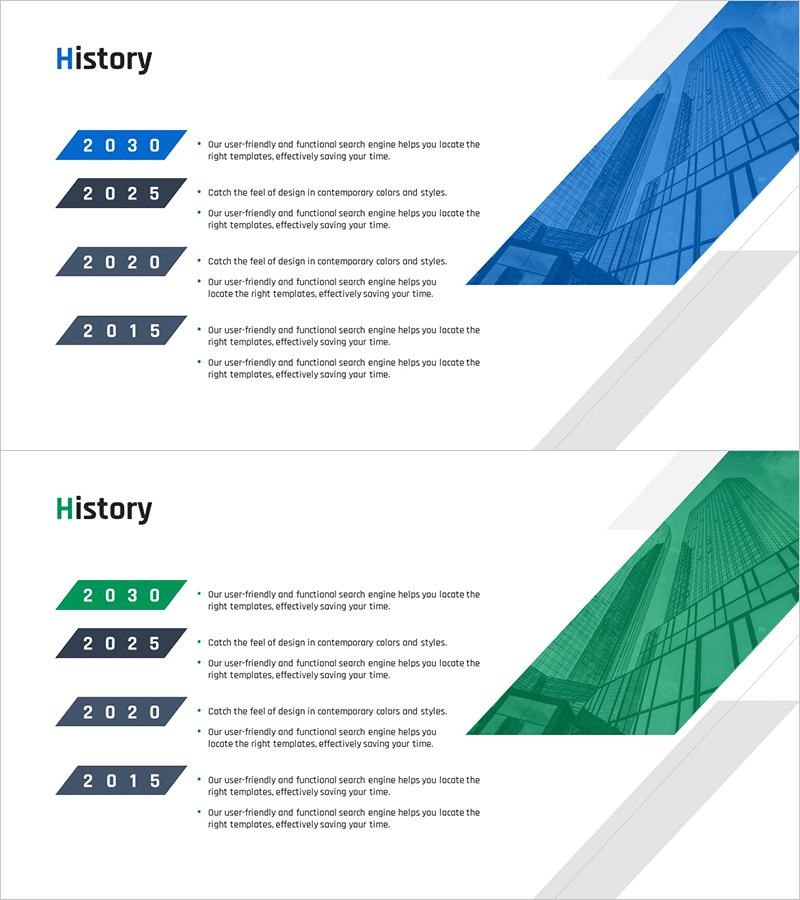
Basic History Introduction Slides – Overview of Company History
RM0500008_6
- Last Update 02/22/2025
- File Size 10.9MB
- # of Slides 2
- File Format PPTX
- Slide Ratio 16:9
- Color
Keywords
- #Content-Based Slides
- #Design-Based Slides
- #Company Introduction
- #Business Strategy
- #Diagram
- #History
- #Step-by-Step Schedule Plan
- #Cluster
- #Closed Cluster Diagram
- #16:9
- #closed diagram PowerPoint
- #history timeline slide
- #company history presentation
- #year-by-year milestone diagram
- #corporate timeline template
- #business history slide design
About the Product
A closed-form timeline diagram PowerPoint slide designed to present company history and key milestones in chronological order. This 2-slide set features two color versions with blue and green architectural background images. Each year node is represented as a trapezoid shape, with years (2030, 2025, 2020, 2015) positioned on the left and descriptive text areas on the right. The building imagery and diagonal background design visually emphasize corporate growth and development. This presentation template is ready to use in company profiles, annual reports, investor presentations, and business development meetings.
Usage Points
-
Main Usage
Clearly communicate a company's growth trajectory and major achievements to audiences by organizing key milestones chronologically. The closed-form node structure emphasizes each period's core content, while building imagery and diagonal backgrounds visually convey corporate stability and growth potential.
-
How to Use
Apply this slide in the company history section of corporate profiles, performance summaries in annual reports, and company overview sections of investor presentations. Edit the text in each year node to include actual company events, product launches, revenue growth, business expansion, and other key milestones. Select the color version that best matches your overall presentation tone.
-
Recommended For
Ideal for corporate executives, marketing teams, PR departments, and investor relations professionals presenting company history. Suitable for new employee orientation, corporate briefings, recruitment presentations, partner meetings, and media briefings.
-
Slide Structure
2-slide set with 4 closed-form year nodes (trapezoid shapes) positioned on the left of each slide, with corresponding text description areas on the right. The blue version features a building image in the upper right, while the green version displays a green-tinted building image. Diagonal backgrounds and gray geometric elements add contemporary visual appeal.
Related Products
-
Founding and History of Interior Design Company - Innovation and Growth
#Company Introduction #Business Strategy #Diagram
-
Achievements by Business Year – Systematic Cluster Diagram
#Company Introduction #Business Strategy #Diagram
-
Timeline of Art Education Initiatives – Business Strategy and History
#Company Introduction #Business Strategy #Diagram
-
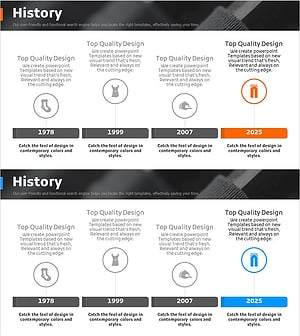
Clothing Business History Diagram – Innovation and Growth
#Company Introduction #Business Strategy #Diagram
