



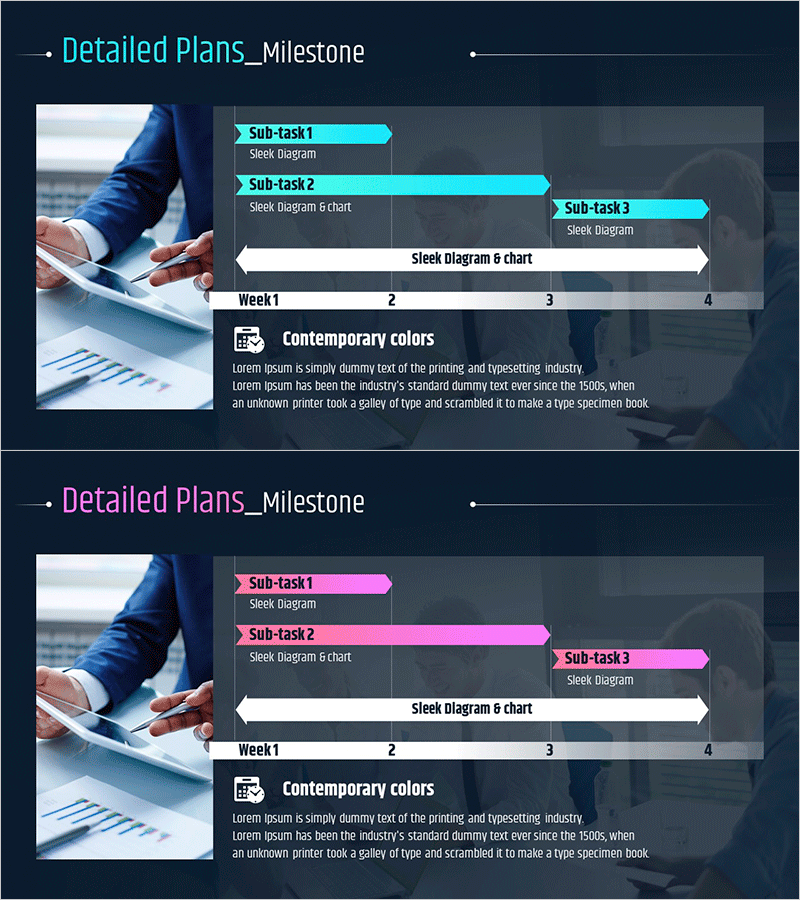
Project Development Milestones Diagram Slide
RM0500007_22
- Last Update 02/21/2025
- File Size 2.6MB
- # of Slides 2
- File Format PPTX
- Slide Ratio 16:9
- Color
Keywords
- #Content-Based Slides
- #Design-Based Slides
- #Business Strategy
- #Business Management
- #Operational Plan
- #Diagram
- #Roadmap
- #Implementation Plan
- #Flow
- #Multidirectional Flow
- #16:9
- #milestone diagram PowerPoint
- #project timeline slide
- #3-phase arrow diagram
- #project management presentation
- #how to create milestone chart in PowerPoint
About the Product
A project development milestone diagram PowerPoint slide that visualizes project schedules and task progression. Features three main phases (Sub-task 1, 2, 3) with detailed work items expressed as arrow-shaped elements for intuitive project status communication. Presented in two color versions—cyan and magenta accents on dark navy background—optimized for timeline management presentations. Combines sleek diagram layout with chart integration to balance qualitative and quantitative information. Delivered in 16:9 widescreen PPTX format compatible with all presentation environments.
Usage Points
-
Main Usage
Clearly communicate project development milestones and task breakdowns to team members and stakeholders through visual representation. Simultaneously display phase duration and work content to streamline schedule management and responsibility allocation across project teams.
-
How to Use
Deploy in project kickoff meetings, weekly status reports, and executive briefings to explain project roadmaps. Customize Sub-task items and timeline to reflect actual project schedules, and select color versions that align with corporate branding guidelines.
-
Recommended For
Project managers, department heads, operations coordinators, and executive reporting teams presenting project progress. Ideal for IT development projects, marketing campaigns, product launches, organizational restructuring, and any phased initiative requiring timeline visualization.
-
Slide Structure
Two-slide set: First slide features cyan accent color with three arrow-shaped Sub-task boxes, detailed work descriptions, and weekly timeline (Week 1–4) at bottom. Second slide mirrors structure with magenta accent. Both slides include 'Contemporary colors' explanation section on right side.
Related Products
-
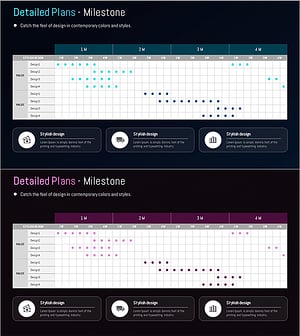
Milestone Table Chart Design and Installation Plan
#Business Strategy #Business Management #Operational Plan
-
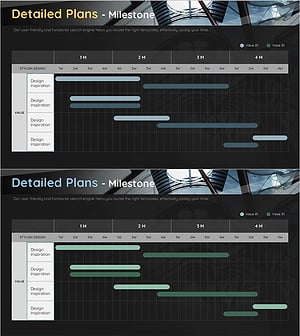
Construction Project Milestone Table – Systematic Operational Planning
#Business Strategy #Business Management #Operational Plan
-
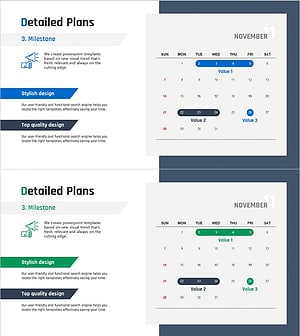
Detailed Plan Schedule – Roadmap for Business Strategies
#Business Strategy #Business Management #Operational Plan
-
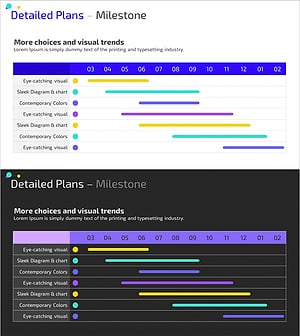
Colorful Project Milestones – Visualization of Business Strategies
#Business Strategy #Business Management #Operational Plan
