



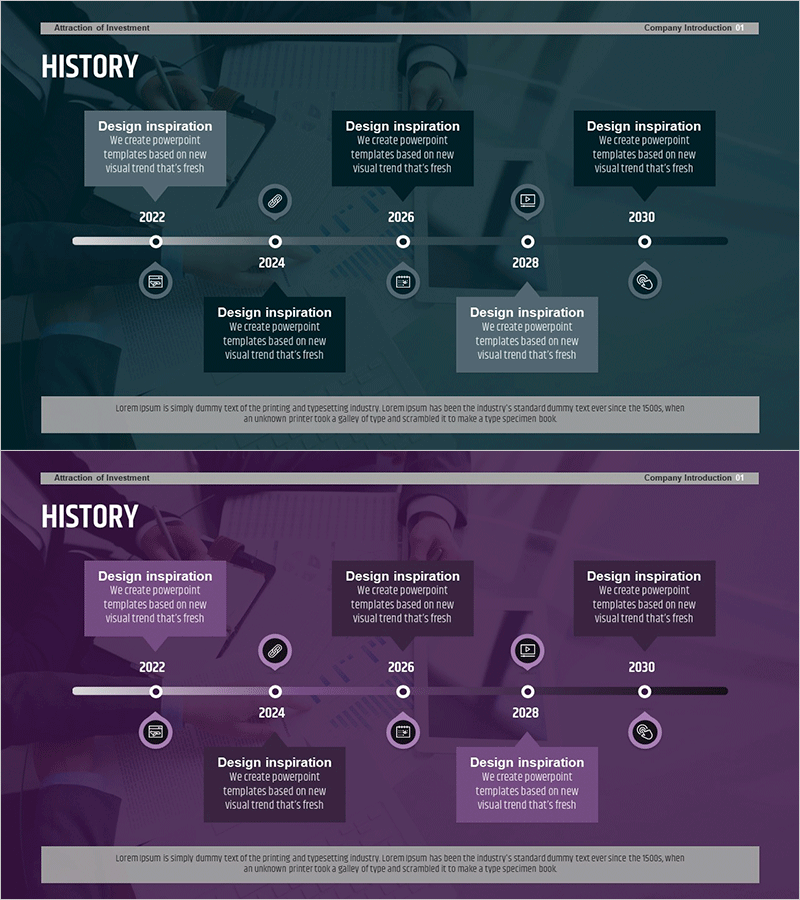
Text Box History Diagram Template – Company Introduction and Business Strategy
RM0500002_6
- Last Update 02/20/2025
- File Size 1.2MB
- # of Slides 2
- File Format PPTX
- Slide Ratio 16:9
- Color
Keywords
- #Content-Based Slides
- #Design-Based Slides
- #Company Introduction
- #Business Strategy
- #Diagram
- #Text Box
- #Other
- #History
- #Step-by-Step Schedule Plan
- #Cluster
- #Chain Diagram
- #Speech Bubble
- #16:9
- #history timeline diagram PowerPoint
- #company introduction slide template
- #business strategy presentation
- #5-stage timeline slide
- #timeline text box PowerPoint download
About the Product
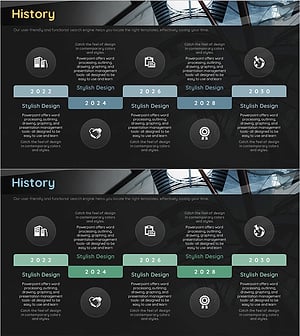
A professional 5-stage history timeline PowerPoint slide optimized for company introduction and business strategy presentations. This presentation template features a dark blue and purple background with white text boxes and circular icons arranged along a horizontal timeline axis. Each year-based text input area is independently positioned to clearly convey company milestones, business expansion phases, and strategic turning points. The 16:9 widescreen format includes 2 fully editable slides in PPTX format, allowing you to customize content for investor meetings, corporate briefings, and annual reports.
Usage Points
-
Main Usage
Visualize your company's journey from founding to present by displaying key milestones and achievements in chronological order. The stage-by-stage text box structure enables you to highlight product launches, market expansion, organizational growth, and strategic pivots in a clear, compelling narrative.
-
How to Use
Enter year and key milestone information into each stage's text box and place the slide in the introduction or middle section of your company presentation. Use in investor pitches, employee onboarding sessions, corporate briefings, and annual performance reports to effectively communicate company history and vision.
-
Recommended For
Corporate executives, marketing and PR professionals, business development teams, investor relations specialists, and corporate training managers presenting company overviews, business performance reports, and strategic initiatives. Suitable for startups through large enterprises.
-
Slide Structure
2-slide presentation with horizontal timeline axis as the central element. Five independent text boxes are positioned along the timeline, marked by circular nodes and connecting lines with icons. Dark blue and purple background maintains clear visual hierarchy with designated text input areas for each stage.
Related Products
-
History Speech Bubble Diagram - Visual Timeline Representation
#Company Introduction #Business Management #Diagram
-
Step-by-Step Aging Process Diagram – Business Strategy
#Business Strategy #Business Management #Diagram
-
Running Silhouette Step Diagram – Stepwise Action Plan
#Business Strategy #Business Management #Diagram
-
Construction Company History Diagram – Visualizing Business Strategy
#Company Introduction #Business Strategy #Diagram
