



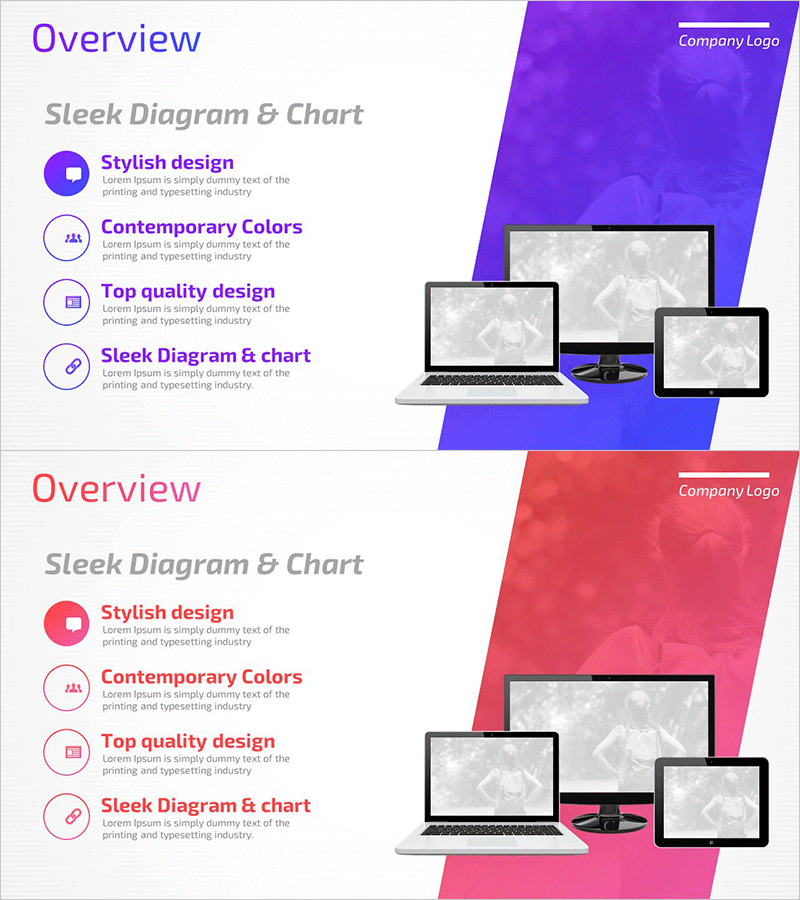
Mobile App Service Business Overview – Sleek Diagram
RM0300016_4
- Last Update 02/11/2025
- File Size 2MB
- # of Slides 2
- File Format PPTX
- Slide Ratio 16:9
- Color
Keywords
- #Content-Based Slides
- #Design-Based Slides
- #Company Introduction
- #Business Introduction
- #Diagram
- #Other
- #Company Overview
- #Business Overview
- #Cluster
- #Closed Cluster Diagram
- #Mockup
- #16:9
- #device mockup PowerPoint slide
- #mobile app presentation template
- #app service overview slide
- #multi-platform mockup design
- #app UI introduction PPT
About the Product
A device mockup-based PowerPoint slide designed to visually communicate mobile app service business overview. The slide features three device mockups—laptop, tablet, and smartphone—arranged to intuitively represent multi-platform service scope. Available in two color variations: purple and pink, each slide includes four circular icon text boxes to highlight key features. Instantly applicable for app-based business introductions, service platform explanations, and technology architecture presentations.
Usage Points
-
Main Usage
Express the platform scope and user touchpoints of mobile app-based services through multi-device mockups. Ideal for app developers, fintech companies, e-commerce platforms, and social networks to communicate service accessibility and technical reach at a glance.
-
How to Use
Insert app screenshots or UI images into each device mockup area, or add text descriptions to differentiate platform-specific features. Populate the four circular icon text boxes on the left with key features (usability, performance, security, scalability) to emphasize service value.
-
Recommended For
Recommended for mobile app developers, startups, and IT companies presenting at business briefings, investment pitches, and technology seminars. Particularly suited for introducing multi-platform services (iOS, Android, web), explaining app-based business models, and user experience (UX)-focused presentations.
-
Slide Structure
Two-slide composition. Each slide features three device mockups (laptop, tablet, smartphone) positioned on the right side against a purple or pink gradient background, with an 'Overview' title and four circular icon text boxes (stylish design, contemporary colors, top quality, mockup-based diagram) arranged on the left.
Related Products
-
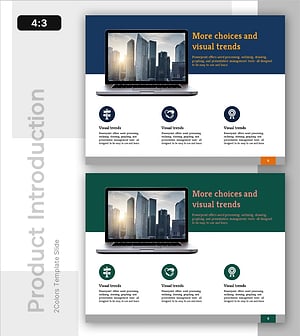
Company Info & Organizational Snapshot - Modern Business Insights
#Company Introduction #Business Introduction #Diagram
-
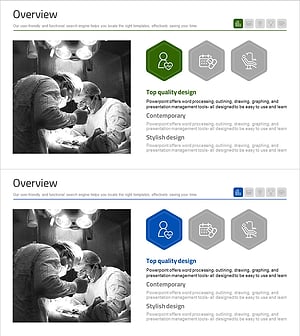
Medical Business Services Overview – Innovation and Trust
#Company Introduction #Business Introduction #Diagram
-
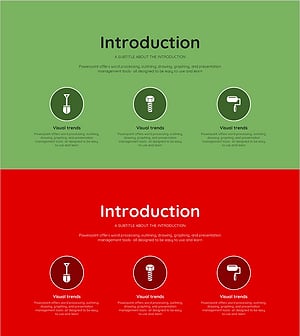
Introduction to Green Red Product Service – Business Insight
#Company Introduction #Business Introduction #Diagram
-
Corporate Business Overview and Growth Strategy – Data Cluster Design
#Company Introduction #Business Introduction #Diagram
