



Introduction to Green Red Product Service – Business Insight
RJ0300028_4
- Last Update 04/25/2025
- File Size 0.1MB
- # of Slides 2
- File Format PPTX
- Slide Ratio 16:9
- Color
Keywords
- #Content-Based Slides
- #Design-Based Slides
- #Company Introduction
- #Business Introduction
- #Diagram
- #Company Overview
- #Business Overview
- #Cluster
- #Closed Cluster Diagram
- #16:9
- #circular icon PowerPoint slide
- #cluster diagram presentation
- #3-item comparison slide
- #product introduction PPT
- #dual-tone background template
- #how to create icon slides in PowerPoint
About the Product
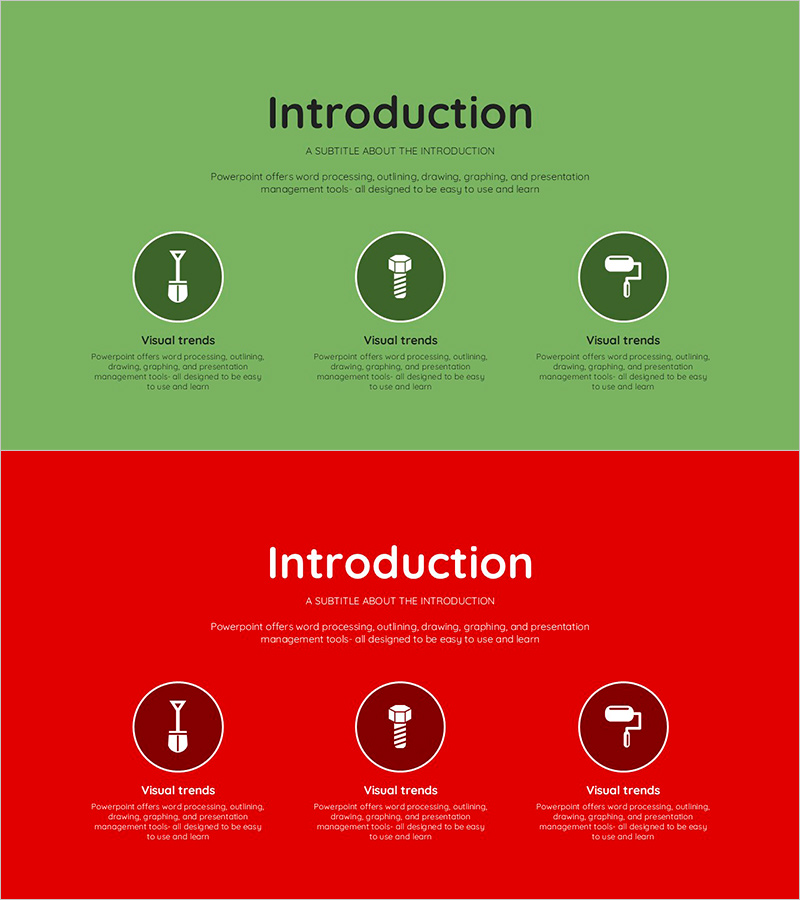
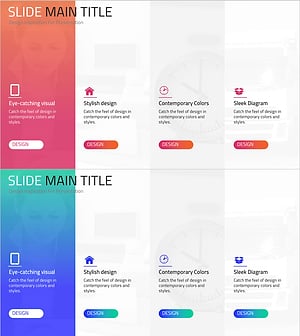
A 2-slide PowerPoint presentation template optimized for product and service introduction presentations. Features a cluster diagram with 3 circular icons arranged on green and red dual-tone backgrounds, allowing you to emphasize key messages for each item. The title, subtitle, and description text areas are clearly defined, making it immediately applicable for corporate insights, business overviews, and service explanations. The 16:9 widescreen format adapts perfectly to modern presentation environments, and colors and icons are fully editable to match your brand identity.
Usage Points
-
Main Usage
Visually emphasizes three key features or aspects of your product or service through a structured cluster diagram. The clear hierarchy between circular icons and text areas captures audience attention, improving information delivery efficiency in corporate insights and business overview presentations.
-
How to Use
Enter your presentation topic in the title area and add descriptive text below each circular icon. Alternate between green and red background slides to clearly mark section transitions, or use a consistent color for unified presentation flow. Icons and background colors can be customized to match your corporate brand guidelines.
-
Recommended For
Ideal for product introductions, service descriptions, business overviews, and corporate insight presentations. Suitable for marketing teams, sales departments, planning teams, and executive reports. Effective for startup pitches and corporate briefing sessions.
-
Slide Structure
2-slide layout with each slide featuring a title and subtitle area at the top, followed by 3 circular icons arranged in a cluster formation in the center. Each icon has a dedicated text input area below it. The first slide uses a green background while the second uses a red background, providing visual variety throughout the presentation.
Related Products
-
Global Social Network Business Overview
#Company Introduction #Business Introduction #Diagram
-
Introducing a Future-oriented Program – Business and Innovation
#Company Introduction #Business Introduction #Diagram
-
Nature Theme Business Introduction Slide – Cluster Diagram Utilization
#Company Introduction #Business Introduction #Diagram
-
Mobile Service Business Overview – Utilizing Modern Diagrams
#Company Introduction #Business Introduction #Diagram
