



Business Strategy Structure Diagram – Strategic Visualization for Success
RM0300012_14
- Last Update 02/10/2025
- File Size 0.9MB
- # of Slides 2
- File Format PPTX
- Slide Ratio 16:9
- Color
Keywords
- #Content-Based Slides
- #Design-Based Slides
- #Business Vision and Strategy
- #Marketing Plan and Strategy
- #Diagram
- #Business Strategy
- #Marketing Strategy
- #Flow
- #Cluster
- #Linear Flow
- #Closed Cluster Diagram
- #16:9
- #closed-form cluster diagram PowerPoint
- #arrow diagram template
- #business strategy slide
- #organizational structure diagram
- #strategy visualization PowerPoint
- #how to create cluster diagram in PowerPoint
About the Product
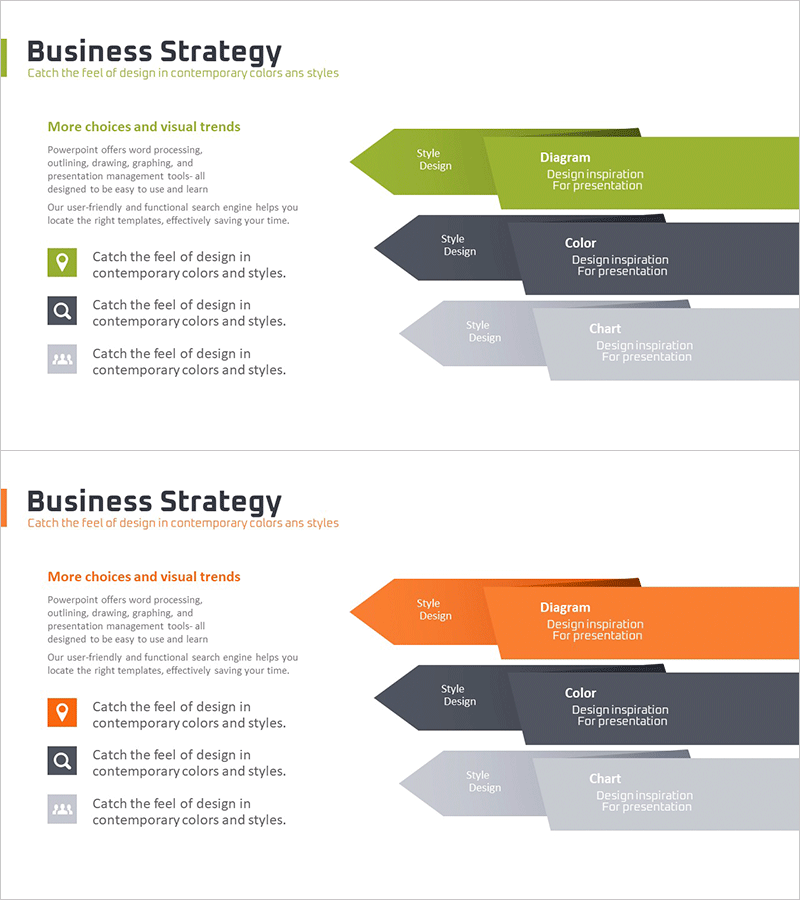
A closed-form cluster diagram PowerPoint slide designed to visualize business strategy and organizational structure. The arrow-shaped diagram features three distinct colors—lime green, charcoal gray, and light gray—to represent hierarchical relationships between core strategy elements and supporting components. Each section accommodates labels for style design, diagram type, color scheme, and chart elements, with dedicated icon and text areas on the left for additional context. Provided as a 2-slide deck in 16:9 widescreen format (PPTX), fully editable and ready for immediate use in presentations.
Usage Points
-
Main Usage
Effectively communicate multi-layered business strategies, marketing plans, organizational hierarchies, and process flows using a closed-form arrow diagram. The design emphasizes connections between core strategy elements and supporting details, enabling audiences to grasp the complete structure at a glance.
-
How to Use
Insert strategy categories (style design, diagram type, color, chart) into each arrow section and add descriptive text in the left icon area. Customize colors to match your organization's brand palette or adjust the number of nodes to create tailored strategic materials.
-
Recommended For
Ideal for executive presentations, business plans, marketing strategy documents, organizational restructuring reports, and strategic briefings. Particularly effective for consulting firms, marketing departments, business planning teams, and educational institutions presenting complex strategic frameworks.
-
Slide Structure
2-slide presentation featuring closed-form arrow diagrams in lime green, charcoal gray, and light gray. Each slide contains multiple arrow sections with title and description input areas, plus a left-side icon and supplementary text zone for enhanced context and visual hierarchy.
Related Products
-
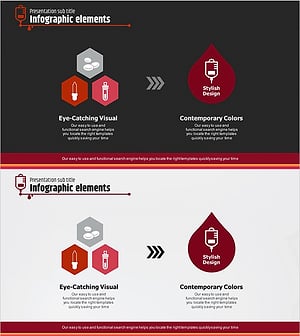
Blood Donation Marketing Strategy Diagram – Effective Data Visualization
#Business Vision and Strategy #Marketing Plan and Strategy #Diagram
-
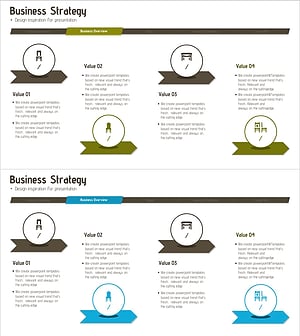
Sales Business Strategy by Furniture Segment – Designing the Future of Business
#Business Vision and Strategy #Marketing Plan and Strategy #Diagram
-
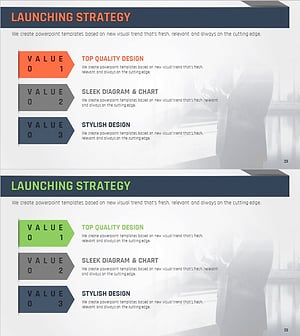
Presentation Slide for Differentiated Marketing Launch Strategy
#Business Vision and Strategy #Marketing Plan and Strategy #Diagram
-
Infographic Slide for Chemical Industry Vision – Innovation and Growth
#Business Vision and Strategy #Diagram #Business Strategy
