



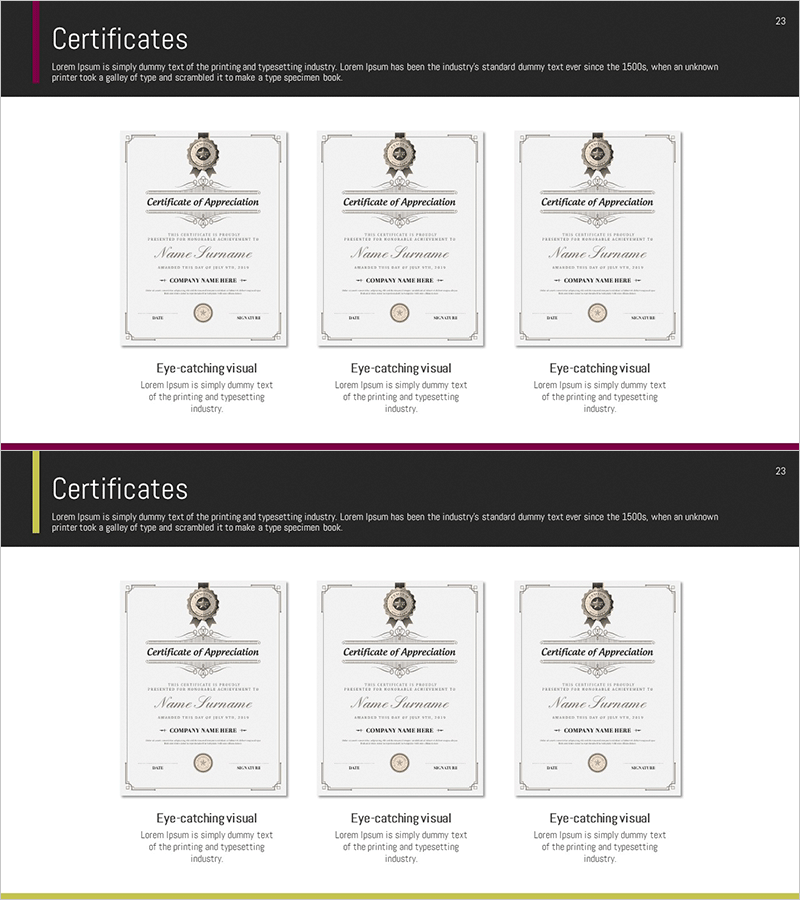
Introduction to Award Certification – Reliable Diagram
RM0300007_22
- Last Update 02/08/2025
- File Size 1.1MB
- # of Slides 2
- File Format PPTX
- Slide Ratio 16:9
- Color
Keywords
- #Content-Based Slides
- #Design-Based Slides
- #Company Introduction
- #Diagram
- #Awards and Certifications, and Patents
- #Cluster
- #Closed Cluster Diagram
- #16:9
- #closed cluster diagram PowerPoint
- #certification badge slide template
- #trust diagram presentation
- #how to create certification diagram in PowerPoint
- #credential visualization slide
About the Product
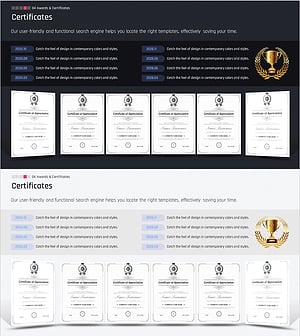
A closed cluster diagram PowerPoint slide that visually presents award certifications and credentials. Three certification elements are symmetrically arranged around a central badge, emphasizing organizational trustworthiness and expertise. Ideal for company profiles, business plans, and proposals where credibility is essential. The 16:9 widescreen format includes 2 slides ready for immediate editing, with fully customizable colors and text to match your brand identity.
Usage Points
-
Main Usage
Designed to visually communicate organizational awards, certifications, and credibility. The central badge connects to three surrounding certification elements in a closed cluster formation, reinforcing trust and professional standing. Ideal for company introductions, business proposals, pitch decks, and investor presentations where demonstrating organizational reliability is critical.
-
How to Use
Insert your primary certification or organizational logo in the central badge, then add specific credentials (ISO certifications, industry awards, quality certifications) in the three surrounding areas. Customize text and colors to align with your corporate branding, then the slide is ready for presentation.
-
Recommended For
Best suited for executives, marketing professionals, and sales teams who need to establish organizational credibility. Particularly effective for startups and new business divisions presenting to clients, demonstrating proven expertise and industry recognition in proposal presentations.
-
Slide Structure
2-slide set featuring a closed cluster diagram with one central badge and three symmetrically positioned surrounding badges. Each badge contains independent text fields for customization. The first slide includes a title area with the diagram, while the second slide presents the diagram structure alone for flexible layout options.
Related Products
-
Award Structure Diagram Slide – Certification and Patent
#Company Introduction #Diagram #Awards and Certifications, and Patents
-
Column about Excellent Service Quality – Highlighting Effective Collaboration and Certification
#Company Introduction #Marketing Plan and Strategy #Diagram
-
Analysis Table of Awards by Year – Data-Driven Insights
#Company Introduction #Diagram #Awards and Certifications, and Patents
-
Awards and Certificates Slide
#Company Introduction #Diagram #Awards and Certifications, and Patents
