



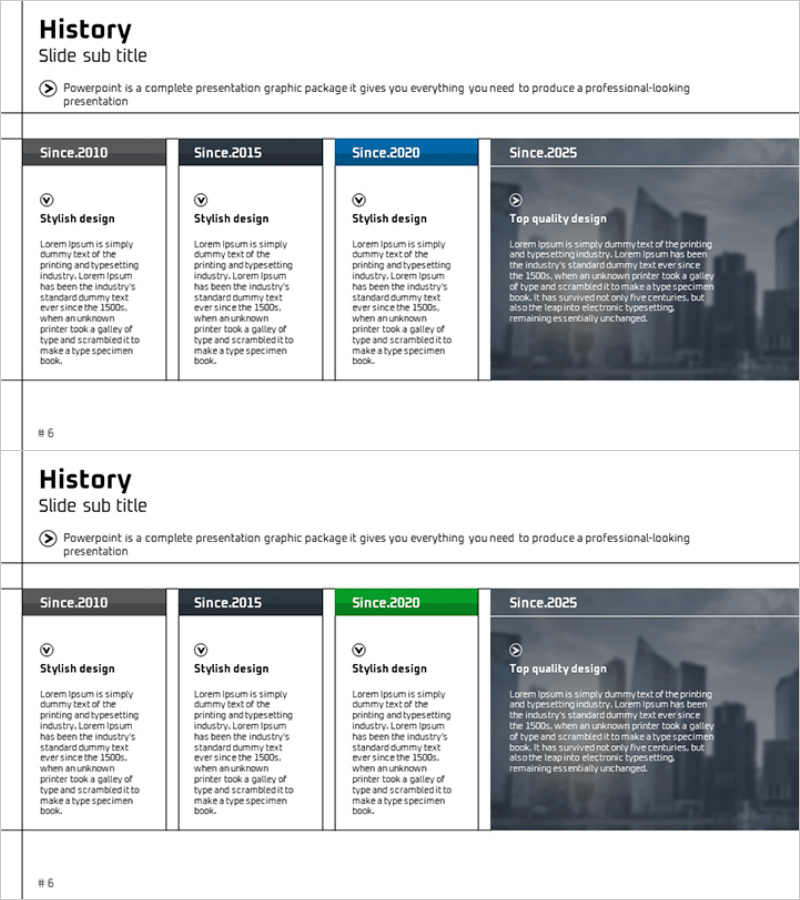
Grid Layout History Slides – Effective Timeline Visualization
RM0300003_5
- Last Update 02/07/2025
- File Size 2.7MB
- # of Slides 2
- File Format PPTX
- Slide Ratio 16:9
- Color
Keywords
- #Content-Based Slides
- #Design-Based Slides
- #Company Introduction
- #Diagram
- #History
- #Cluster
- #Closed Cluster Diagram
- #16:9
- #timeline diagram PowerPoint
- #company history slide template
- #grid layout presentation
- #4-stage timeline slide
- #how to create timeline in PowerPoint
- #corporate history template download
About the Product
A grid-layout PowerPoint slide template designed to present company history and development milestones across four distinct time periods. Each stage features dedicated areas for title, description text, and icon placement, with color progression that visually emphasizes the timeline flow. The 2-slide set includes two design variations—clean white background and color-coded accent version—ready for immediate use in presentations and corporate profiles. Delivered in 16:9 widescreen PPTX format, fully editable in all modern PowerPoint versions.
Usage Points
-
Main Usage
Communicate company milestones and development phases in chronological order using a clear visual structure. The four-stage grid layout enables audiences to quickly grasp the organization's growth trajectory, key achievements, and organizational evolution from founding to present.
-
How to Use
Insert into company overview sections of corporate presentations, investor pitch decks, and annual reports. Customize each grid cell with year, milestone title, and descriptive text; add icons to reinforce key achievements. Use color-coded version to highlight current status or critical turning points in company history.
-
Recommended For
Executives, marketing teams, and corporate communications professionals presenting company background to investors, partners, and new employees. Ideal for investor relations meetings, corporate onboarding sessions, and brand-building presentations where demonstrating organizational stability and growth is essential.
-
Slide Structure
2-slide set. Slide 1 features white background with 4 grid cells arranged left-to-right, each containing title area, description text field, and icon placeholder. Slide 2 uses identical layout with progressive color coding (blue, green, orange, gray) across stages to reinforce temporal progression.
Related Products
-

Business Flow Diagram – Company History and Direction
#Company Introduction #Business Strategy #Diagram
-
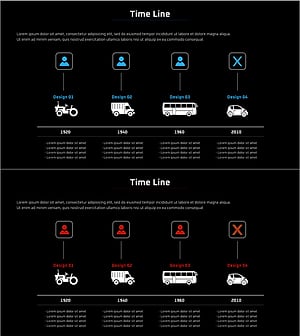
Visualizing the History of Automobile Development with a Diagram Slide
#Company Introduction #Business Introduction #Diagram
-
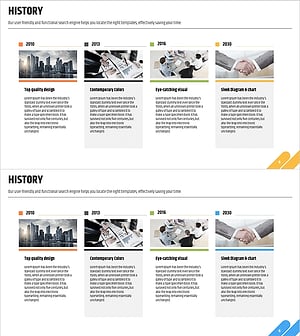
Company History Presentation Slides - Journey of Business Growth
#Company Introduction #Business Management #Diagram
-
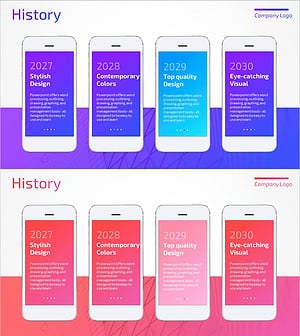
Mobile App Theme History Presentation Slide
#Company Introduction #Product/Service Introduction #Diagram
