



Awards Introduction Slide – Highlighting Key Achievements
RM0300003_21
- Last Update 02/07/2025
- File Size 0.3MB
- # of Slides 2
- File Format PPTX
- Slide Ratio 16:9
- Color
Keywords
- #Content-Based Slides
- #Design-Based Slides
- #Company Introduction
- #Diagram
- #Awards and Certifications, and Patents
- #Key Achievements
- #Cluster
- #Closed Cluster Diagram
- #16:9
- #award diagram PowerPoint
- #cluster diagram slide template
- #badge icon presentation
- #achievement highlight PPT
- #awards showcase slide
About the Product
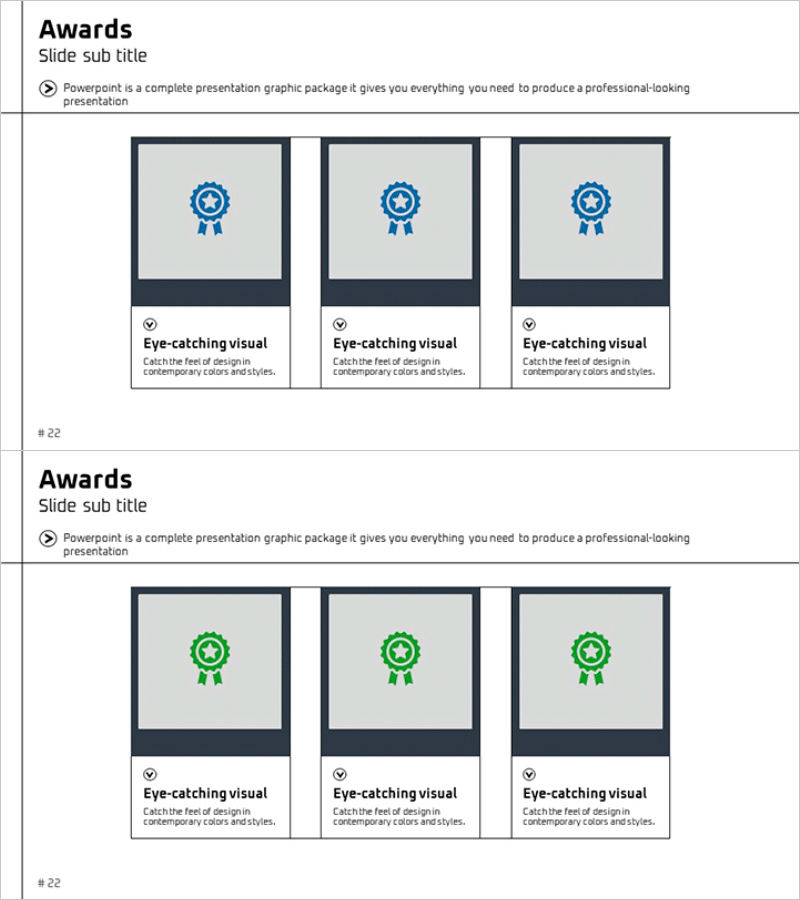
A PowerPoint slide featuring a closed-layout cluster diagram designed to highlight awards and key achievements. The slide showcases three award items arranged around a central badge icon, using blue and green ribbon badge icons to create visual impact. Each item includes an 'Eye-catching visual' text area for entering award details and descriptions. Composed of 2 slides in 16:9 widescreen format, this presentation template effectively communicates corporate credibility and accomplishments in company introductions, business plans, and investor pitch decks.
Usage Points
-
Main Usage
This slide is designed to visually highlight corporate awards, certifications, and patents as key achievements. The closed-layout cluster arrangement with a central badge emphasizes the importance and credibility of award accomplishments.
-
How to Use
Use this slide in the 'Key Achievements' section of company introductions, 'Competitive Advantages' page of business plans, or 'Corporate Credibility' slides in investor pitch decks. Customize each badge item by entering award names, issuing organizations, and award years in the text areas.
-
Recommended For
Recommended for corporate executives, marketing professionals, business development teams, and investor relations specialists who need to emphasize corporate credibility and achievements. Particularly effective for B2B sales presentations, partnership proposals, and customer trust-building presentations.
-
Slide Structure
Composed of 2 slides: the first features 3 blue badges and the second features 3 green badges arranged in a closed cluster layout. Each badge is center-aligned with an 'Eye-catching visual' text input area below for intuitive award content expression.
Related Products
-
Cluster Diagram Visualizing Performance by Year
#Company Introduction #Diagram #Awards and Certifications, and Patents
-
Award History Certification Diagram – Visualizing Achievements
#Company Introduction #Diagram #Awards and Certifications, and Patents
-
Slide Introducing Awards by Category
#Company Introduction #Diagram #Awards and Certifications, and Patents
-
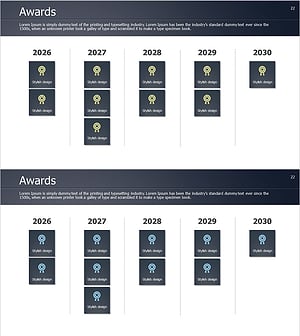
Awards by Year – Achievement Sharing
#Company Introduction #Diagram #Awards and Certifications, and Patents
