



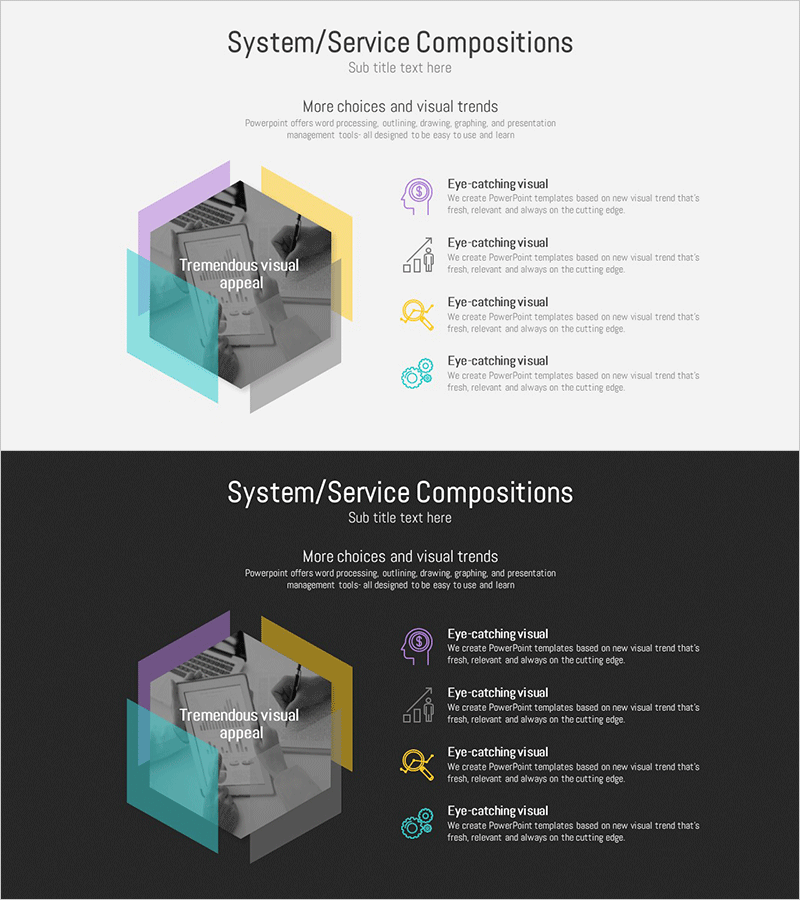
Hexagon Service Composition Diagram – Integrated Visualization
RM0200008_24
- Last Update 02/03/2025
- File Size 1MB
- # of Slides 2
- File Format PPTX
- Slide Ratio 16:9
- Color
Keywords
About the Product
A PowerPoint slide optimized for technical presentations, featuring a service composition diagram with a hexagonal design. The slide uses four color layers (purple, yellow, cyan, and gray) to intuitively represent system architecture. The central core service and four functional areas on the right are distinguished by icons and text, clearly visualizing complex technical structures. The 2-slide set includes both light and dark background versions, ready for immediate use in any presentation environment. The PPT slide allows free text editing, making it easy to modify service names and function labels.
Usage Points
-
Main Usage
Designed to help audiences grasp the complete service or system composition at a glance during technical presentations. The hexagon diagram expresses the central core service and four surrounding functional areas, clearly conveying hierarchical relationships.
-
How to Use
Use in technical presentations, product introductions, and system implementation case explanations. Enter the core service name in the center text, add key functions to the four right-side areas, and replace icons to create a customized composition diagram. Choose between light or dark background versions depending on your presentation environment.
-
Recommended For
Ideal for IT, software, telecommunications, and cloud company technical presentations; system integration (SI) project proposals; product architecture explanations; and investor-focused technical briefings. Effective for technical teams, development teams, and solution architects explaining complex systems to non-technical stakeholders.
-
Slide Structure
The set consists of 2 slides. Each slide includes one title area, one central hexagon diagram (with editable core service text), and four functional areas on the right (each with editable icon, title, and description text), providing a total of 9 text input areas per slide.
Related Products
-
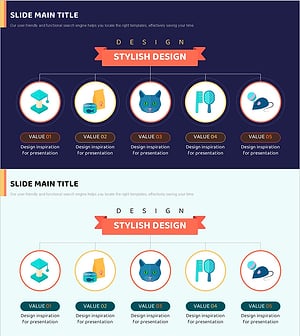
Pet Template Tree Structure – Optimized Visual for Service Diagram
#Technical Approach #Diagram #Service Architecture Diagram
-
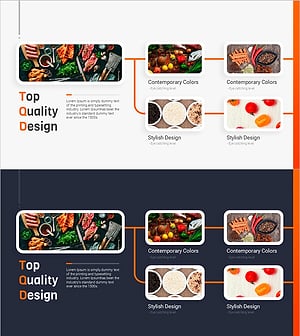
Innovative Diagram for Food Ingredient Composition
#Technical Approach #Diagram #Service Architecture Diagram
-
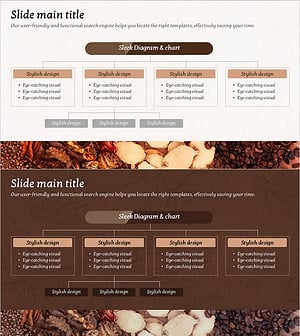
Brown Composition Diagram of the Background of Ingredients – Efficient System Structuring
#Technical Approach #Diagram #Service Architecture Diagram
-
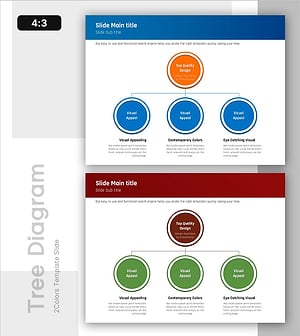
Organizational Structure Analysis - Efficient System Model
#Technical Approach #Diagram #Service Architecture Diagram
