



Business History Diagram – Visualizing Company Growth and Changes
RM0200006_5
- Last Update 02/02/2025
- File Size 0.8MB
- # of Slides 2
- File Format PPTX
- Slide Ratio 16:9
- Color
Keywords
About the Product
A timeline connection diagram PowerPoint slide that visualizes company growth and key milestones in chronological order. Four nodes are arranged alternately on both sides of a central vertical axis, with dedicated spaces for photos and text descriptions at each stage. The balanced layout of black-and-white images and text areas enhances credibility in company presentation history sections. Formatted in 16:9 widescreen ratio with 2 slides in editable PPTX format, ready for immediate customization.
Usage Points
-
Main Usage
Presents company milestones and growth journey from founding to present in chronological sequence. The timeline-based connection diagram emphasizes equal importance of each stage while maintaining continuity of time progression. Effectively communicates corporate history and growth narrative in company introductions, annual reports, and investor presentations.
-
How to Use
Enter year and key events in each node area, then insert representative images from that period in the left and right photo zones. Keep text concise for audience comprehension at a glance. Add colors or icons to differentiate each stage's characteristics, and highlight nodes sequentially during presentation for narrative flow.
-
Recommended For
Corporate communications teams, investor relations (IR) managers, company presentation speakers, marketing planners, and employee onboarding coordinators. Particularly effective when emphasizing major growth phases or storytelling the company's transformation journey to stakeholders.
-
Slide Structure
Four nodes arranged alternately on both sides of a central vertical axis. Each node includes year/title input area, left photo zone, and right text description area. Connection lines between nodes clearly express time progression, with 2 total slides expandable to 8 stages maximum.
Related Products
-
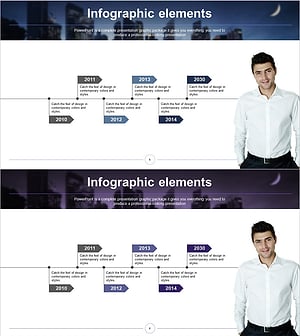
History Flag Shape Diagram - Company Growth and Vision
#Company Introduction #Diagram #History
-
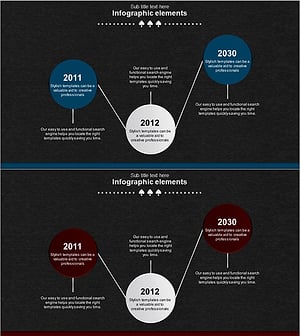
Spade Shape Theme History Diagram – Emphasizing Company Development
#Company Introduction #Diagram #History
-
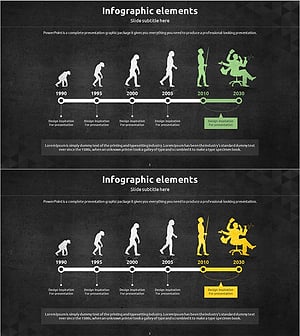
Silhouette History Diagram – Visualizing Evolution
#Company Introduction #Diagram #Other
-
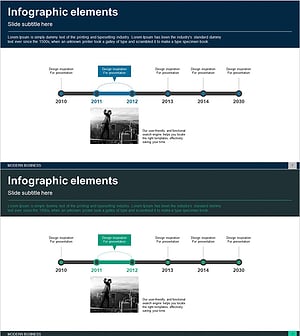
Business History Connection Diagram – Company Growth Story
#Company Introduction #Diagram #History