



Business Strategy Direction Slide – Growth and Innovation
RM0200005_18
- Last Update 02/02/2025
- File Size 0.3MB
- # of Slides 2
- File Format PPTX
- Slide Ratio 16:9
- Color
Keywords
About the Product
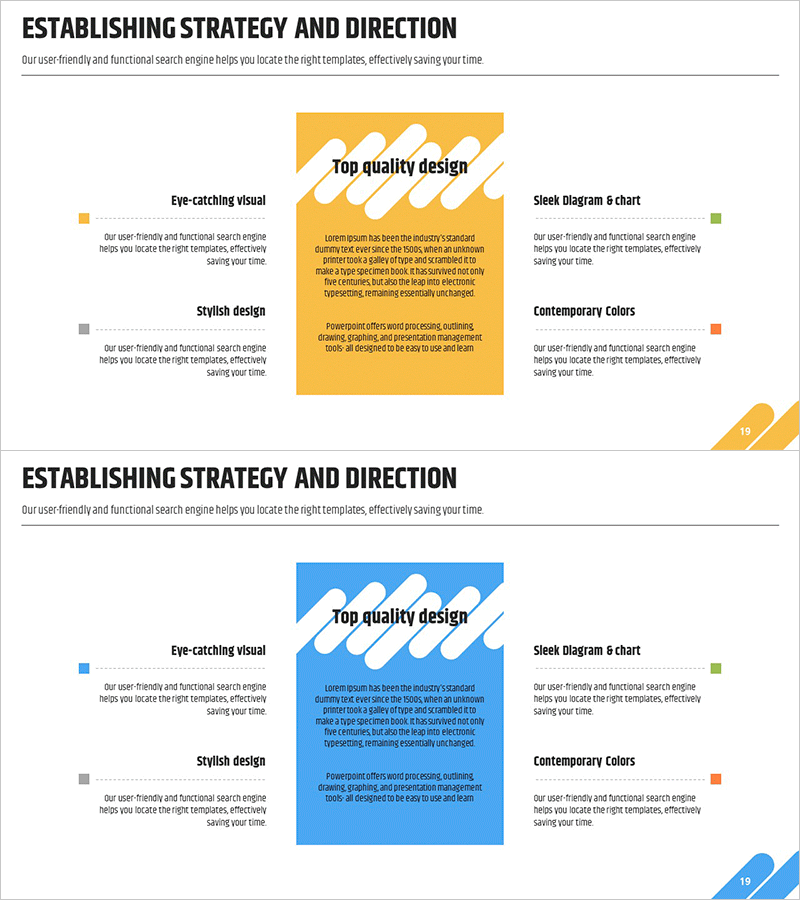
A strategic direction PowerPoint slide that clearly presents your company's future development path. Featuring a dynamic layout with yellow and blue dual-tone backgrounds and diagonal graphic elements, the left side displays four key strategic items (Eye-catching Visual, Stylish Design, Sleek Diagram & Chart, Contemporary Colors) in text boxes, while the right side features a highlighted central area to emphasize core messages. This 16:9 widescreen 2-slide set is ready to use for business vision, strategic objectives, and core competency presentations.
Usage Points
-
Main Usage
Visually communicate your company's future direction and strategic objectives with clarity. The four-area comparison layout presents key strategic items simultaneously, strengthening decision-making rationale and effectively persuading investors, employees, and partners about your company's direction.
-
How to Use
Enter key strategic items (vision, objectives, competencies, implementation plans, etc.) into the four left-side text boxes, and place your most important message or tagline in the right-side highlight area. The yellow and blue color scheme can be retained or customized to match your corporate brand colors. Use in business strategy, management plans, and IR materials' strategy sections.
-
Recommended For
Recommended for executives, strategy managers, and business development teams presenting corporate strategy to employees, investors, and partners. Particularly effective for emphasizing core direction in the strategy and vision sections of business plans, management reports, and investment pitch decks.
-
Slide Structure
Consists of 2 slides, each providing 6 editable areas: 1 title section, 4 left-side text boxes, and 1 right-side highlight area. The four-quadrant comparison layout ensures clear information hierarchy, while diagonal graphic elements guide visual flow.
Related Products
-
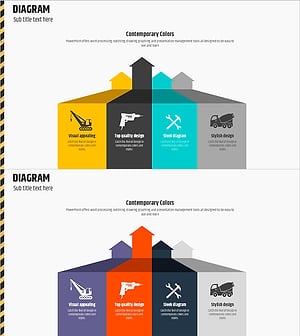
Construction Equipment Strategy Diagram - Flowchart for Business Success
#Business Vision and Strategy #Technical Approach #Diagram
-
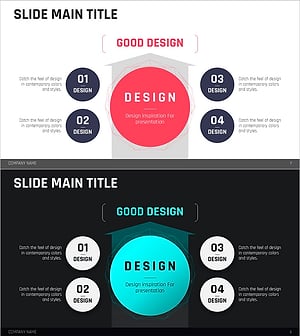
Red Blue Strategy Diagram - Business Vision and Future Development
#Business Vision and Strategy #Technical Approach #Diagram
-
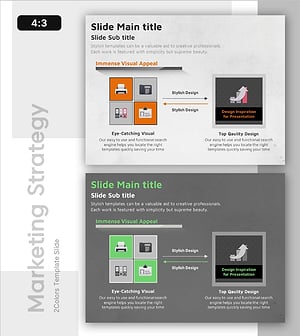
Performance Strategies Presentation Template – Vision for Increasing Sales
#Business Vision and Strategy #Technical Approach #Diagram
-
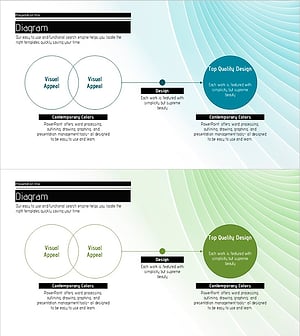
Detailed Diagram for an Effective Strategy
#Business Vision and Strategy #Technical Approach #Diagram
