



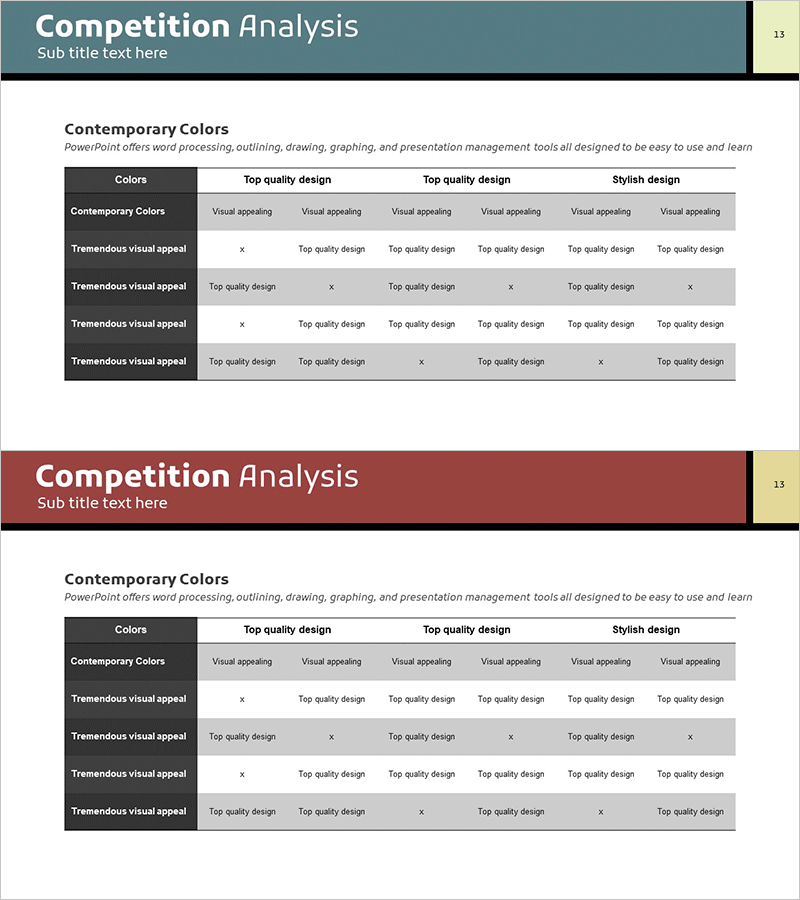
Competitor Analysis Checklist Table – Market and Competitor Analysis
RM0100007_12
- Last Update 01/26/2025
- File Size 0.4MB
- # of Slides 2
- File Format PPTX
- Slide Ratio 16:9
- Color
Keywords
- #Content-Based Slides
- #Design-Based Slides
- #Market and Competitor Analysis
- #Diagram
- #Competitor Analysis
- #Market Analysis
- #Table
- #16:9
- #competitor analysis PowerPoint slide
- #comparison table template
- #market analysis checklist
- #competitive positioning slide
- #how to create competitor analysis in PowerPoint
About the Product
A two-slide PowerPoint presentation for market and competitor analysis using a comparison table format. The first slide features a teal header with three columns (Top quality design, Top quality design, Stylish design) and four data rows with checkmark entries. The second slide repeats the same structure with a burgundy header. Each cell contains 'Visual appealing', 'Top quality design', or 'x' marks to display competitive strengths and weaknesses at a glance. Delivered in 16:9 widescreen PPTX format, fully editable and optimized for marketing strategy presentations and competitive positioning discussions.
Usage Points
-
Main Usage
Quantitatively compare competitor strengths and weaknesses to establish market positioning strategy. The checklist table format enables objective evaluation of product quality, design, pricing competitiveness, and other competitive factors to support decision-making.
-
How to Use
Use in business strategy presentations, investor pitch decks, and competitive analysis sections of marketing plans. Replace header text and row labels with your competitive factors, then update each cell's 'Visual appealing', 'Top quality design', or 'x' marks with actual evaluation results.
-
Recommended For
Marketing managers, strategy planning teams, executives preparing business reports, new business planners, and investor relations professionals conducting competitive environment analysis and differentiation strategy development.
-
Slide Structure
Two-slide deck, each containing one comparison table. Tables feature a color-coded header row (teal and burgundy) plus four data rows. Each row consists of an analysis item label and three evaluation columns. Total of 20 editable text areas (3 headers + 4 row labels + 13 data cells) for complete customization.
Related Products
-
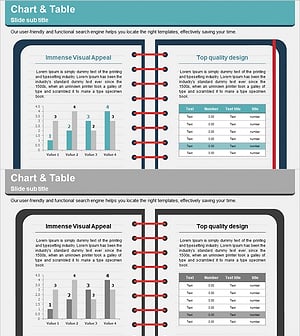
Note Illustration Theme Chart – Market Analysis and Competitor Insights Tool
#Market and Competitor Analysis #Diagram #Graph
-
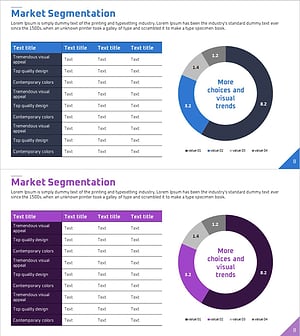
Market Segmentation Analysis Table & Donut Chart for Market Insights
#Market and Competitor Analysis #Diagram #Graph
-

Depression Self-Assessment Checklist & Mental Health Evaluation Slide
#Market and Competitor Analysis #Diagram #Competitor Analysis
-
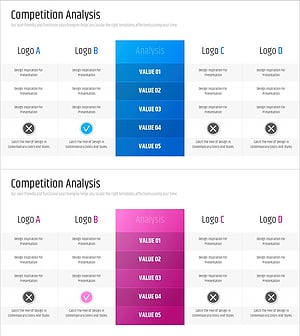
Competitor Brand Logo Analysis - Effective Market Research
#Market and Competitor Analysis #Diagram #Competitor Analysis
