




Key Benefits Slide for Global Language Study Abroad Program
RJ0600111_3
- Last Update 01/26/2026
- File Size 26MB
- # of Slides 2
- File Format PPTX
- Slide Ratio 16:9
- Color
Keywords
About the Product
A PowerPoint slide that visualizes the core benefits of a global language study abroad program using a 3-step checkmark layout. This presentation template clearly communicates three key values: language skills development, career advancement, and global network building. The design features a contrasting color scheme with blue and orange accents that emphasize the importance of each benefit, while the balanced arrangement of text and icons enhances readability. Ideal for educational institutions, language schools, and study abroad agencies to effectively present program value in marketing presentations and student recruitment events.
Usage Points
-
Main Usage
The primary goal is to clearly communicate three core values—language learning, career development, and global experience—to your audience. Checkmark icons combined with text emphasize the credibility and completeness of each benefit, supporting decision-making for program selection.
-
How to Use
Use this slide in program overview presentations for educational institutions, language schools, and study abroad agencies. It works effectively in student recruitment seminars, parent information sessions, and corporate training proposals where you need to highlight the program's differentiated value proposition.
-
Recommended For
Target users include education marketing managers, study abroad consultants, language school administrators, and educational service sales professionals. The slide is also suitable for student recruitment campaigns, program promotion materials, and investor pitch decks.
-
Slide Structure
The 2-slide set features the first slide with an orange curved accent line displaying 3 core benefits (language skills, career development, global network) marked with checkmark icons. The second slide repeats the same structure with a green curved accent for design consistency. Each slide contains 3 text input areas and 3 corresponding icons for balanced visual hierarchy.
Related Products
-
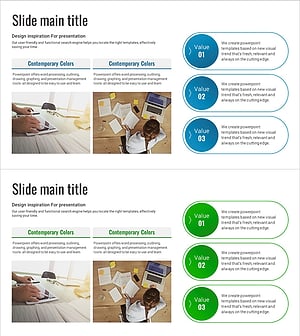
Summary Diagram of Analysis Results – Cluster for Product/Service Introduction
#Product/Service Introduction #Diagram #Program Introduction
-
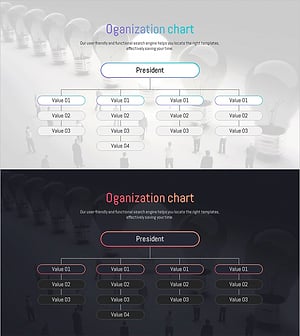
Introduction to Energy Business Services Slide - Cluster Diagram
#Product/Service Introduction #Diagram #Program Introduction
-
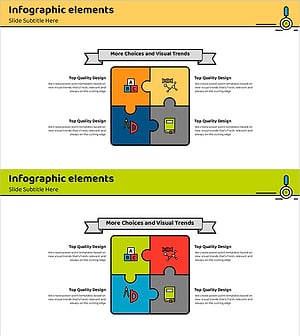
Educational Puzzle Connected Diagram – Program Introduction and Service Overview
#Product/Service Introduction #Diagram #Program Introduction
-
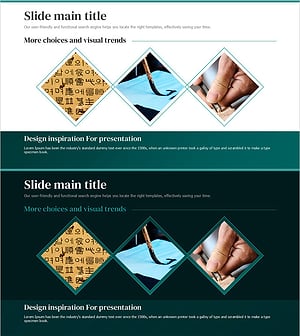
Presentation Template for Introducing Traditional Culture
#Product/Service Introduction #Program Introduction #Product and Service Overview
