



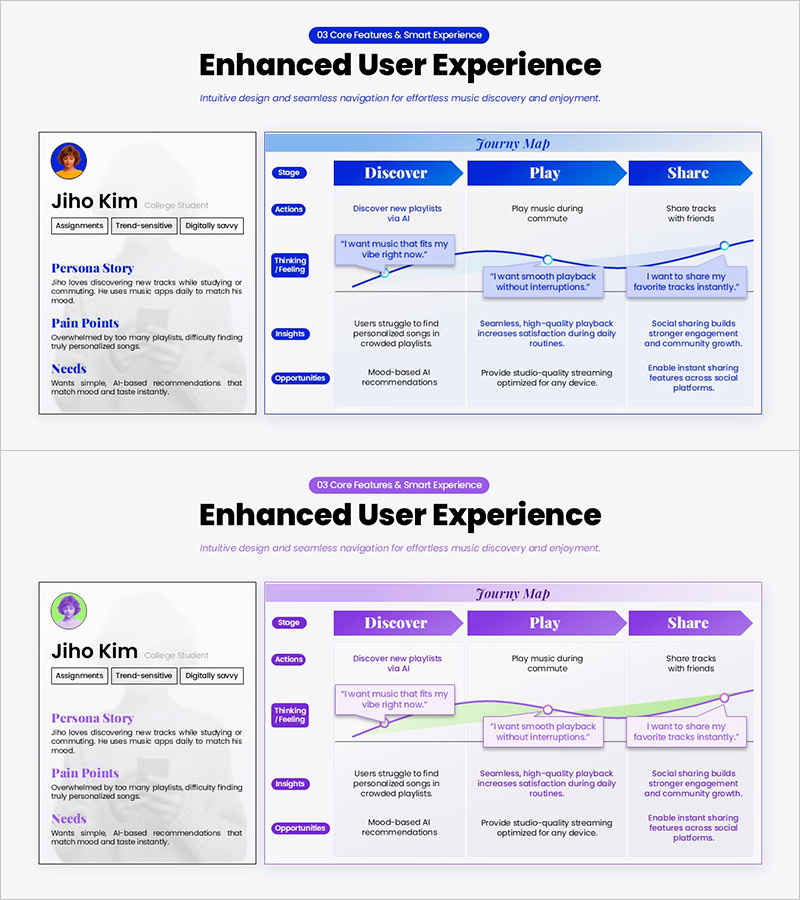
User Journey Map Slide for Music Platform UX Strategy
RM0700018_3
- Last Update 12/22/2025
- File Size 21.1MB
- # of Slides 2
- File Format PPTX
- Slide Ratio 16:9
- Color
Keywords
- #Content-Based Slides
- #Design-Based Slides
- #Market and Competitor Analysis
- #Diagram
- #Customer Analysis
- #Standard Table
- #16:9
- #user journey map PowerPoint
- #UX strategy presentation slide
- #service planning template
- #platform UX design diagram
- #customer experience map slide
- #product strategy presentation
About the Product
A comprehensive user journey map PowerPoint slide that visualizes the customer experience across a music streaming platform. This presentation template features a 4-stage flow (Discover-Play-Share) with persona information, touchpoints, emotional curve, and opportunity insights. The dual-color design with blue and purple backgrounds uses arrow connectors to illustrate user behavior paths and emotional transitions intuitively. Ideal for service planning presentations, product experience demonstrations, and AI recommendation strategy discussions.
Usage Points
-
Main Usage
Visualizes digital service user journeys stage-by-stage to communicate product strategy and UX improvement directions clearly. Integrates persona stories, touchpoints, emotional changes, and opportunity insights in a single view, enabling effective stakeholder communication and collaborative strategy development.
-
How to Use
Deploy in service planning presentations, product experience explanations, and platform UX design discussions. Track user behavior and emotions at each stage, identify improvement opportunities across the Discover-Play-Share flow, and facilitate workshops or stakeholder meetings for data-driven decision-making.
-
Recommended For
Recommended for product managers, UX designers, service strategists, and marketing professionals developing user-centric strategies. Applicable to music streaming, social platforms, and all digital services requiring user experience analysis and stakeholder alignment presentations.
-
Slide Structure
Two-slide template with first slide featuring blue background journey map (3-stage arrow flow: Discover-Play-Share, plus 4-row matrix: Persona, Touchpoints, Feeling, Opportunities) and second slide in purple background with identical structure. Each stage includes editable text areas for user insights and improvement recommendations.
Related Products
-
Customer Evaluation Feedback Table – Customer Analysis and Success Cases
#Market and Competitor Analysis #Customer Success Stories #Diagram
-
Businessperson Work Ability Analysis Graph – Successful Ability Assessment
#Product/Service Introduction #Market and Competitor Analysis #Diagram
-
Participation Rate and Exercise Schedule – Efficient Operations Plan
#Operational Plan #Market and Competitor Analysis #Diagram
-
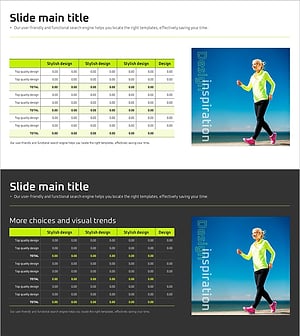
Slide Template for Sports Data Analysis – Understanding Market Trends and Information
#Market and Competitor Analysis #Financial Plans and Performance #Diagram
