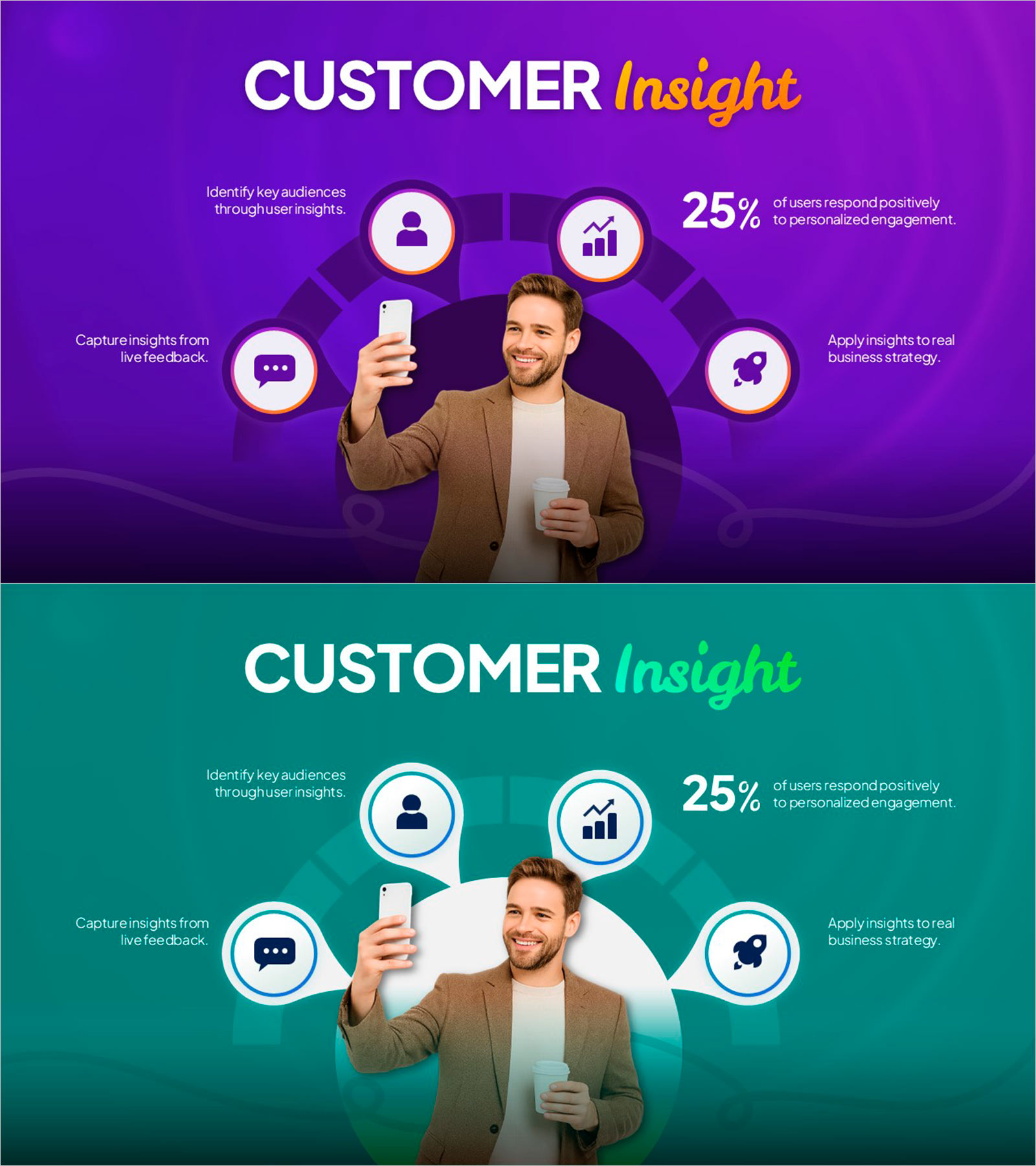
Customer Insight Data Visualization
RL0100099_3
- Last Update 11/19/2025
- File Size 2.4MB
- # of Slides 2
- File Format PPTX
- Slide Ratio 16:9
- Color
Slide Preview


Keywords
About the Product
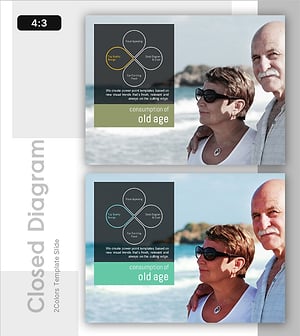
A 2-slide PowerPoint template for visualizing customer insights with a circular icon-based layout. Features five icons (user profile, analytics, messaging, targeting, strategy) arranged around a central image on purple and teal backgrounds. Includes space for statistics (25% conversion example) and real photography to communicate customer behavior analysis, marketing data, and CRM insights at a glance. Delivered in 16:9 widescreen PPTX format, fully editable in all presentation software for immediate use in customer segmentation, market research, and marketing strategy presentations.
Usage Points
-
Main Usage
Communicates customer insights and behavioral data through an intuitive circular diagram showing five key stages: audience identification, data capture, feedback collection, targeting, and strategy application. Supports marketing decision-making and customer segmentation strategy presentations.
-
How to Use
Insert into marketing strategy decks, customer analysis reports, and business intelligence presentations as the customer insights section. Add specific metrics, analysis findings, and behavioral data in the five text areas surrounding each icon. Replace the center image with relevant customer or product photography to enhance visual impact.
-
Recommended For
Marketing managers, data analysts, CRM specialists, and market research teams presenting customer behavior analysis, consumer insights, and targeted marketing strategies. Ideal for investor pitches, executive briefings, and marketing research result presentations.
-
Slide Structure
Two-slide set with purple and teal background variants. Each slide features five circular icons positioned around a central image area, with five text input zones (top-left, top-right, bottom-left, bottom-right, right-side statistics) enabling multi-data comparison and layered information presentation.