Target Customer Segment Analysis
RL0100099_2
- Last Update 11/19/2025
- File Size 7MB
- # of Slides 2
- File Format PPTX
- Slide Ratio 16:9
- Color
Slide Preview
Keywords
About the Product
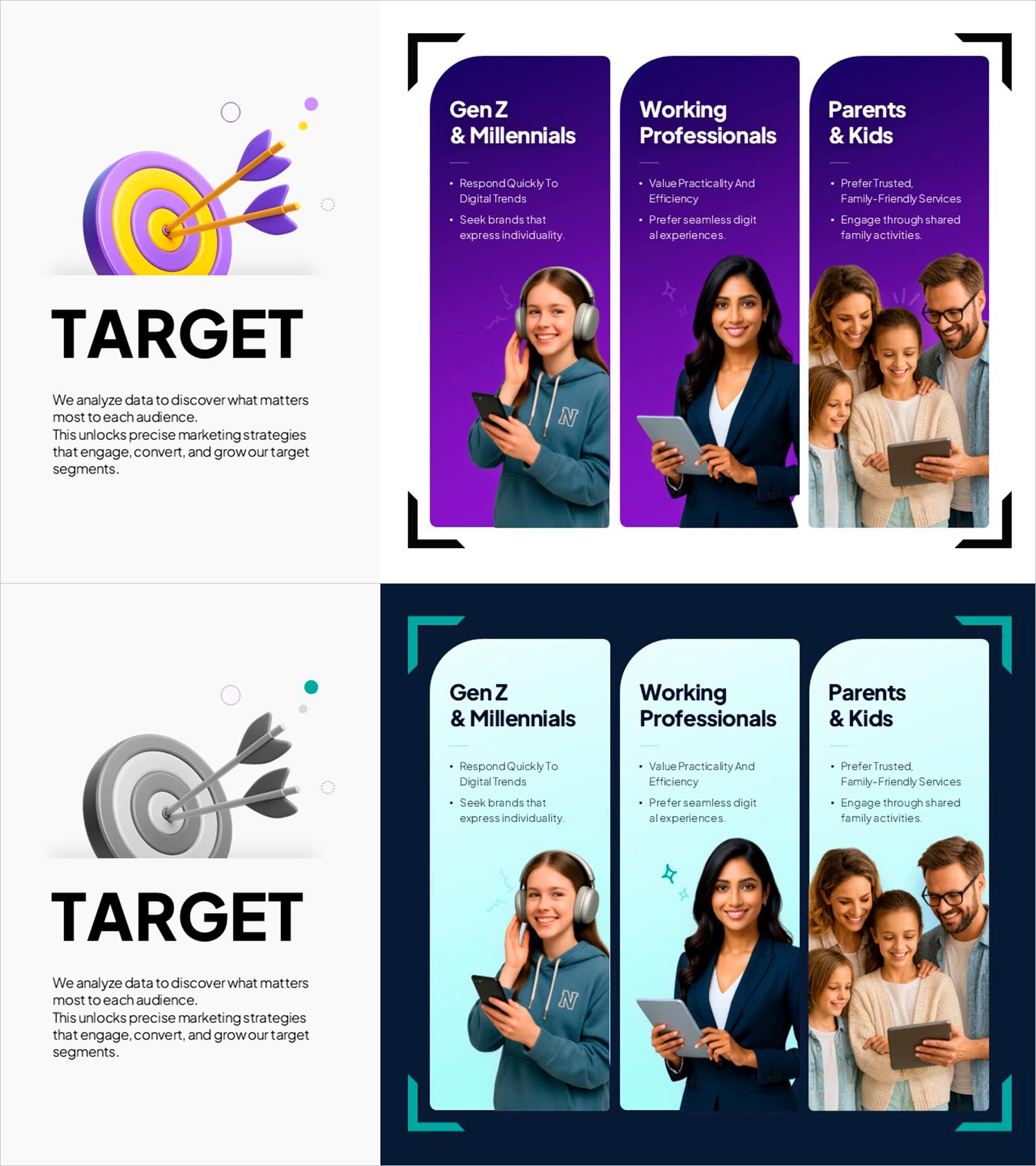
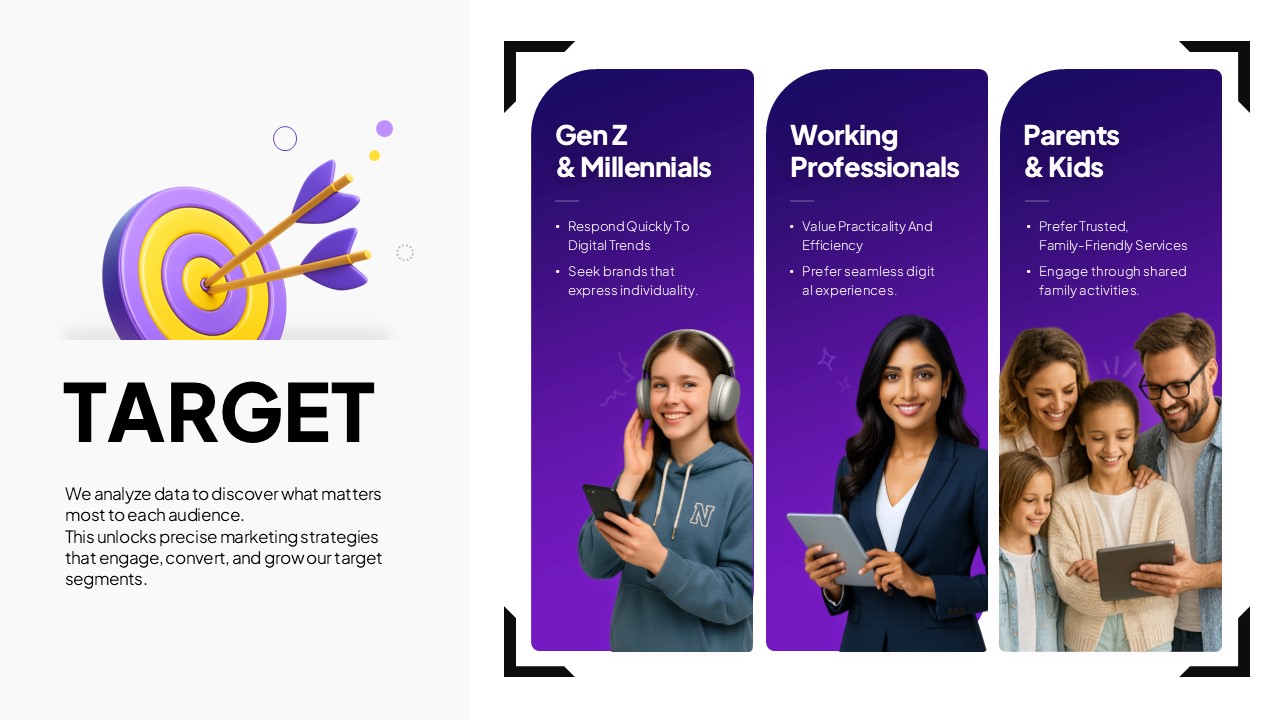
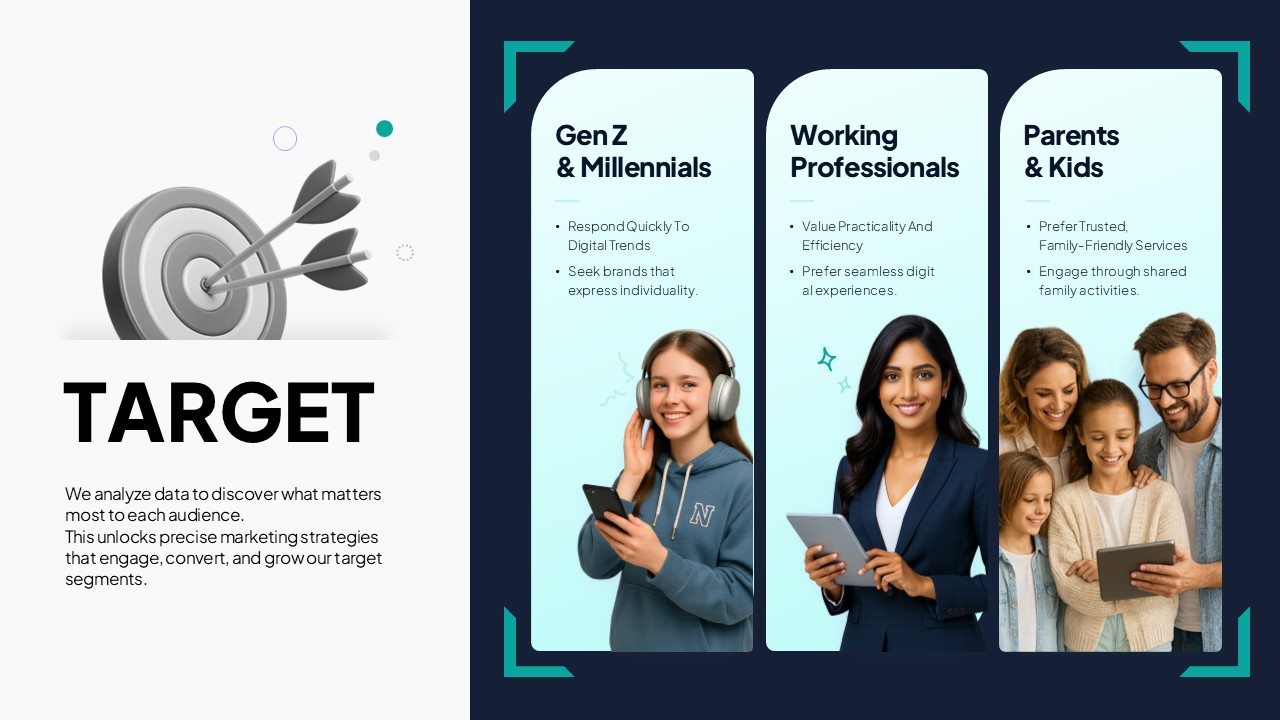
A PowerPoint slide that compares and analyzes three customer target segments—Gen Z & Millennials, Working Professionals, and Parents & Kids—across distinct sections. The first slide features a purple background with icons and photos visualizing each segment's characteristics, while the second slide presents the same structure in a light teal tone for flexible presentation contexts. Each segment includes key values, preferences, and defining traits in text boxes, with real-world personas to support immediate marketing strategy implementation. Optimized for customer segmentation, target marketing, and market analysis presentations.
Usage Points
-
Main Usage
Clearly define and compare target customer segments during marketing strategy development, analyzing each group's characteristics, preferences, and needs at a glance. Serves as core evidence for persona development and targeting strategy across demographic, professional, and family-based customer groups.
-
How to Use
Deploy in marketing planning presentations, market analysis reports, product launch announcements, and advertising strategy meetings as the customer segmentation analysis section. Input actual research data or insights into each segment's text boxes, and customize colors, icons, and photos to align with brand guidelines.
-
Recommended For
Marketing managers, strategists, sales teams, advertising agencies, market researchers, and product development teams use this slide to deepen customer understanding and justify target selection. Essential for B2C companies planning new ventures, campaign strategies, and customer experience improvement initiatives.
-
Slide Structure
Two-slide format. First slide: purple background with 3 vertical card sections, each displaying segment name, 3–4 characteristic bullet points, and persona photo. Second slide: identical information structure on light teal background for design flexibility. Each card is independently editable; segments can be added or removed with layout scalability.