



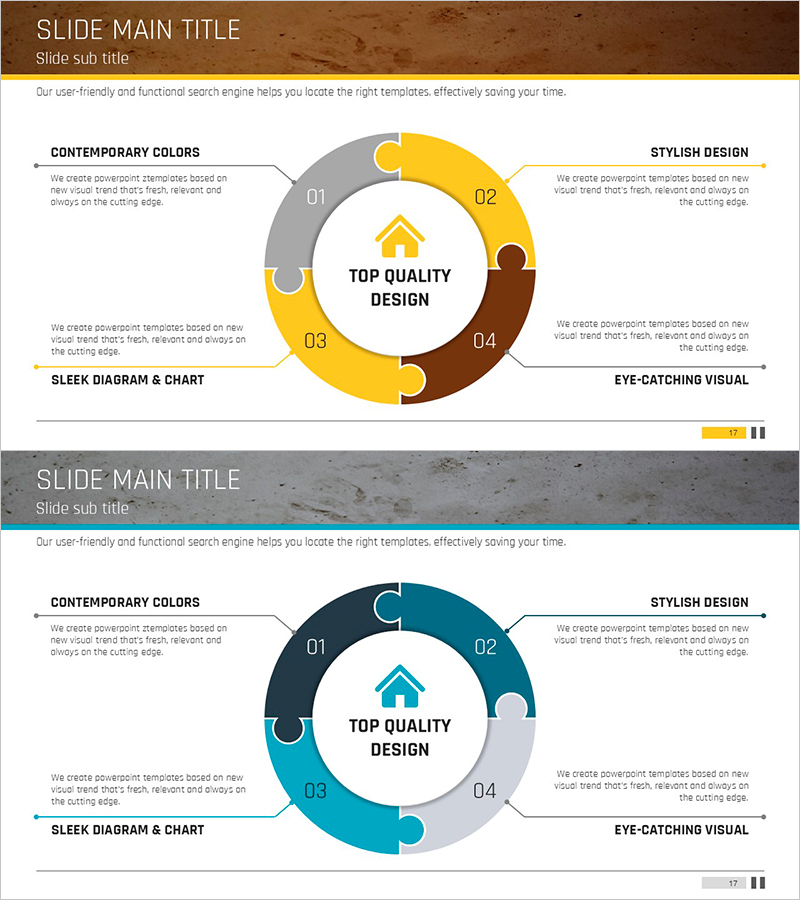
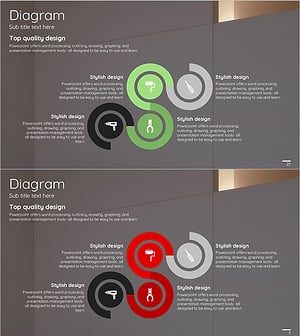
Circle Puzzle Connected Diagram for Operational Planning – Efficient Service Execution
RJ0900005_16
- Last Update 08/29/2025
- File Size 0.8MB
- # of Slides 2
- File Format PPTX
- Slide Ratio 16:9
- Color
Keywords
- #Content-Based Slides
- #Design-Based Slides
- #Operational Plan
- #Technical Approach
- #Diagram
- #Production and Technology Development Strategy
- #Service Implementation Plan
- #Cluster
- #Spread
- #Chain Diagram
- #Centralized Diagram
- #16:9
- #circle puzzle diagram PowerPoint
- #4-section connected diagram slide
- #operational planning visualization
- #radial cluster diagram
- #how to create connected diagram in PowerPoint
About the Product
A 4-section circle puzzle connected diagram PowerPoint slide designed for operational planning and service execution visualization. The structure radiates from a central concept outward to four directional segments, making it ideal for strategy mapping, technical architecture, and organizational role distribution. Features a brown background with yellow and gray accent colors, with dedicated text input areas in each section. Delivered as 2 editable slides in 16:9 widescreen format, ready for immediate use in business presentations, strategic planning decks, and project management slides.
Usage Points
-
Main Usage
Visualizes operational strategies, service execution plans, technical frameworks, and organizational responsibilities by radiating from a central concept to four independent yet interconnected segments. Enables stakeholders to understand how multiple functions or departments align with a core objective.
-
How to Use
Enter your core concept or objective in the central circle (e.g., Service Execution, Operational Goal). Fill each of the four segments with corresponding strategies, departments, or action items. Customize colors by segment to represent different categories, and add icons or additional text boxes to emphasize priorities.
-
Recommended For
Operations teams, strategy departments, technical teams, and marketing divisions presenting strategic plans, service rollout timelines, organizational structures, project execution frameworks, technology architecture overviews, and business model analyses.
-
Slide Structure
Central circular hub (labeled TOP QUALITY DESIGN) surrounded by four puzzle-piece segments numbered 01–04. Each segment includes a colored section and text input area. Color scheme alternates between brown, yellow, and gray across the four sections. Two slide variations provided with different color combinations, both in 16:9 format.
Related Products
-
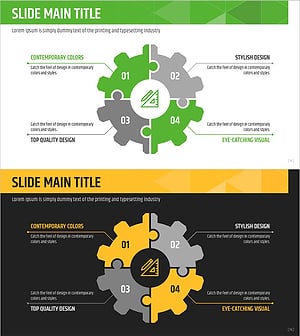
Design Technology Systems and Strategies – Emphasizing Strategies with Data Visualization
#Business Strategy #Operational Plan #Diagram
-
System Structure for Green Business Strategy – Innovative Design
#Operational Plan #Technical Approach #Diagram
-
Triangular Connection Diffusion Diagram – Clear Presentation of Services
#Technical Approach #Diagram #Service Operation Plan
-
Product Usage Process Diagram – Operations and Technical Aspect
#Operational Plan #Technical Approach #Diagram
