



Design Scheme and Final Stage Content – Structured and Intuitive Presentation
RJ0900034_17
- Last Update 08/26/2025
- File Size 6.1MB
- # of Slides 2
- File Format PPTX
- Slide Ratio 16:9
- Color
Keywords
- #Content-Based Slides
- #Design-Based Slides
- #Product/Service Introduction
- #Business Strategy
- #Diagram
- #Development Plan
- #Production Plan
- #Flow
- #Cluster
- #Circular Flow
- #Closed Cluster Diagram
- #16:9
- #closed-loop diagram PowerPoint
- #3-stage circular structure slide
- #central connection diagram template
- #business strategy PowerPoint
- #project phase visualization slide
About the Product
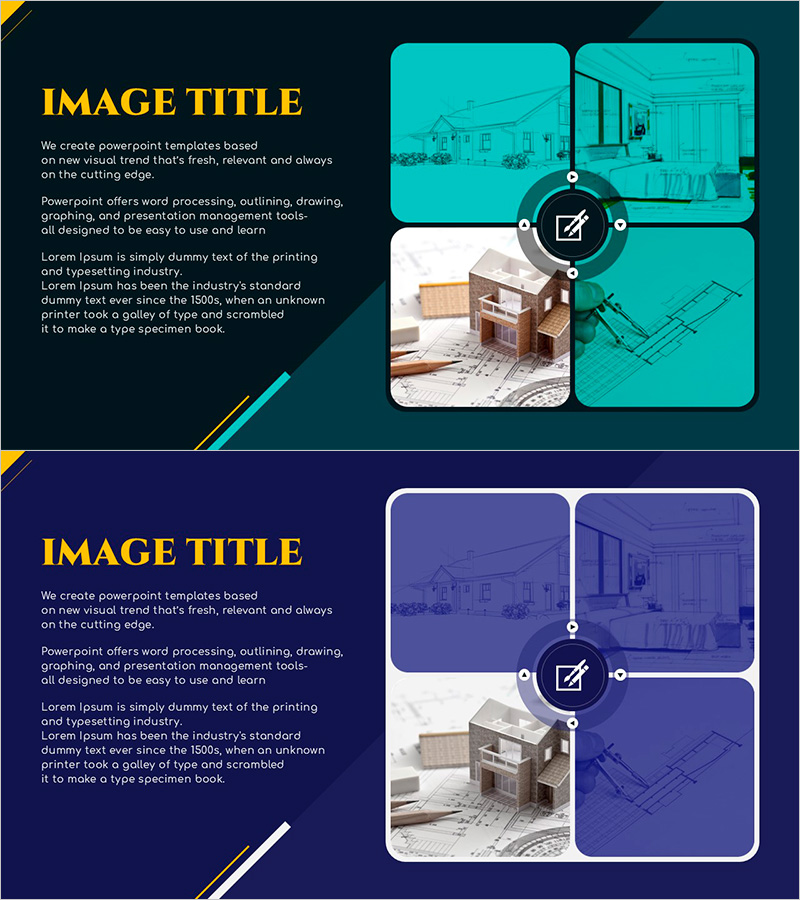
A closed-loop diagram PowerPoint slide designed to visualize business implementation strategies and final-stage content. Three image frames are arranged in a circular pattern around a central edit icon, representing design, planning, and execution phases in an intuitive flow. The turquoise background contrasts with white-bordered frames to clearly distinguish each stage, while arrows and nodes emphasize sequential progression. This presentation slide is ready to use for multi-phase project pitches in architecture, interior design, product development, and strategic planning.
Usage Points
-
Main Usage
Visualize the cyclical structure of design, planning, and execution phases during business planning, and clearly communicate project implementation strategy flow to audiences. The central edit icon symbolizes the possibility of revision and refinement at each stage, while the closed-loop structure emphasizes a complete cycle.
-
How to Use
Insert stage-specific visual materials (design drawings, construction photos, final results) into each image area, and add stage names, timelines, and responsible parties in text fields. Adjust arrow direction clockwise or counterclockwise to indicate project progression direction.
-
Recommended For
Ideal for planners, project managers, and sales professionals in architecture, interior design, product development, and marketing campaigns presenting business implementation strategies, investment pitch decks, and client progress reports.
-
Slide Structure
2-slide set. First slide features turquoise background with three image frames (top-left, top-right, bottom-center) arranged in circular pattern around central edit icon connected by arrows. Second slide presents identical structure with dark navy background, providing color variation option.
Related Products
-
Visualizing the Architectural Design Process – Business Success Strategy
#Product/Service Introduction #Business Strategy #Diagram
-
Coffee Speaking Box – Capturing Business Strategy
#Business Strategy #Operational Plan #Diagram
-
Flower Party Text Box – Stylish Organizer for Business Strategy and Operations
#Business Strategy #Operational Plan #Diagram
-
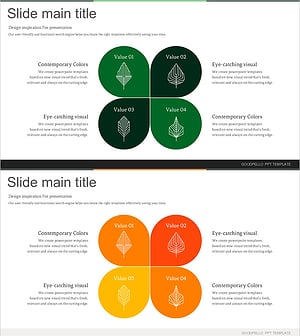
Four-Leaf Clover Diagram – Product Introduction and Business Strategy
#Product/Service Introduction #Business Strategy #Diagram
