



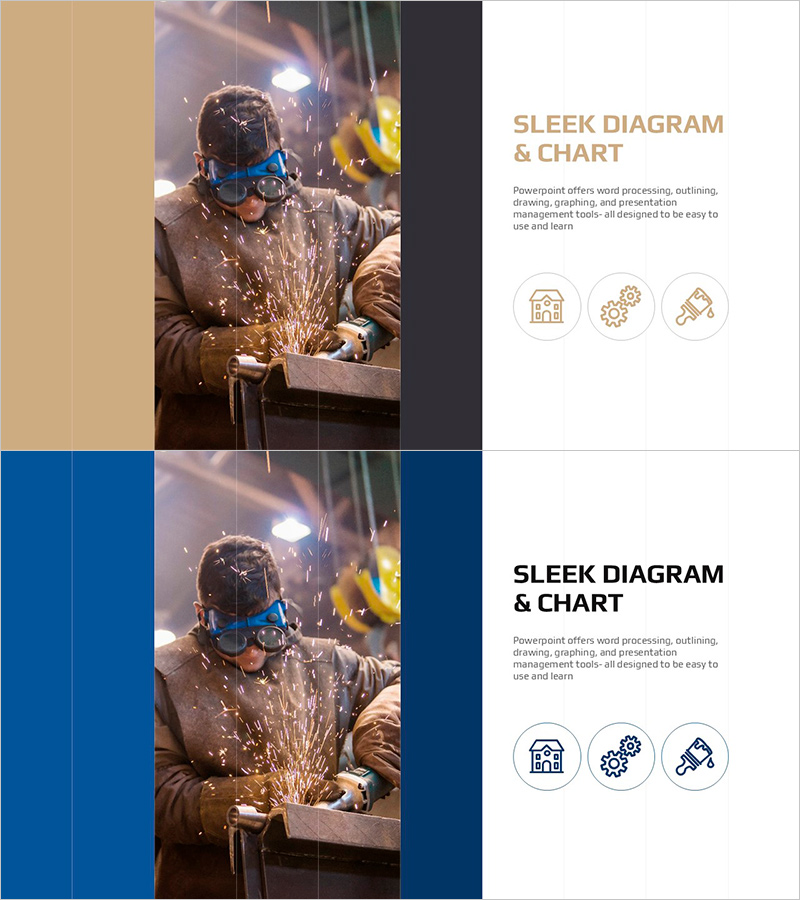
Construction Work Image and Text Page – Efficient Operations Planning
RJ0900031_21
- Last Update 08/25/2025
- File Size 10.1MB
- # of Slides 2
- File Format PPTX
- Slide Ratio 16:9
- Color
Keywords
- #Content-Based Slides
- #Operational Plan
- #Technical Approach
- #Post-Implementation Management & Maintenance
- #Service Implementation Plan
- #16:9
- #construction work PowerPoint slide
- #site operations image slide
- #photo text layout presentation
- #technical operations PPT
- #how to present construction projects in PowerPoint
About the Product
A professional PowerPoint slide designed to present construction and manufacturing project site operations effectively. The layout features a full-bleed high-resolution photograph on the left side with two text input areas on the right, allowing simultaneous presentation of work imagery and detailed descriptions. The beige, dark gray, and blue color palette emphasizes professionalism, while three icon elements visualize key functions. This slide template is ready for immediate use in operations planning, maintenance, and technical presentations.
Usage Points
-
Main Usage
Present construction, manufacturing, or engineering project site conditions visually while explaining operations planning, technical specifications, and maintenance information through text. The combination of actual work photography and structured text enhances audience comprehension and builds confidence in project execution.
-
How to Use
Insert site work photography in the left image area. Add project descriptions, technical details, timelines, and responsibility information in the upper and lower right text boxes. Use the three icons to highlight key functions or project phases. Adjust the color scheme to match your corporate brand guidelines.
-
Recommended For
Ideal for construction companies, manufacturers, and engineering firms presenting project updates, site condition reports, technical seminars, and investor presentations. Particularly effective for technical divisions, operations planning sections, and maintenance reports where credibility and professional expertise must be demonstrated.
-
Slide Structure
Two-slide template with each slide divided into left full-bleed photo area (approximately 50%) and right text area with two columns (each 25%). Upper right section accommodates titles and main content; lower right section holds supplementary information, metrics, and responsibility details. Three icon elements in the center reinforce information hierarchy.
Related Products
-
Eco-friendly Business Future Development Direction Diagram
#Technical Approach #Diagram #Future Development Roadmap
-
Overlapping Diagram for Business Strategy Visualization – Blue and Yellow
#Business Vision and Strategy #Technical Approach #Diagram
-
Carbon Neutral Profit Forecast and Expected Effect Diagram
#Technical Approach #Diagram #Service Implementation Plan
-
Eco-friendly Business Service Composition Plan - Cluster Diagram
#Business Strategy #Technical Approach #Diagram
