



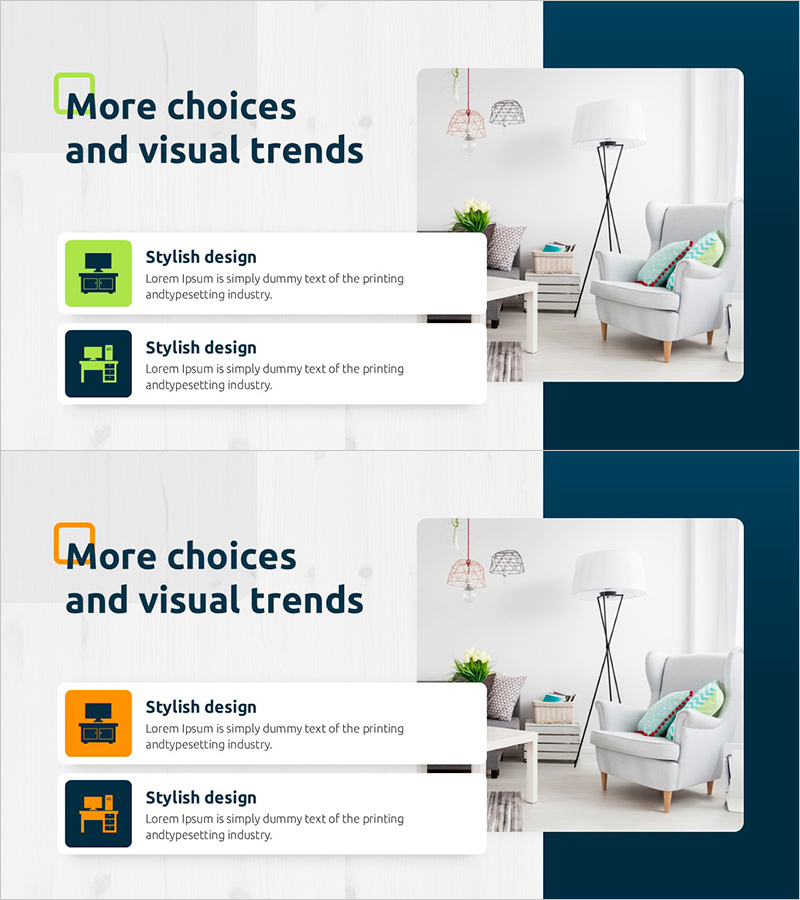
Product Features and Differences – Stylish Design
RJ0900029_22
- Last Update 08/25/2025
- File Size 1.1MB
- # of Slides 2
- File Format PPTX
- Slide Ratio 16:9
- Color
Keywords
About the Product
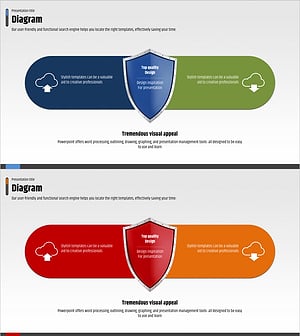
A 2-slide PowerPoint presentation designed to visually communicate product features and differentiation points. The contrasting lime green and navy blue backgrounds clearly distinguish two items, with icons and text areas strategically placed in each section to create an effective information hierarchy. This PPT diagram slide is ideal for product introductions, marketing materials, and comparative analysis presentations, optimized for 16:9 widescreen format. Provided in fully editable PPTX format, allowing you to customize text and icons for various comparison scenarios and business contexts.
Usage Points
-
Main Usage
Effectively compare product or service features against competitors, or visually contrast the pros and cons of two alternatives. With separated icon and text areas, each item's key information stands out clearly, making it suitable for product introductions, marketing plans, and sales presentations that guide decision-making.
-
How to Use
Enter product names or features into each section's text box and replace or adjust icons to match your brand identity. Maintaining the lime and navy contrast enhances visual impact, while background colors and icon colors can be modified as needed to adapt to different comparison scenarios.
-
Recommended For
Product managers, marketing professionals, sales executives, consultants, and corporate trainers benefit from this template for competitive analysis, product differentiation, and solution comparison presentations. Particularly effective in B2B proposals and investor pitch decks where presenting two options to guide selection is crucial.
-
Slide Structure
Two-slide layout with each slide featuring a lime or navy background, icon area, and text input section arranged horizontally or vertically. Icons serve as symbols representing each item's characteristics, while text areas accommodate titles and descriptive content, enhancing clarity in information delivery.
Related Products
-
Visualizing Features and Benefits with Radial Charts
#Product/Service Introduction #Diagram #Graph
-
Service Characteristics and Advantages – Blue and Orange Cluster Diagram
#Product/Service Introduction #Diagram #Features
-
Visualization of an Efficient Learning Plan – Efficiency and System
#Product/Service Introduction #Diagram #Features
-
Network Firewall Service Characteristics and Benefits – Strong Protection and Reliability
#Product/Service Introduction #Diagram #Features
