



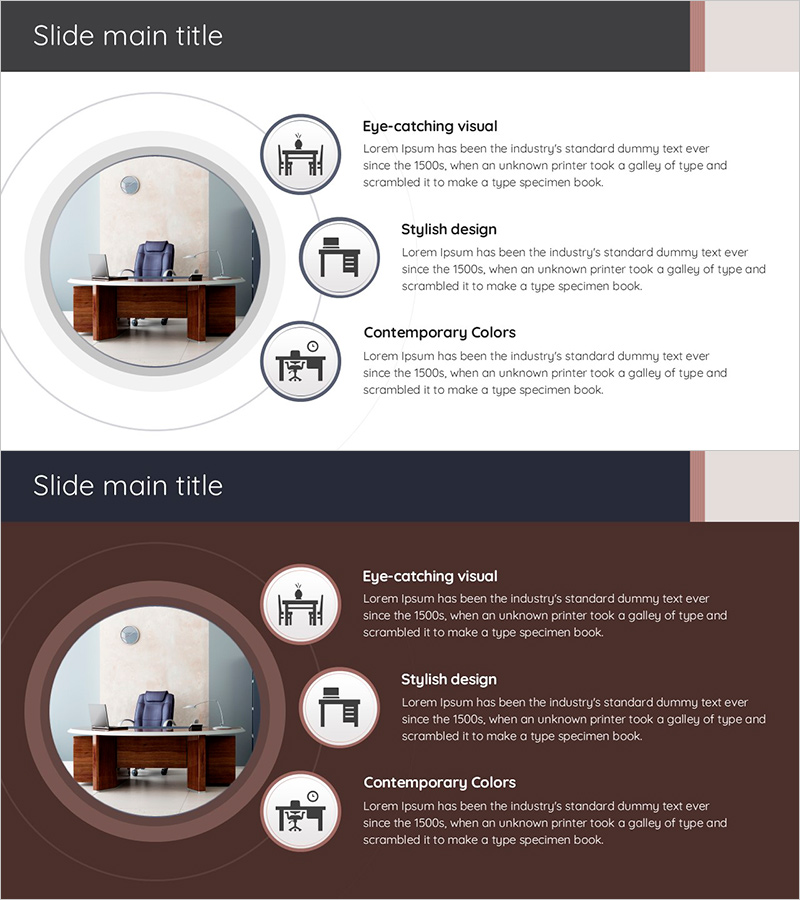
Desk Product Introduction Diagram – Emphasizing Product Features
RJ0900027_26
- Last Update 08/24/2025
- File Size 0.8MB
- # of Slides 2
- File Format PPTX
- Slide Ratio 16:9
- Color
Keywords
- #Content-Based Slides
- #Design-Based Slides
- #Product/Service Introduction
- #Diagram
- #Product/Service Introduction
- #Features
- #Spread
- #Radial Diagram
- #16:9
- #radial diagram PowerPoint slide
- #product introduction presentation template
- #3-point feature diagram
- #product showcase PPT
- #radial structure slide design
About the Product
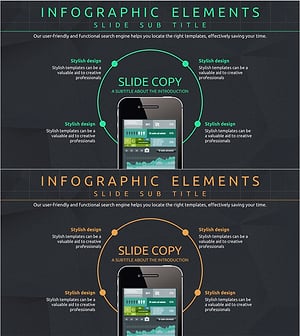
A radial diagram PowerPoint slide template designed for product introduction presentations. The template features a central product image surrounded by three circular icons arranged in a radial pattern to visually emphasize key product characteristics. Each feature point includes dedicated title and description text areas for clearly communicating product functions, design elements, and color specifications. The slide deck consists of 2 slides in 16:9 widescreen format, offering both light and dark background versions for flexible presentation styling. This presentation template is ready to use immediately for product launches, furniture showcases, electronics introductions, and corporate product demonstrations.
Usage Points
-
Main Usage
Maximizes visual impact by arranging three key product characteristics in a radial pattern around a central product image. Optimized for product introductions, new product launches, and marketing presentations to effectively communicate product advantages and key features.
-
How to Use
Insert your product photo in the central circular area and add product feature descriptions (functionality, design, color, performance) in the text areas next to each of the three circular icons. Customize the title and description text for each feature point to match your specific product information.
-
Recommended For
Product marketing managers, sales presentations, new product launch events, product catalog creation, B2B proposals for furniture and electronics companies, retail product explanation materials, and corporate product showcase presentations.
-
Slide Structure
2-slide set featuring light background version and dark background version. Each slide contains a central circular image area with three circular icons (desk icon, chair icon, workspace icon) positioned radially to the right, with dedicated title and description text input areas adjacent to each icon.
Related Products
-
Elegant Diagrams and Charts for Presentations
#Product/Service Introduction #Diagram #Other
-
Technology and Service Introduction and Characteristics Slide – Yellow and Red Highlights
#Product/Service Introduction #Diagram #Product/Service Introduction
-
Infographic Slide Emphasizing Audio Equipment Product Characteristics
#Product/Service Introduction #Diagram #Product/Service Introduction
-
Mobile Network Service Introduction and Characteristics – Key to Visual Communication
#Product/Service Introduction #Diagram #Other
