



Technology and Service Introduction and Characteristics Slide – Yellow and Red Highlights
RJ0400027_15
- Last Update 05/25/2025
- File Size 2.1MB
- # of Slides 2
- File Format PPTX
- Slide Ratio 16:9
- Color
Keywords
- #Content-Based Slides
- #Design-Based Slides
- #Product/Service Introduction
- #Diagram
- #Product/Service Introduction
- #Features
- #Spread
- #Radial Diagram
- #16:9
- #radial diagram PowerPoint
- #technology introduction slide template
- #service features diagram
- #3-node radial slide
- #how to create radial diagram in PowerPoint
About the Product
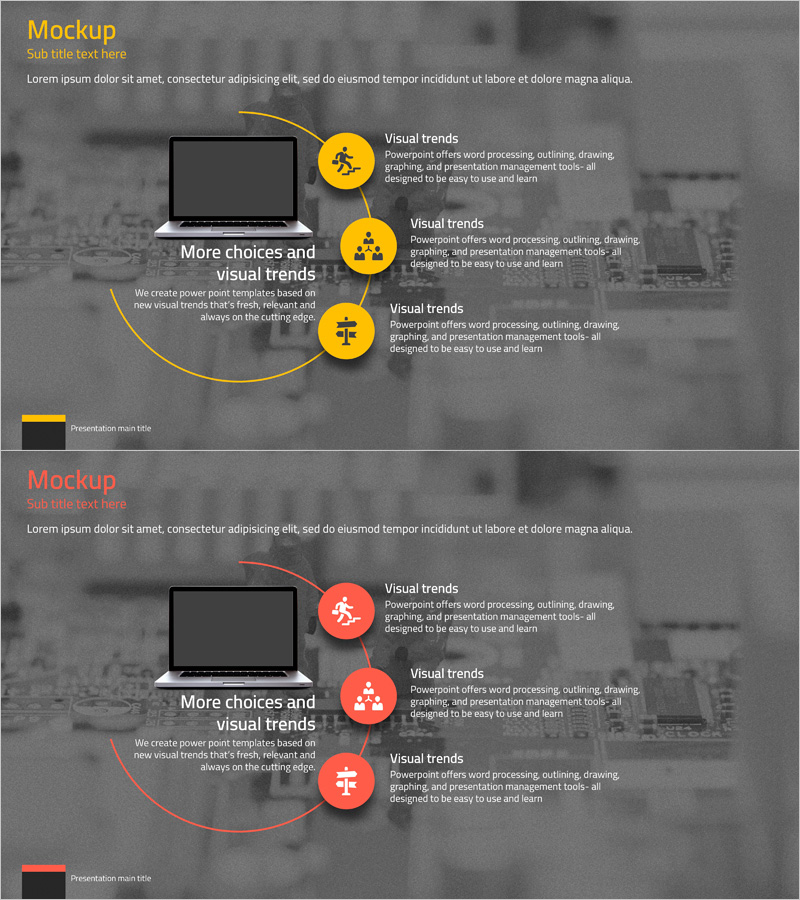
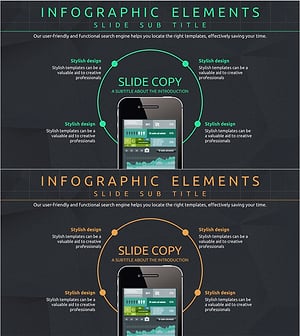
A radial diagram PowerPoint slide designed to visually communicate the core features of technology and services. This presentation template uses a central laptop mockup with three curved connecting lines that highlight three key functions, while yellow and red circular icons clearly distinguish each item. Composed of 2 slides in 16:9 widescreen format, it is ready to use for various presentation scenarios including company technology introduction, service feature explanation, and product differentiation emphasis. Each node's text area can be freely edited to incorporate your organization's specific messaging and branding.
Usage Points
-
Main Usage
Expresses core technology and service features through a center-to-periphery radial structure that enhances audience comprehension. The laptop mockup and curved connectors intuitively convey digital technology or IT service characteristics, while yellow and red accent colors effectively differentiate the importance of each item.
-
How to Use
Position this slide in the key content section of technology presentations, service introductions, or product feature explanations in B2B contexts. Replace the text and icons in each circular node with your organization's actual functions and features, and adjust the number of nodes or change colors to match your brand palette as needed. Using the slide master enables scaling this design across your corporate template library.
-
Recommended For
Ideal for IT and software companies explaining technology, startups introducing services, consulting firms presenting solutions, and manufacturers highlighting product characteristics. Particularly suited for scenarios requiring simultaneous presentation of 3–5 core functions or features, and for executive briefings or client presentations where visual impact is essential.
-
Slide Structure
Composed of 2 slides, each featuring a central laptop mockup with 3 curved arrows extending outward in a radial pattern. Yellow (top) and red (bottom) circular icons with text areas are positioned at each endpoint. The background uses a blurred cityscape image to reinforce professionalism and context.
Related Products
-
Infographic Slide Emphasizing Audio Equipment Product Characteristics
#Product/Service Introduction #Diagram #Product/Service Introduction
-
Desk Product Introduction Diagram – Emphasizing Product Features
#Product/Service Introduction #Diagram #Product/Service Introduction
-
Elegant Diagrams and Charts for Presentations
#Product/Service Introduction #Diagram #Other
-
Mobile Network Service Introduction and Characteristics – Key to Visual Communication
#Product/Service Introduction #Diagram #Other
