



Slide for Supporting Success with Legal System
RJ0900008_13
- Last Update 08/17/2025
- File Size 0.2MB
- # of Slides 2
- File Format PPTX
- Slide Ratio 16:9
- Color
Keywords
- #Content-Based Slides
- #Design-Based Slides
- #Operational Plan
- #Technical Approach
- #Risk Management and Regulatory Compliance
- #Diagram
- #Text Box
- #Organizational Structure and Staffing Plan
- #System Architecture Diagram
- #Legal and Regulatory Compliance
- #Spread
- #16:9
- #success support system PowerPoint slide
- #flow diagram PowerPoint
- #hierarchical structure slide
- #operational planning PPT
- #system flow presentation
About the Product
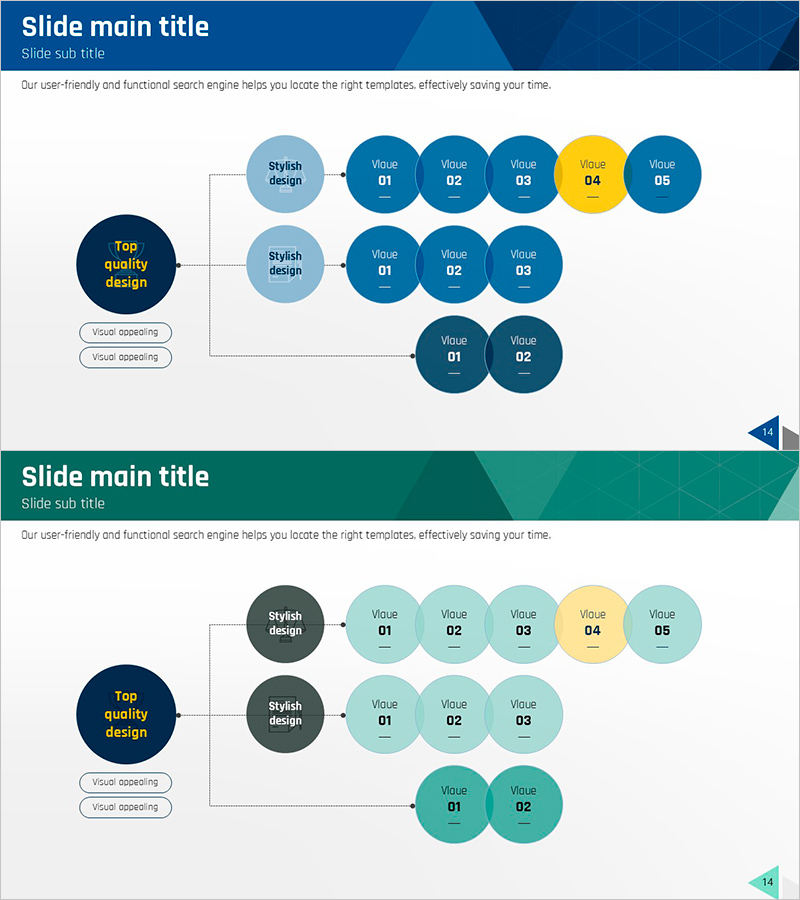
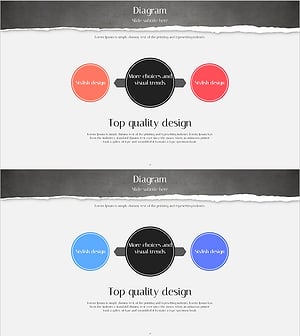
A hierarchical flow PowerPoint slide that visualizes legal systems and operational planning. The design connects a core element on the left to a multi-stage value flow on the right, intuitively expressing complex system relationships. Dark blue primary circles, light blue secondary circles, and yellow accent points clearly distinguish information hierarchy. This presentation slide set of 2 slides (16:9 ratio) is ready to use for risk management, technology department, and operational strategy presentations.
Usage Points
-
Main Usage
A slide that explains legal system operations, risk management strategy, and technology department operational planning through a multi-stage flow. The structure connects a core element on the left to a multi-layer value flow on the right, clearly conveying complex system relationships step by step.
-
How to Use
Use this slide during investor briefings, employee training, and operational strategy presentations to explain system structure and execution stages. Edit the left main element as core strategy and the right circle groups as detailed execution items to visualize your organization's operational plan.
-
Recommended For
Recommended for legal and compliance departments, technology strategy managers, operations management teams, and risk management professionals explaining system operational plans and phased execution strategies. Suitable for business plans, operational strategy reports, and technology architecture presentations.
-
Slide Structure
A 2-slide set where each slide features a left dark blue circle (1 core element) + center light blue circles (2 supporting elements) + right multi-layer circle groups (5-7 detail items). One yellow accent point marks priority, with 3-4 text input areas enabling flexible editing.
Related Products
-
Infographic Slide for 3 Strategic Options - Vision and Innovation
#Business Vision and Strategy #Operational Plan #Technical Approach
-
Diagram of Evidence of a Case Visualization
#Product/Service Introduction #Operational Plan #Technical Approach
-
Bookmark Template Strategy Diagram – Business Vision and Operational Planning
#Business Vision and Strategy #Operational Plan #Diagram
-
Circular Strategy Diagram – Effectively Communicate Vision and Mission
#Company Introduction #Product/Service Introduction #Operational Plan
