



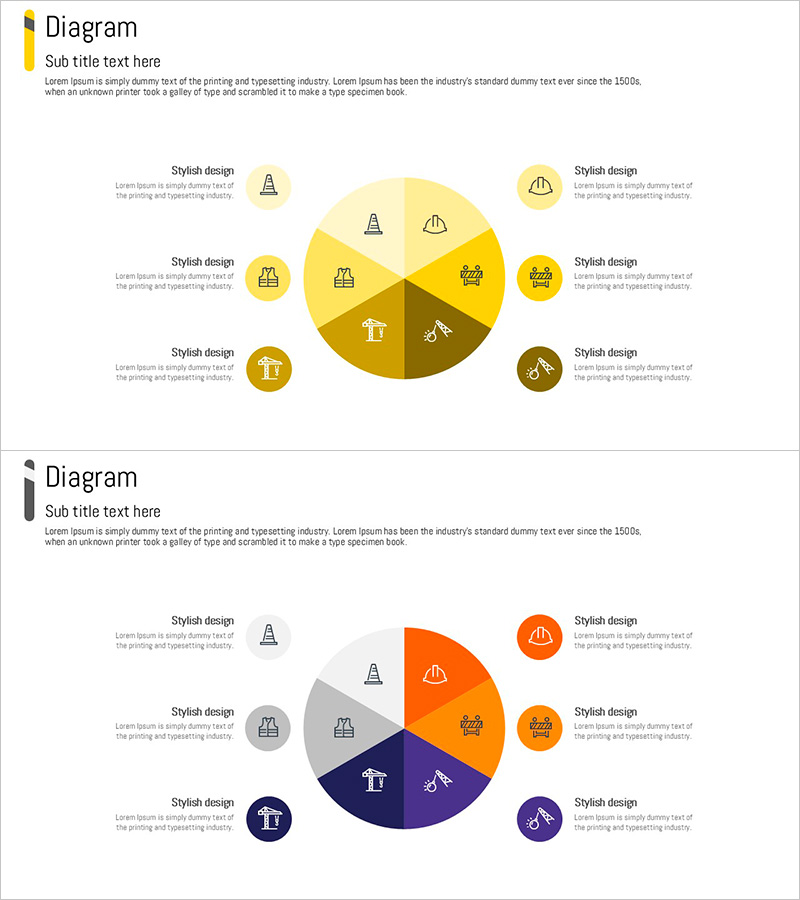
Diagram of the State of Construction Technology – Expanded Business Areas
RJ0900007_18
- Last Update 08/17/2025
- File Size 0.1MB
- # of Slides 2
- File Format PPTX
- Slide Ratio 16:9
- Color
Keywords
- #Content-Based Slides
- #Design-Based Slides
- #Business Introduction
- #Diagram
- #Business Areas
- #Business Overview
- #Spread
- #Centralized Diagram
- #16:9
- #radial diagram PowerPoint
- #expansion diagram slide template
- #center-based diagram
- #8-node diagram
- #business area visualization PPT
- #how to create radial diagram in PowerPoint
- #diagram PowerPoint slide design
About the Product
A radial expansion diagram PowerPoint slide featuring a central concept radiating to 8 surrounding nodes. This 2-slide deck uses yellow, orange, and navy color schemes with icons and text areas for each node, ideal for visualizing business areas, technology domains, organizational structures, and strategic initiatives. Available in 16:9 widescreen PPTX format, fully editable and ready for presentations, business introductions, and strategic planning sessions where expanding concepts and distributed relationships need clear visual communication.
Usage Points
-
Main Usage
Visualizes how a core concept or central theme expands into multiple branches, departments, product lines, or market segments. Effectively communicates business domain expansion, technology classification, organizational hierarchy, marketing channel distribution, and product portfolio structures in a single cohesive visual.
-
How to Use
Enter your core concept in the central circle, then populate the 8 surrounding nodes with specific items, descriptions, or metrics. Customize node icons to match your industry or purpose, edit text and colors to align with your presentation context, and adjust color schemes between the two slide variations.
-
Recommended For
Ideal for executives, marketing managers, business strategists, consultants, and product managers preparing business strategy presentations, business plans, product introductions, and technical documentation. Particularly effective when explaining multiple business units, technology domains, or organizational departments simultaneously.
-
Slide Structure
2-slide template with each slide featuring a central circular hub connected to 8 surrounding nodes (circles). First slide uses yellow tones; second slide features orange and navy variations. Each node includes dedicated areas for icons, titles, and descriptive text, enabling flexible customization.
Related Products
-
A Doughnut Diagram of the Business Sector – Organizing Business Overview
#Business Introduction #Diagram #Business Areas
-
4Step Circular Diagram – Business Overview and Strategy
#Business Introduction #Diagram #Business Areas
-

Core Fields Shaped by Emerging Technologies
#Business Introduction #Diagram #Business Areas
-
Touch Wide Slide Template for Visualizing Project List
#Business Introduction #Business Vision and Strategy #Diagram
