



Touch Wide Slide Template for Visualizing Project List
RJ0200008_21
- Last Update 03/30/2025
- File Size 3.4MB
- # of Slides 2
- File Format PPTX
- Slide Ratio 16:9
- Color
Keywords
- #Content-Based Slides
- #Design-Based Slides
- #Business Introduction
- #Business Vision and Strategy
- #Diagram
- #Business Areas
- #Business Overview
- #Spread
- #Centralized Diagram
- #16:9
- #central diagram PowerPoint
- #circular diagram slide template
- #project list visualization
- #4-item layout
- #business introduction PPT template
- #how to create circular diagram in PowerPoint
About the Product
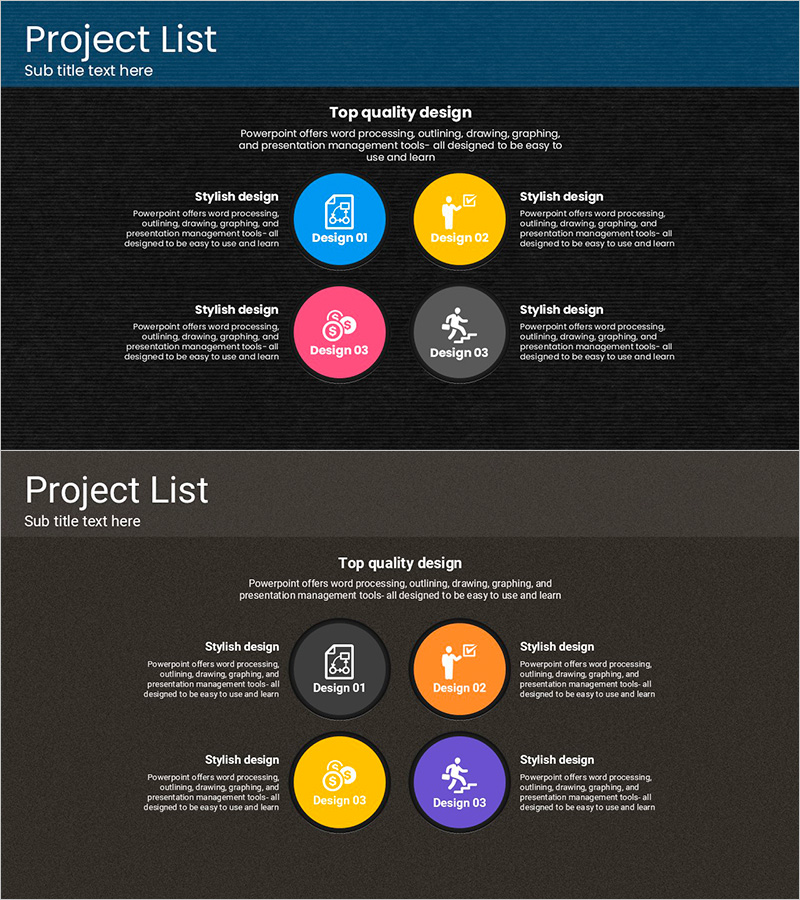
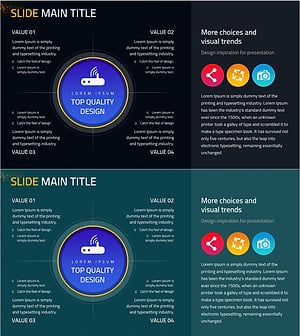
A PowerPoint slide that visualizes project lists using a central circular diagram layout. Four colorful circular nodes in blue, orange, pink, and gray are arranged around a central focal point, with icons and text expressing the core content of each project. Optimized for 16:9 widescreen format with 2-slide composition, this PPT template is ready to use for business introductions, strategic vision presentations, and key project showcases. Each circular node is independently editable, allowing you to customize project names, descriptions, and icons freely.
Usage Points
-
Main Usage
This slide is designed for business introductions, strategic vision presentations, and key project showcases where multiple items need equal visual emphasis. The radial arrangement around a central focal point expresses both the independence of each project and the unity of the overall structure.
-
How to Use
Edit the text, icons, and colors of each circular node to match your project names and characteristics. Add a section title in the top area (e.g., Key Projects, Business Portfolio) and customize the description text under each node to fit your presentation context. Change colors to reflect your brand identity.
-
Recommended For
Recommended for business planning, marketing, and strategy departments presenting project portfolios, business lineups, organizational roles, and core values. Suitable for executive briefings, investor pitches, internal strategy meetings, and new employee training materials.
-
Slide Structure
2-slide composition: Slide 1 features a dark blue background with a title area at the top and 4 circular nodes (blue, orange, pink, gray) arranged centrally. Slide 2 offers a variant layout with the same structure. Each node contains icon, title, and description text areas, optimized for 16:9 widescreen format.
Related Products
-
Data Security Business Area Diagram
#Business Introduction #Business Vision and Strategy #Diagram
-
Medical Business Area Hexagon Diagram – Vision and Strategy
#Business Introduction #Business Vision and Strategy #Diagram
-
Business Goals and Areas Electronics Mockup – Vision and Strategy
#Business Introduction #Business Vision and Strategy #Diagram
-
Mobile Business Overview – Vision and Strategy
#Business Introduction #Business Vision and Strategy #Diagram
